Guide · General
Project Management Platforms: 10 Tools Compared for 2026
Compare 10 project management platforms by features, setup effort and listed pricing, with the best-fit team for each tool in 2026.
By the TopToolAdvisor research desk · Updated November 12, 2026 · 13 min read
A six-person agency has client tasks split across chat threads, a shared spreadsheet, and three inboxes. Ask who owns the late deliverable and the room goes quiet. That team needs project management platforms that show the work, the owner, and the date in one place.
The TopToolAdvisor research desk compared documented features and published prices for ten project management tools: Trello, ClickUp, Asana, Basecamp, Nifty, monday.com, Zoho Projects, Notion, MeisterTask, and Wrike. The job is to plan work, assign tasks, and hit deadlines without hiring a project manager or paying enterprise prices, so the comparison puts most weight on what the free plan and the first paid tier include. Each pick is matched to a team type under 20 people, with core views, setup effort, and the cheapest paid plan in US dollars as listed on the vendor's pricing page. Just as important is the limit that should rule a tool out early, whether that is a seat minimum, reporting locked to a higher tier, or a spreadsheet-style learning curve. The shortlist was updated on November 6, 2026.
The market around those tools is already large. Grand View Research valued the global project-management software market at $7.9 billion in 2025. Adoption is still uneven. Only 23% of organizations reported using project-management software in a figure cited by Visual Planning's 2024 compilation. A six-person shop can sit in that gap and still drown in tabs.
Timeline views predate the software. A paper in the European Journal of Operational Research traces bar schedules from Henry L. Gantt's 1903 work, published alongside Frederick W. Taylor's Shop Management, through paper charts to microcomputer software. Today's boards are that idea with owners and due dates attached. Name the team in front of you, then keep two candidates.
Table of Contents
- 1. Asana
- 2. monday.com Work Management
- 3. ClickUp
- 4. Jira
- 5. Wrike
- 6. Teamwork.com
- 7. Smartsheet
- 8. Basecamp
- 9. Zoho Projects
- 10. Microsoft Planner
- Starting paid price, free option and best fit for each project management platform
- Narrow the List to Two Before You Compare Plans
1. Asana
Asana is the fit for a cross-functional team under 20 that must connect everyday tasks to goals, not for a solo buyer.
The Asana workspace is built for list, board, calendar, timeline, and Gantt views of the same work, plus forms, dependencies, and reporting dashboards. Automation handles repeat updates. Goals and portfolios sit on higher plans. Setup is moderate: a coordinator can map one client project in an afternoon, then spend another day on rules so status doesn't depend on a weekly export.
Asana lists Personal as free for up to two users. Paid plans start at $10.99 per user per month when billed annually, and paid subscriptions start at two seats. Unlimited free guests on Starter help when clients only need to comment.
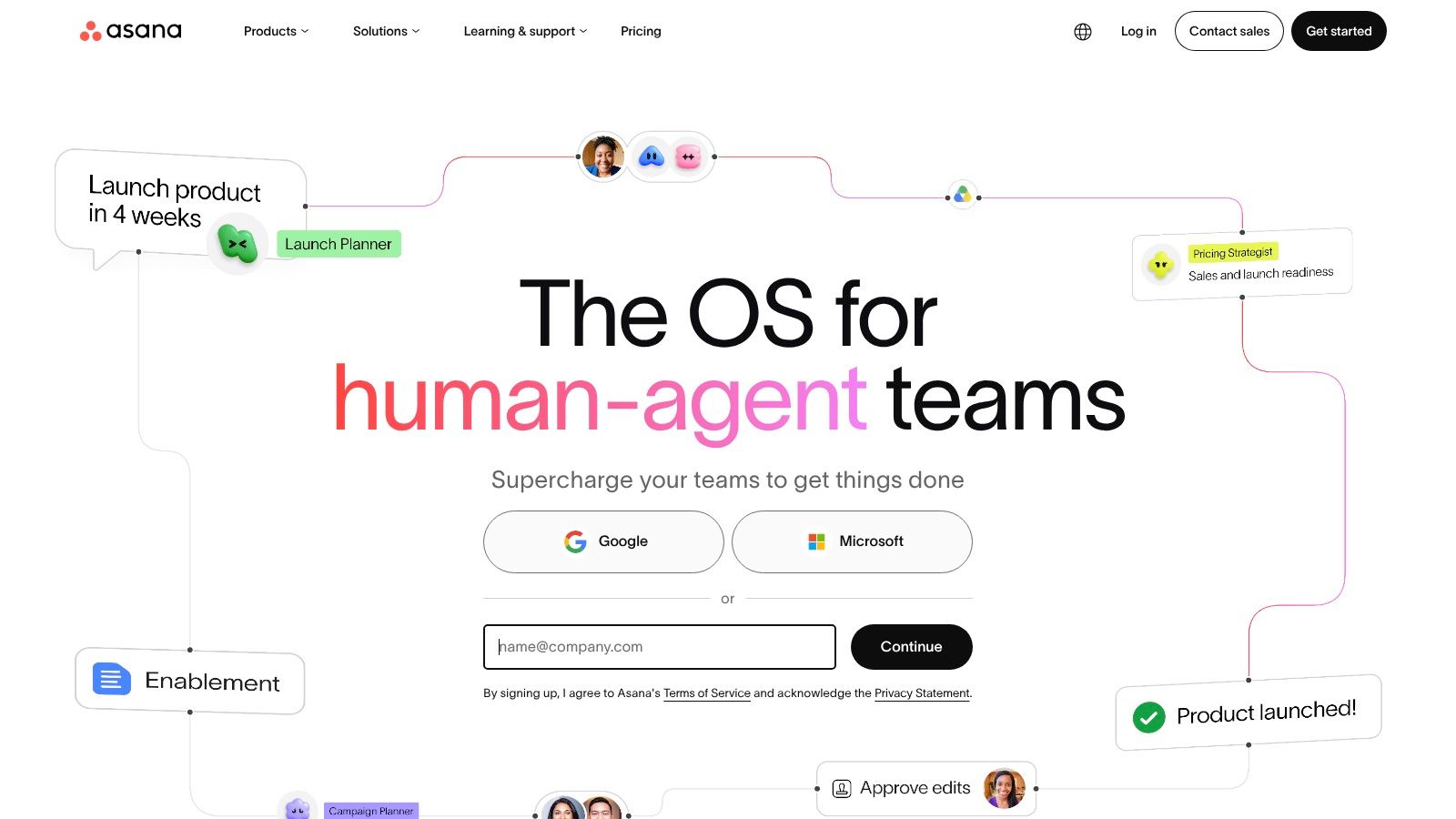
The Asana homepage is the layout a coordinator opens first.
A 2023 study of 497 project-management-software users found information quality and project complexity were the dominant factors in system use. Feature count is a weak test. Rule Asana out if you are one person, or if you need portfolio and resource tools on the first paid tier. Teams building a case can use these project management statistics before they commit.
Practical rule: In a trial, time how fast a manager can say what is late, what is blocked, who owns the next action, and how the forecast date moved.
2. monday.com Work Management
Rule monday.com out first if you need more than two people on a free plan. The free tier stops at two seats and three boards, and paid plans start at three seats.
For a small ops or marketing group that wants visual boards instead of a fixed method, monday.com Work Management is the match. Columns, templates, calendar, and Gantt on Standard, plus automations, integrations, dashboards, and mobile apps, let a team shape requests and projects without a methodology sermon. Setup effort is low to moderate if you start from a template and resist custom columns on day one.
monday.com lists a free tier for up to two seats. Paid plans start at $9 per seat per month when billed annually. Automation and integration allowances change by plan, so a cheap seat can get expensive once rules fire all day.
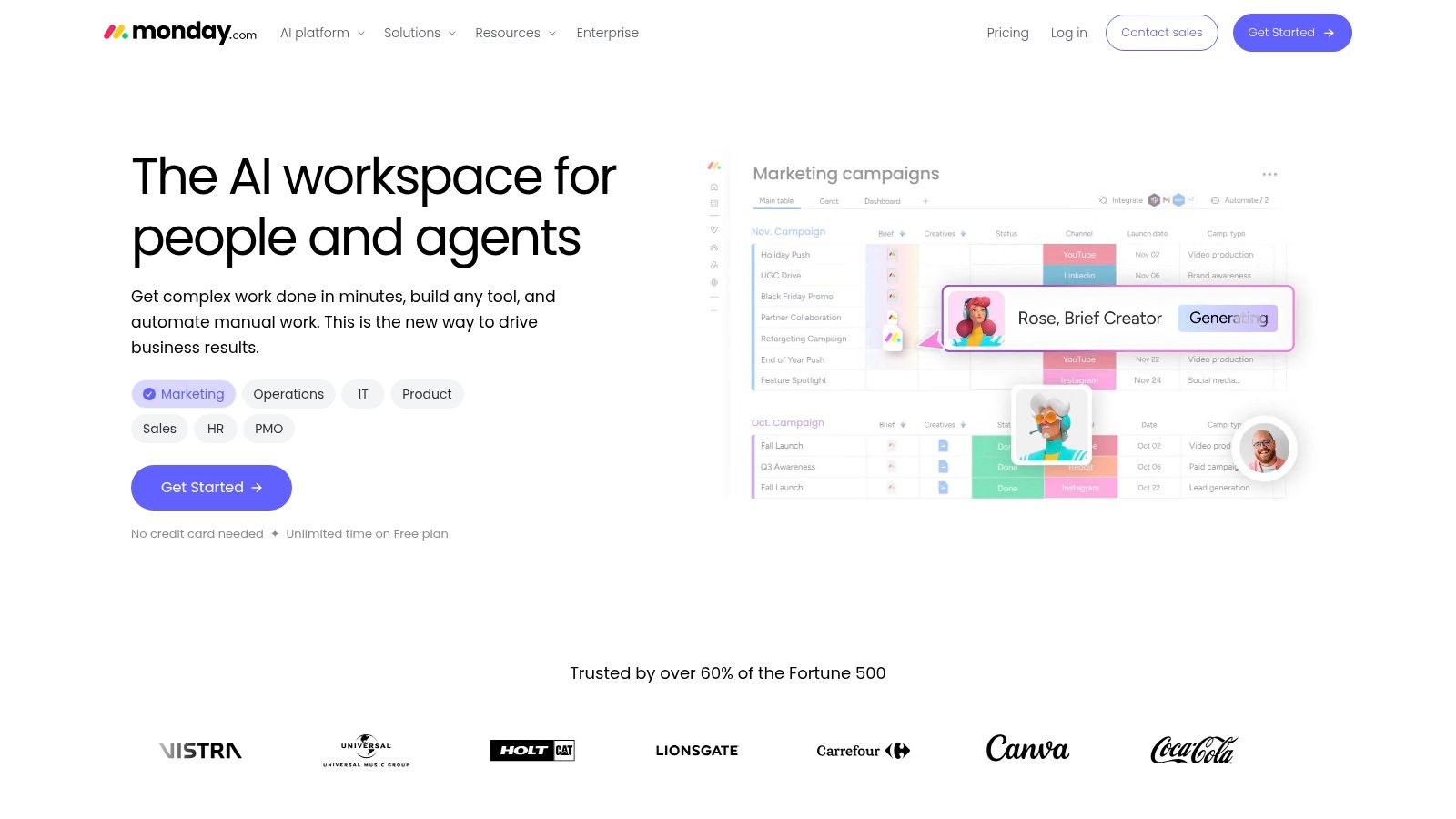
The product surface is board-first, which is what the monday.com Work Management view is built to show.
- Best fit: Status-heavy work a non-specialist can scan.
- Shortfall: Seat minimums and board caps on the free plan.
- Check before you buy: Whether your automations fit the allowance on the first paid tier.
3. ClickUp
Say a startup wants docs, goals, time tracking, and tasks in one login. ClickUp is that consolidation bet, and the settings pile is the cost.
ClickUp includes tasks and subtasks in list, board, calendar, and Gantt views, plus Docs, goals, sprints, automation, and AI options. The Free Forever plan is $0. Core starts at $9 per user per month billed yearly. Workspace upgrades apply to the whole workspace, not to one power user, so a single heavy feature can lift everyone's bill. Plan limits and AI features differ by tier.
Setup is the heavy lift. A simpler task list can be live in a day. A workspace that replaces three tools usually needs a week of statuses, views, and permissions, or people bounce back to chat.
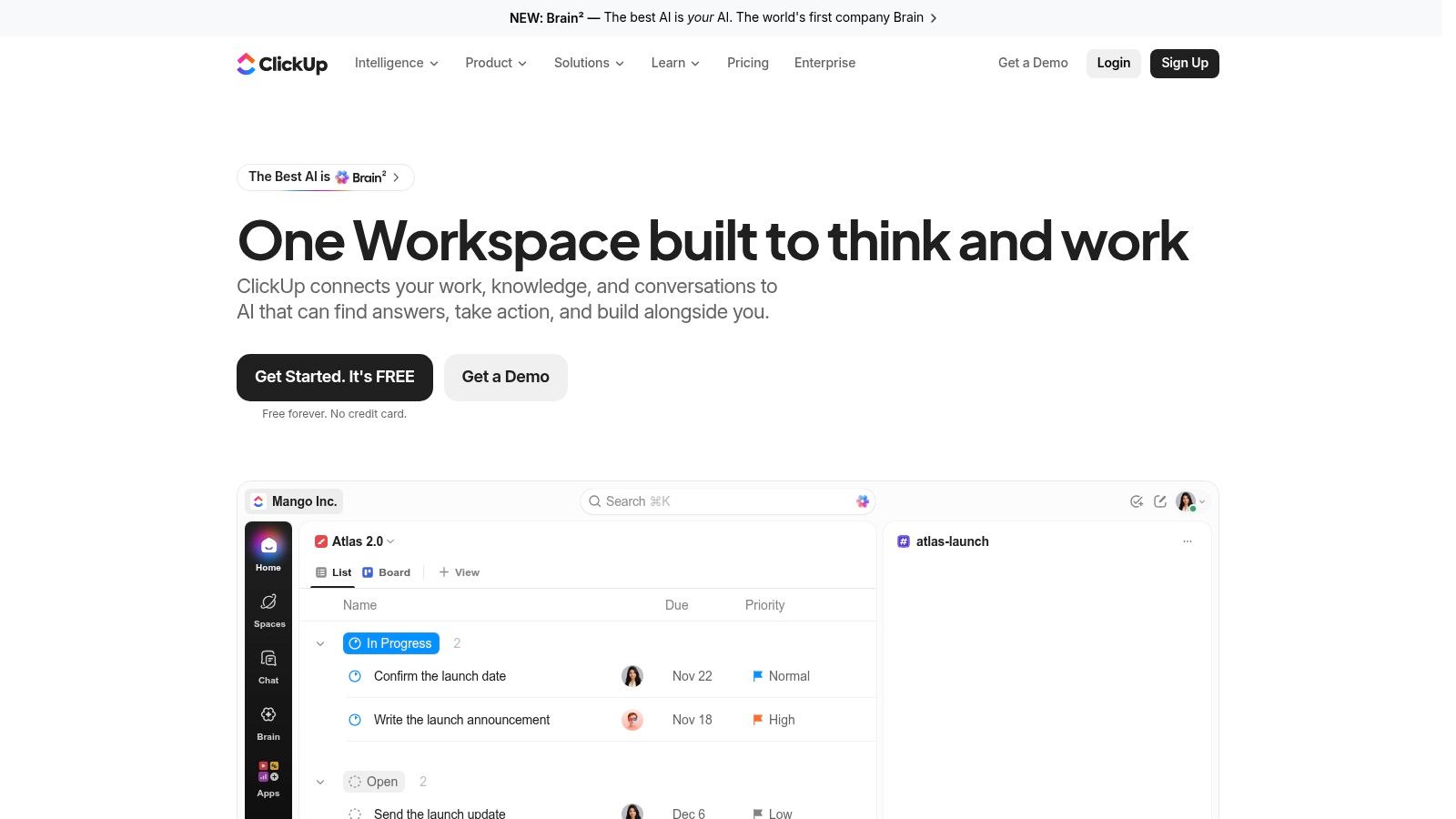
ClickUp's interface shows how much sits on one screen.
AI on the feature list isn't the same as being ready to trust it. A 2025 survey of 2,545 project-management professionals found AI adoption was the leading software challenge for 41% of respondents, 39% reported insufficient AI skills, and 36% cited difficulty integrating new tools into existing workflows. Don't treat generated status as fact until a person reviews it.
4. Jira
Jira is the pick for a software or product team under 20 that already runs a backlog, sprints, and releases. It is the wrong pick for a straight to-do list.
Jira covers backlogs, sprint boards, configurable workflows, issue tracking, automation, and reports. Cross-team planning and dependency management land on Premium. A free tier supports up to 10 users. Standard is listed from $7.91 per user per month. That free cap is generous next to two-seat plans, which is why a small engineering group can stay unpaid longer.
Setup effort depends on workflow design. A default Scrum board is a short afternoon. Custom issue types, permissions, and admins are a standing job. If nobody wants that job, don't buy the flexibility.
The Jira interface is built around issues, not a simple checklist.
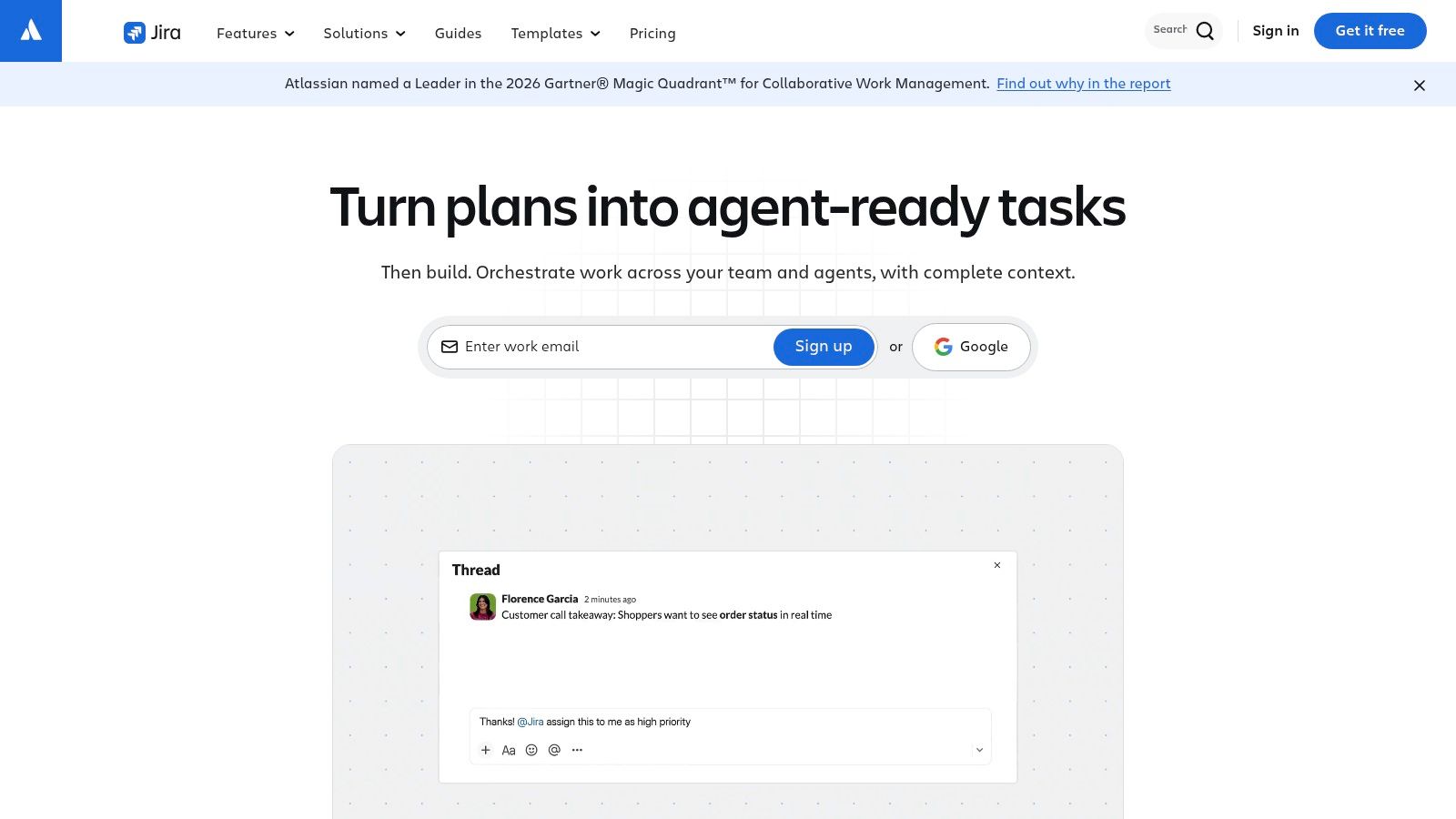
Usability and depth don't travel together. An evaluation of five platforms that surveyed 141 experienced professionals with the System Usability Scale put Trello at an average of 77.5 and Microsoft Project at 51.2, which the study treated as a functionality-versus-usability trade-off. Score Jira on a real sprint handoff, not on a feature grid.
5. Wrike
Wrike fits a services team that must see workload and, on a higher tier, client budget, not a team that only needs a shared list.
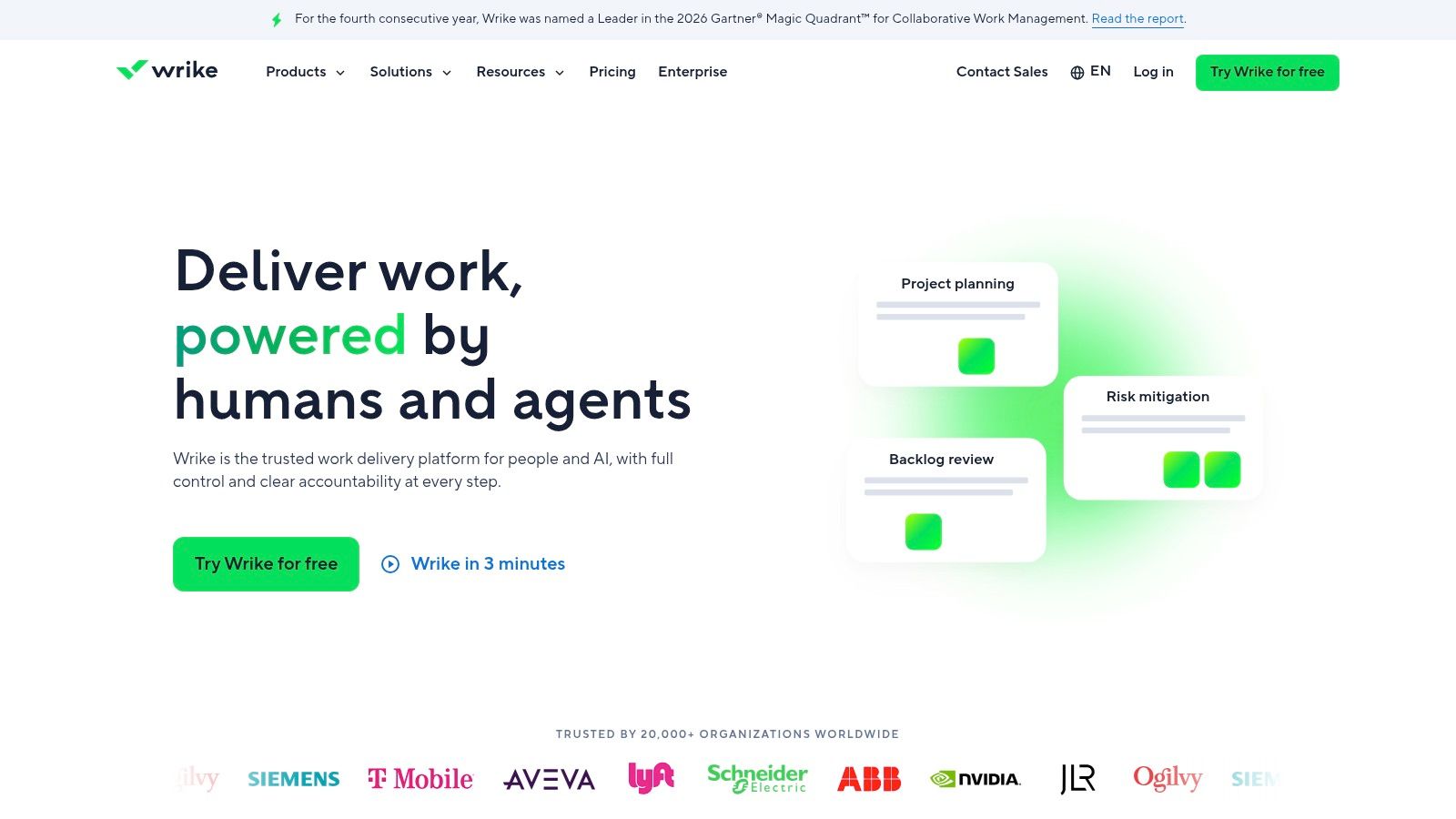
Wrike offers tasks and projects in board, table, and Gantt views, with dashboards and templates. Workload and capacity planning, budgeting, and heavier reporting sit higher up. The Free plan is $0. Team is listed at $10 and Business at $25 per user per month. Interactive Gantt charts are on Team. Team and Business plans have user-count ranges, and advanced tiers mean a sales conversation.
Setup is moderate on Free or Team if you import one active project. Resource and budget setup is a second project. Don't pay Business prices for a feature you won't open in the first 90 days.
Portfolio-scale software is a different purchase. Grand View Research estimated the global project portfolio management market at USD 5.7 billion in 2024 and projected USD 12.3 billion by 2030, a 14.2% compound annual growth rate from 2025 through 2030. A team under 20 rarely needs that layer on day one.
The Wrike layout is aimed at multi-project visibility.
6. Teamwork.com
An agency that bills hours should start with Teamwork.com, not with a general board and a separate timesheet.
Teamwork.com combines list, table, board, and Gantt views with dependencies, milestones, time estimates, time tracking, billable-time reporting, and project templates. A free plan and a 14-day trial are available. Basics is listed at $9.99 per user per month billed yearly. Paid plans are priced per user, so contractors and seasonal staff change the bill every month.
Setup is straightforward for a delivery lead who already estimates tasks. Map one client project, turn on time, and check that the invoice report matches how you bill. Critical-path Gantt planning and some client or finance workflows depend on the tier. Confirm the plan before you migrate ten active jobs.
The Teamwork.com landing page leads with client-service work.
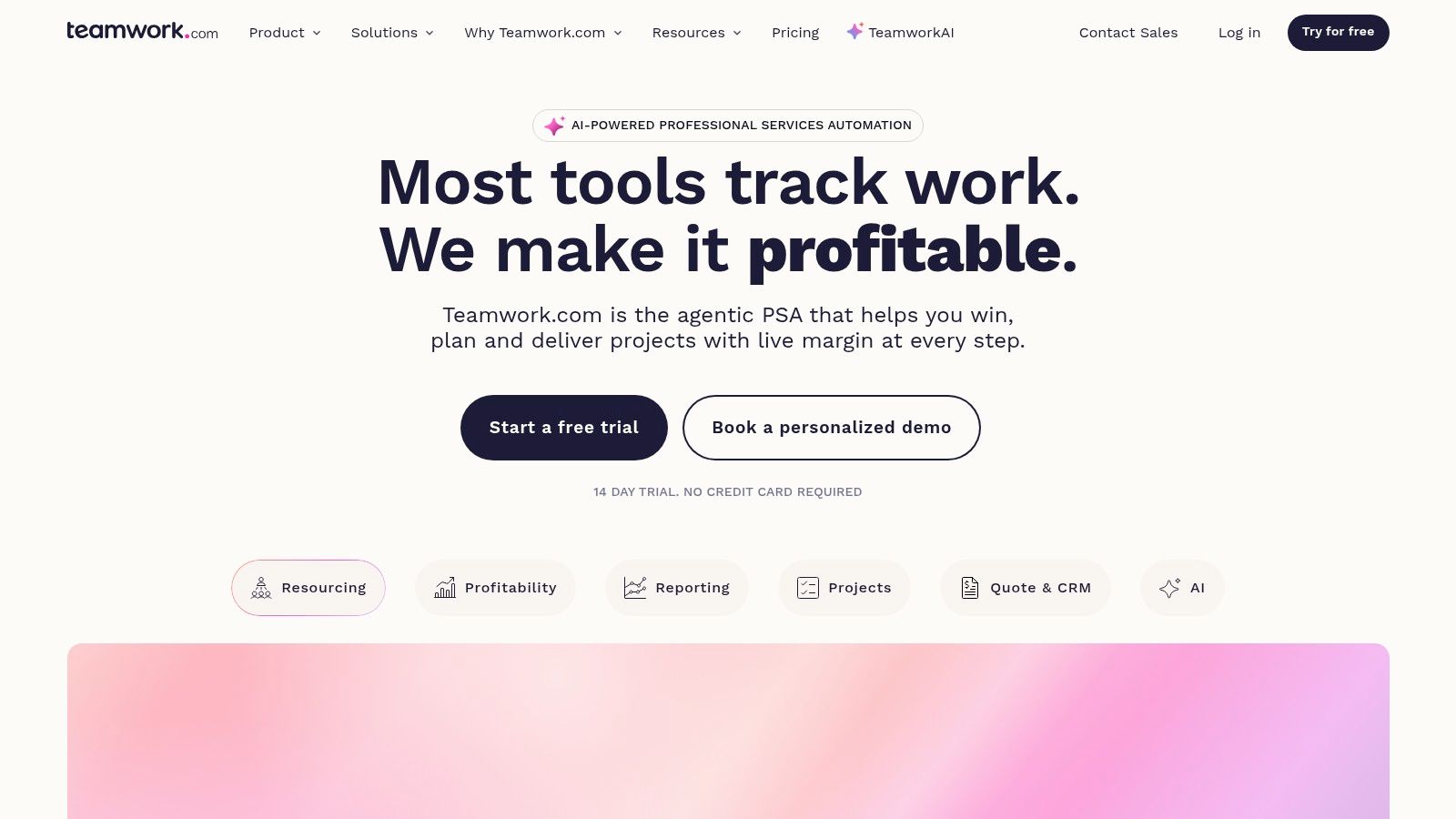
If the tool can't show billable time next to the task, the agency will keep a second spreadsheet, and the platform didn't replace the problem.
7. Smartsheet
Smartsheet is for teams that already think in rows and formulas. It is a poor first tool if nobody wants a grid.
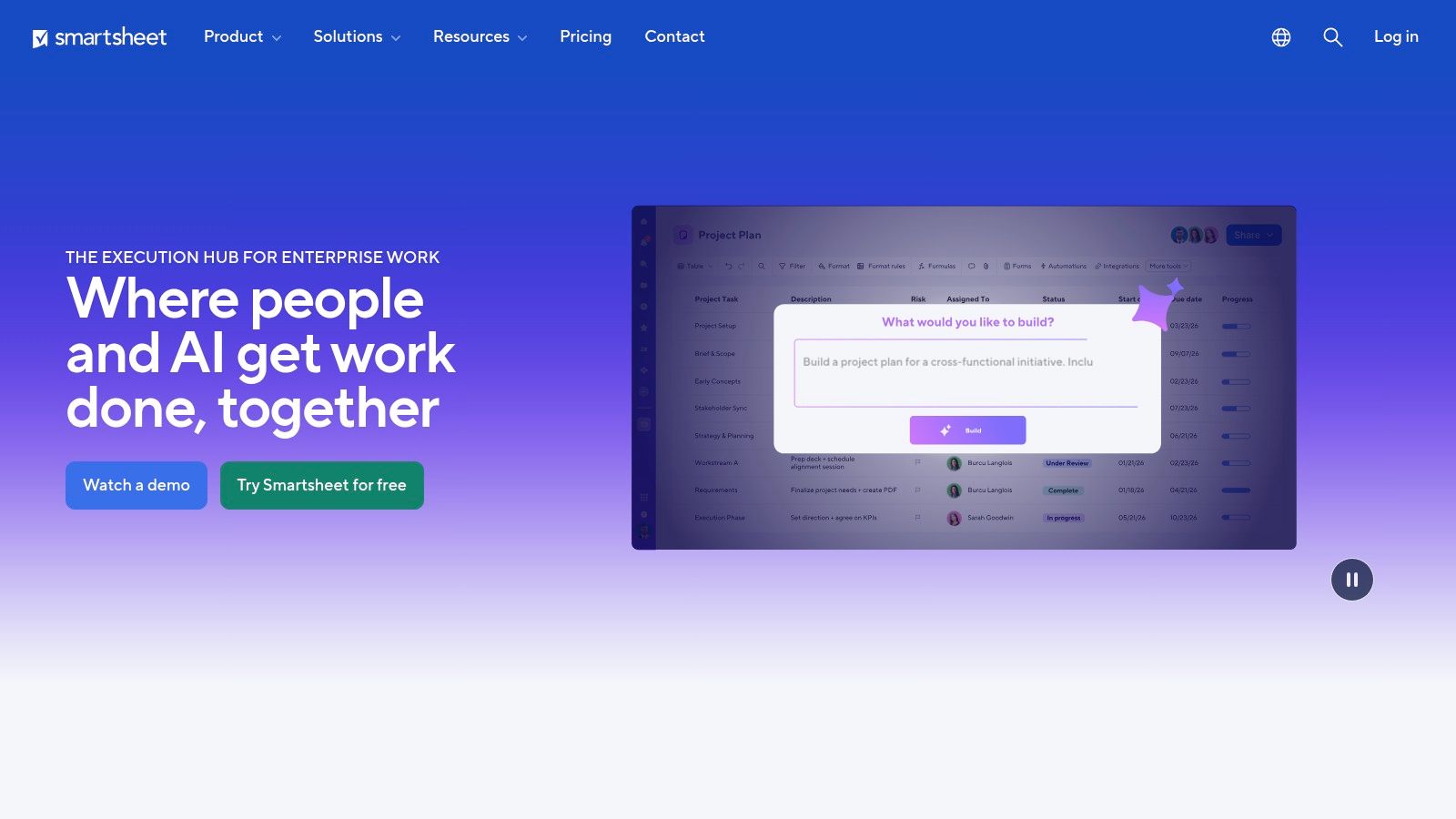
Smartsheet adds Gantt, board, calendar, and timeline views on top of sheets, with forms, reports, dashboards, formulas, dependencies, and workflow automation. Pro is listed at $9 per member per month billed yearly. Business is $19. Pro limits membership to 10. Workload tracking and timeline view are on Business or above. Enterprise portfolio controls sit higher still. Listed plans offer free Contributors, which matters when clients should update a form without a full seat.
Setup feels short to Excel users and long to everyone else. A sheet-to-Gantt project can be useful in a day. Governance, formulas, and permissions take longer. Construction and field ops often live in this pattern. In 2024, 70% of construction-industry survey respondents reported using a project-management solution on every project, according to BuiltWorlds' benchmarking report.
If the grid is the point, compare it with dedicated Gantt chart software before you lock a tier that hides the timeline.
The Smartsheet screen keeps the sheet in front.
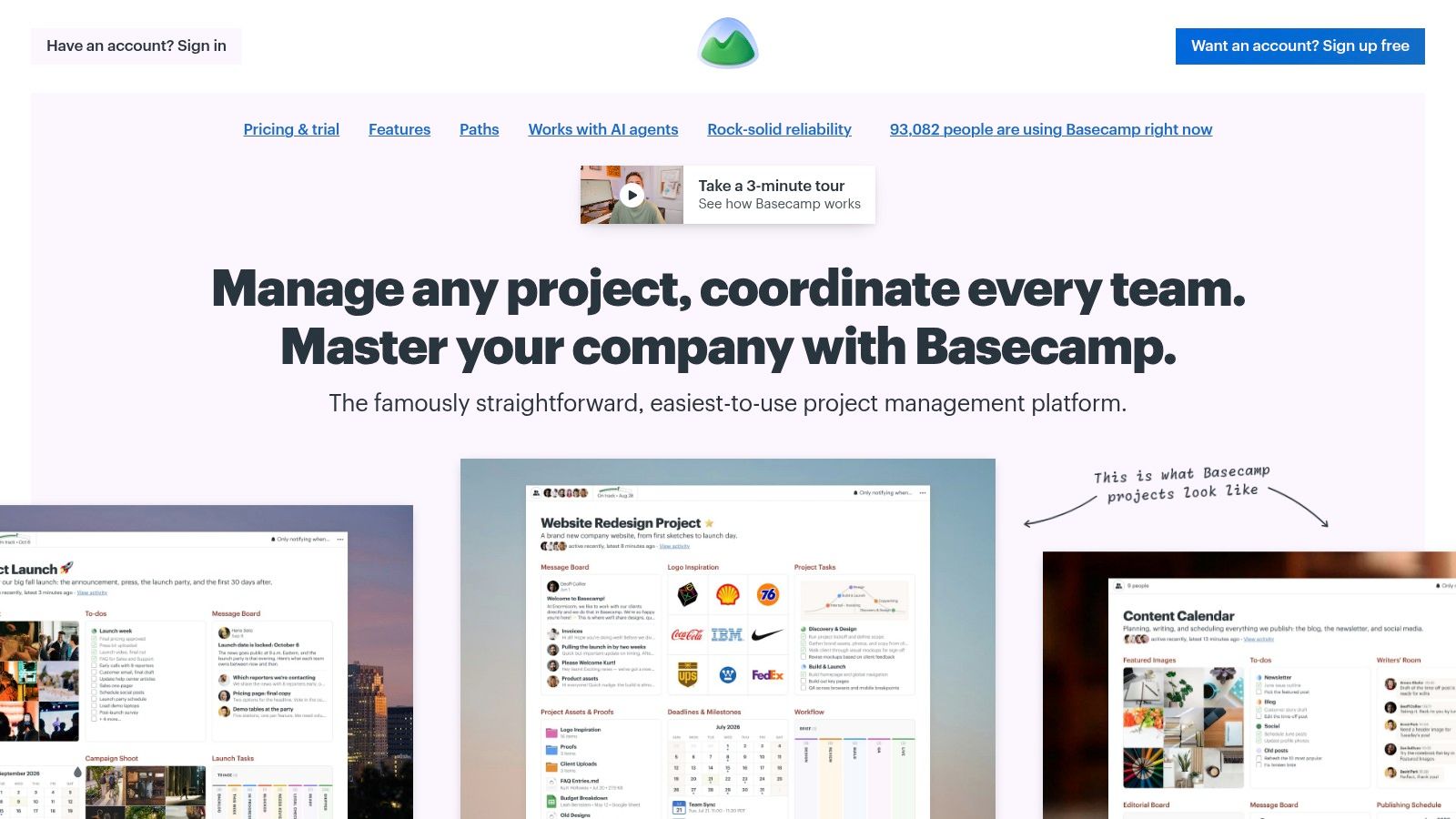
8. Basecamp
Basecamp is the flat-price option when per-seat math punishes a small team that also invites clients.
Basecamp groups to-dos, message boards, and chat inside a project. Personal is free for one project and up to three people. Pro Unlimited is $199 per month billed annually, with unlimited people and projects at that flat rate. Some paid packages cap active projects or users, and features differ a lot by package. Time tracking appears on some packages, not as the center of the product.
Setup is light. Create the project, invite the six people, and stop. There is no methodology to configure. Teams that need workload charts, critical path, or client-budget rollups should look elsewhere, including tools aimed at small teams with tighter task controls.
The Basecamp interface keeps conversation next to the list.
- Choose it when chat-plus-to-dos is the whole job and headcount will bounce.
- Skip it when reporting has to answer a finance question without leaving the tool.
- Price check: Compare $199 flat against per-user plans once you pass a handful of regular users.
9. Zoho Projects
Zoho Projects is the budget pick for a small business, especially one already inside Zoho. It is a weaker default if your stack is somewhere else.
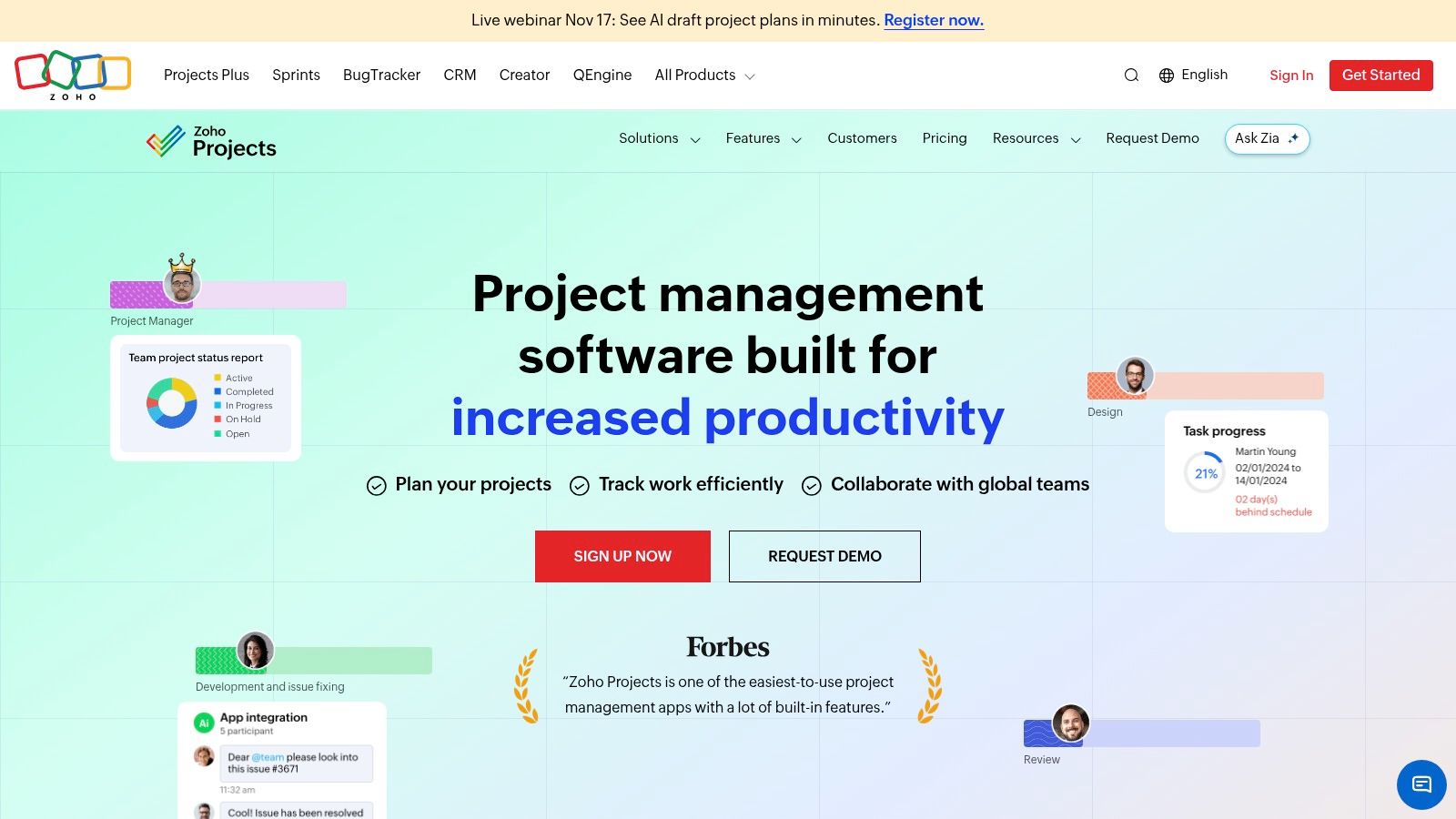
The free plan supports up to five users and three projects. Premium starts at $4 per user per month billed annually, which is the lowest paid entry on this list. Zoho Projects covers tasks, subtasks, custom views and statuses, time logs, timesheets, and workflow actions. Project budgets, critical path, and portfolio dashboards sit on higher tiers. Feature and workflow-action limits change by plan.
Setup is moderate. A Zoho CRM or Books customer can connect records faster than a team that must rebuild every integration. Three free projects will not hold a busy agency. Budget the paid tier before the fourth client lands.
The Zoho Projects dashboard is the view a small ops lead uses to see tasks and time together.
Outside the Zoho ecosystem, write down the two systems that must sync, then test those connections on the plan you will pay for.
10. Microsoft Planner
Microsoft Planner is for a team that already lives in Microsoft 365. It is a confusing buy if you are choosing a first tool with no existing licenses.
Microsoft Planner covers team plans and task assignments, then adds project views as you move up. Planner and Project Plan 3 is listed at $30 per user per month on an annual price, and Plan 5 is $55. Premium plans include desktop and online project capabilities. Portfolio management is on the highest listed tier. Advanced project features are tied to paid licensing, and plan names overlap with what a Microsoft 365 subscription may already include.
Setup can be almost nothing if tasks in Teams are enough. Formal scheduling, resources, and portfolio views are a different product surface and a different bill. Check the current subscription before you add Plan 3 for people who only need a board.
A license you already pay for beats a cheaper tool nobody will open, but only if the included Planner features cover the next 90 days.
Starting paid price, free option and best fit for each project management platform
Read the Free option column first, since it decides which platforms a team under 20 can trial for real work. Asana and monday.com cap free use at 2 people, so teams near that limit should treat them as paid tools from day one. Jira's free plan reaches furthest at 10 users, Zoho Projects carries the lowest paid entry price, and Basecamp is the only flat rate on the list.
| Platform | Starting paid price | Free option | Best fit |
|---|---|---|---|
| Asana | $10.99 per user/month, billed annually | Personal plan for up to 2 users | Teams coordinating projects across departments and goals |
| monday.com Work Management | $9 per seat/month, billed annually | Up to 2 seats and 3 boards | Teams that want customizable visual workflows |
| ClickUp | $9 per user/month, billed yearly | Free Forever plan | Teams seeking an all-in-one work-management workspace |
| Jira | $7.91 per user/month | Up to 10 users | Software and product teams managing agile work |
| Wrike | $10 per user/month | Free plan | Teams needing project, workload, and resource visibility |
| Teamwork.com | $9.99 per user/month, billed yearly | Free plan; 14-day trial | Agencies and client-service businesses tracking billable work |
| Smartsheet | $9 per member/month, billed yearly | Free Contributors | Spreadsheet-oriented teams managing projects |
| Basecamp | $199/month, billed annually for Pro Unlimited | 1 project for up to 3 people | Teams wanting project-centered collaboration and flat-rate pricing |
| Zoho Projects | $4 per user/month, billed annually | Up to 5 users and 3 projects | Budget-conscious small businesses, especially Zoho customers |
| Microsoft Planner | $30 per user/month for Planner and Project Plan 3, billed annually | No standalone free plan; access depends on what your Microsoft 365 subscription includes | Organizations using Microsoft 365 that need project planning |
Narrow the List to Two Before You Compare Plans
Two finalists beat ten open tabs. Pick the platforms whose team fit matches the work in front of you: an agency that bills time needs different candidates than a sprint team, and a spreadsheet shop should not start on a configurable issue tracker. Check the free plan and the first paid tier against what you need in the first 90 days, such as timelines, workload views or client-time reporting. Confirm the current price on each vendor's pricing page before you buy, since listed prices change.
The seat price understates cost. Capterra's write-up of project-team challenges reports that 42% of project-management software users identify inefficiency as their biggest issue, while 37% cite functionality challenges. A tool that duplicates chat, email, documents or time tracking adds review work on top of the subscription, so count required add-ons, migration time, guest access and the admin hours your team will spend alongside the fees.
Dataintelo reported that cloud-based project-management solutions generated $4.66 billion in revenue and represented 68.5% of the global market in 2025. For a team under 20, that means you are buying a hosted workspace. Permissions, exports and what happens to your data if you leave matter more than a server you will never run.
The TopToolAdvisor research desk writes a project management shortlist comparing documented features and published prices for Trello, ClickUp, Asana, Basecamp, Nifty, monday.com, Zoho Projects, Notion, MeisterTask and Wrike, with the most weight on what the free plan and first paid tier include. It serves teams of fewer than 20 people that want to plan work, assign tasks and hit deadlines without hiring a project manager or paying enterprise prices. The shortlist was updated on November 6, 2026, and its next review is scheduled for December 21, 2026. The Project Management Statistics page contains 55 sourced figures for teams building a business case.
Run a two-tool trial on the same live project, one week per candidate. Create the work, assign owners, change a date, mark a blocker and pull the status without a spreadsheet. Drop the tool that needs a second system to answer those questions. Then buy the cheapest tier that still covers the next quarter; a longer feature list is just a higher bill if nobody opens it.
Open the shortlist on TopToolAdvisor, compare the two finalists on documented features and the vendor's published starting price, and book the trial only after the free-plan limits and the first paid tier match the team you have now.
Questions or corrections: editorial@toptooladvisor.com