Guide · General
7 Best Software for Billing in 2026: Costs Compared
Compare the 7 best software for billing options on invoicing, recurring payments, integrations and cost, with starting prices quoted from vendor pricing pages.
By the TopToolAdvisor research desk · Updated November 15, 2026 · 10 min read
A consultant bills by the hour and needs a timer that ends in an invoice. A software company charges per seat every month and needs proration, dunning and a customer portal. A two-van plumbing shop sends one invoice per job and wants a pay button on it. All three search for the best software for billing, and all three need different products.
TopToolAdvisor scores each product on documented features, vendor help centers and published price sheets, then quotes the cheapest paid plan that fits the job. The seven options below are grouped by billing model: one-off invoices, projects and retainers, and subscriptions or usage charges. Every price carries the vendor, the plan and the date it was checked, November 2026. Promotional rates are labelled as promotional rather than folded into list prices.
The stakes are practical. A 2025 survey of 2,487 U.S. small businesses found that 56% were owed money from unpaid invoices, with an average outstanding balance of $17,500 per business (QuickBooks small business late payments report).
Table of Contents
- 1. QuickBooks Online
- 2. FreshBooks
- 3. Wave
- 4. Zoho Invoice
- 5. Zoho Billing
- 6. Stripe Billing
- 7. Square Invoices
- Billing Software Compared on Starting Price, Free Plan, Recurring Billing and Best For
- Choose the Cheapest Plan That Covers Your Billing Model
1. QuickBooks Online
QuickBooks Online is the pick when the invoice can't be separated from the books. Sales tax, expenses, payroll and receivables sit in one ledger, so a paid invoice updates the accounts without a second export or a spreadsheet reconcile.
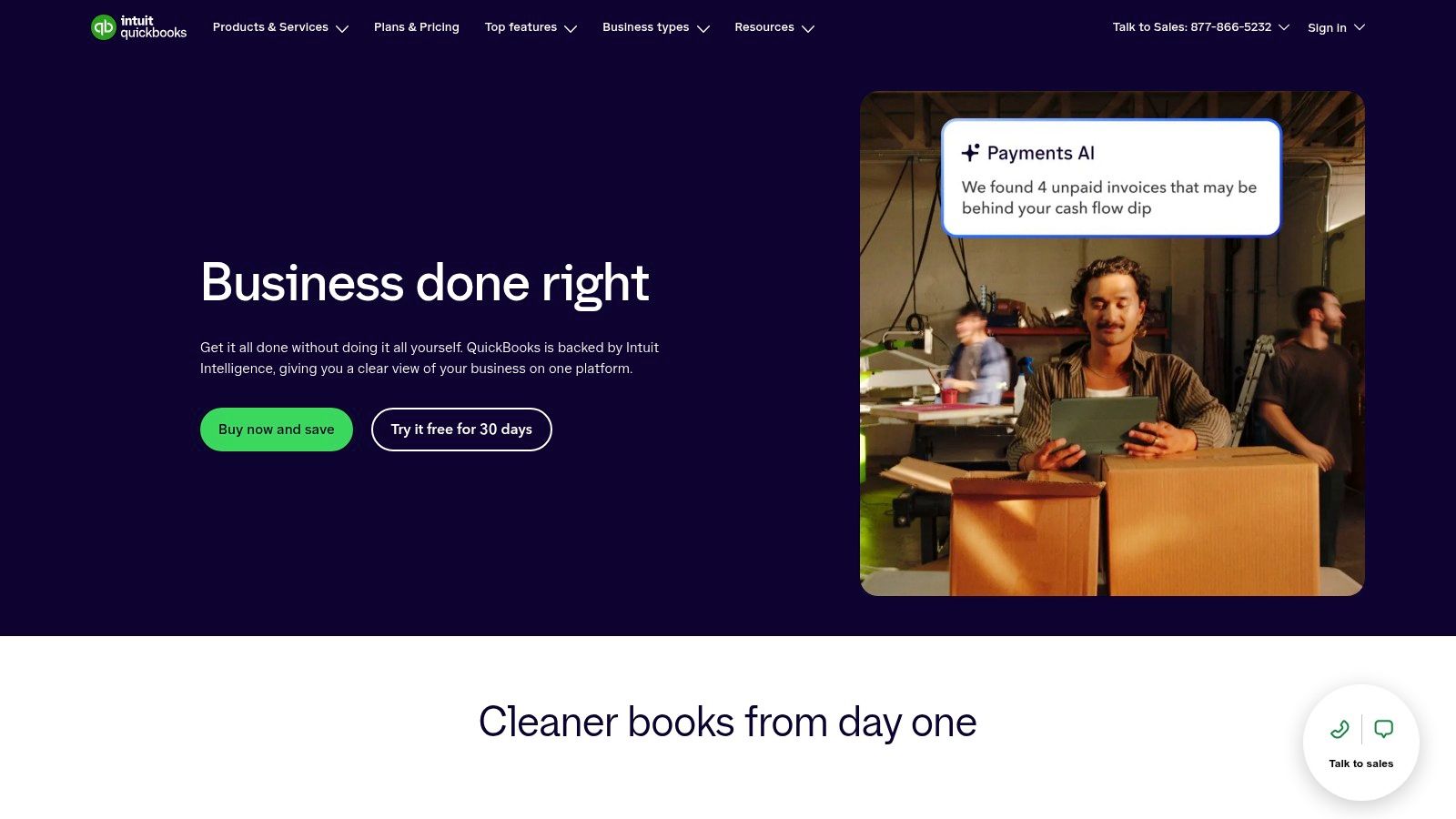
The QuickBooks Online plan list shows Simple Start at $38 per month, checked November 2026. Promotional pricing appears often and isn't the list price, and several billing features, progress invoicing among them, depend on the plan tier or a QuickBooks Payments account.
Included at the entry tier
- Customizable invoices with pay links so a customer settles straight from the email.
- Recurring invoices and payment reminders, the two features that shorten the gap between issuing and collecting.
- Progress invoicing on eligible plans, which handles deposits and staged work.
- Income, expense and financial reporting sitting beside the invoice record.
Trade-offs. It costs more than an invoicing-only product, and a one-person business that needs a PDF and a payment link is paying for an accounting system it may never open. Some billing functions also depend on the payment service attached to the account.
Test cycle time, not the invoice template. A digital invoice processing benchmark reported an average turnaround of 6 days and 1 hour across the customers it measured, with invoices carrying a purchase-order reference averaging 4 days and 18 hours against 6 days and 5 hours without one.
For the tier-by-tier spend, the accounting software cost breakdown sets out where each step lands.
2. FreshBooks
FreshBooks is built for the consultant who bills hours and the agency that bills projects. Estimates, time entries, expenses and retainers feed the same invoice, so a month of tracked hours becomes a bill without a manual add-up.
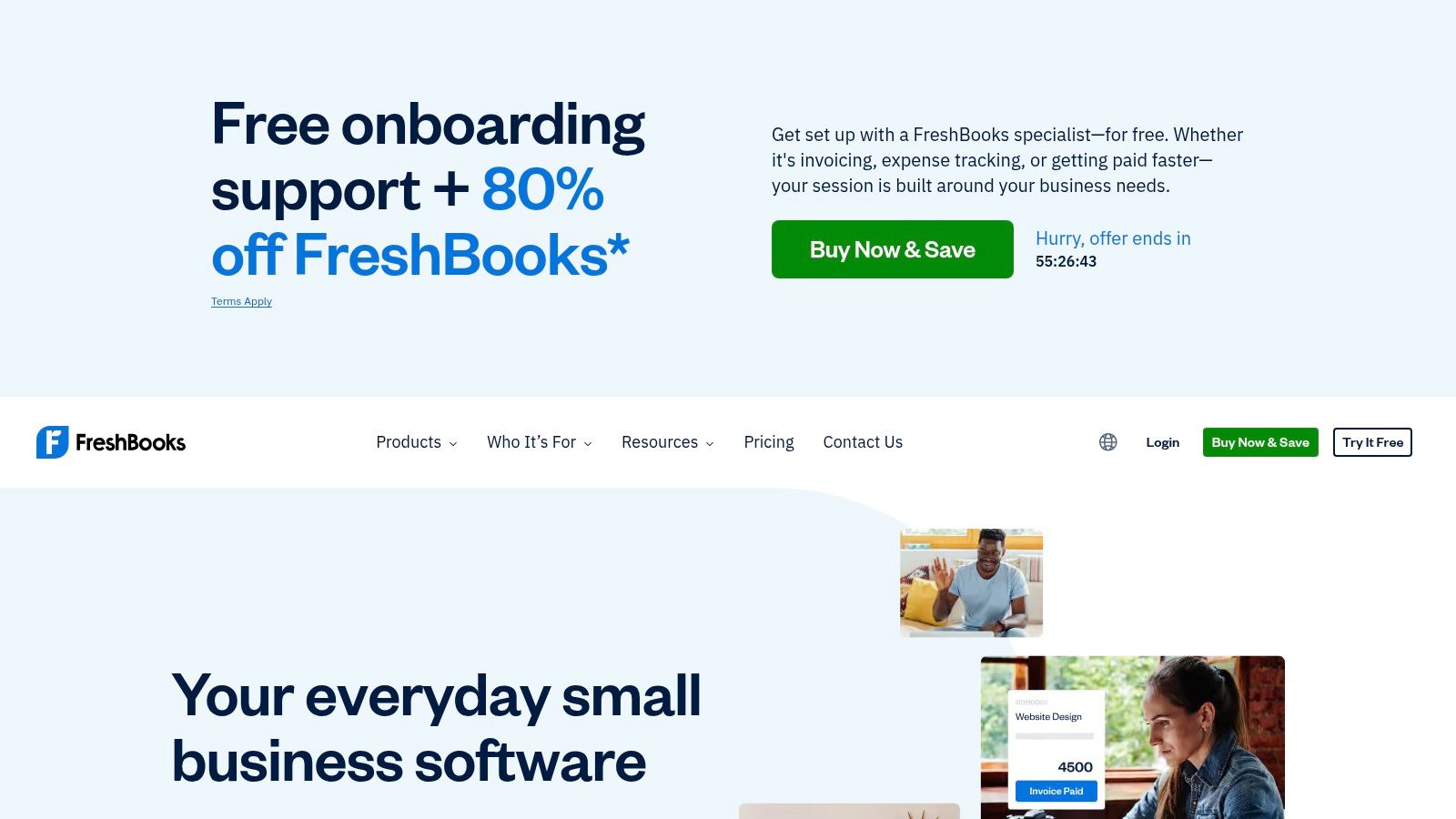
Pricing is where the detail matters. The FreshBooks page lists promotional prices of $4.60 per month for Lite, $8.60 for Plus and $14 for Premium, checked November 2026. Those are limited-time offers, not list prices, so budget for the standard rate once the promotion ends. A 30-day trial is offered.
An hourly consultant and a retainer agency buy the same tool for different reasons. One needs time capture that ends in an invoice. The other needs client funds applied against a bill without a manual journal.
Who it fits and who it doesn't
- Service businesses. Time tracking, expense capture and project profitability on eligible plans keep the bill tied to the work delivered.
- Retainer clients. The retainer workflow applies held funds against invoices instead of treating every bill as standalone.
- Product sellers. Inventory and cost-of-goods handling is thin, so a shop carrying stock should look elsewhere.
The solo market has already moved. In 2025, 55% of UK businesses with no employees used technology or web-based software to sell to customers or manage the business, and among those users 43% used electronic invoicing, according to the Department for Business and Trade small business survey. A freelancer now expects the billing tool to be the system of record.
Lower tiers cap the number of billable clients, and extra team members cost more. Freelancers weighing hourly billing can start with the invoicing software for freelancers shortlist.
3. Wave
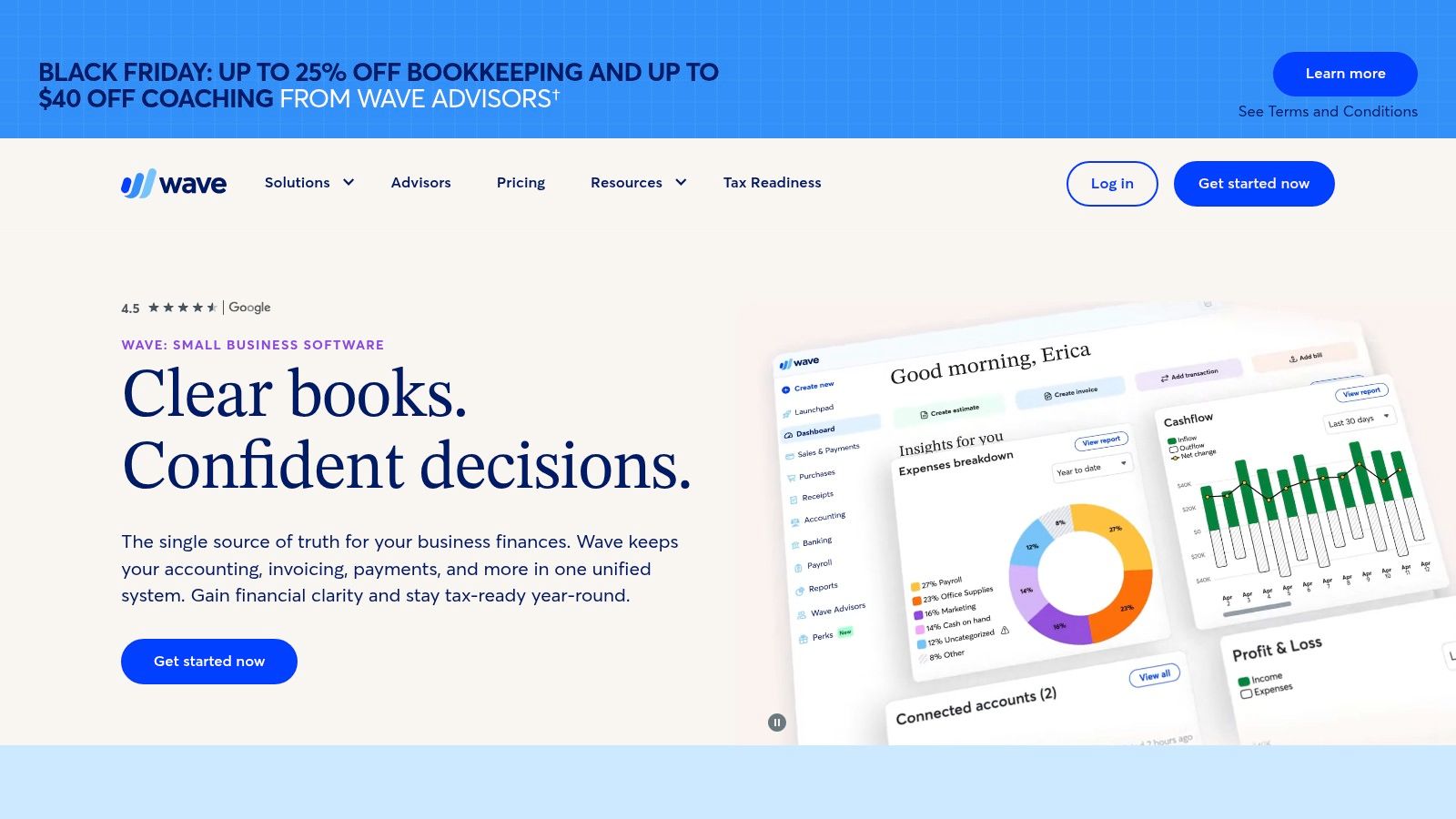
Wave answers the simplest billing job: a very small business sending a handful of invoices a month that doesn't want a subscription. Starter is free and covers unlimited estimates, invoices and bills, plus mobile invoicing and online payment acceptance.
Pro adds bank transaction imports, receipt capture and automated late-payment reminders. Payment processing fees apply on every plan, so free means free of subscription cost, not free of cost.
Practical rule: The subscription line is the first cost to cut for a business with no employees and a low invoice count. Wave's paid tier only earns its keep once bank imports and receipt capture replace hours of data entry each month.
Emailed PDFs are still how invoices travel. In a UK government survey of 800 VAT-registered SMEs, 29% used e-invoicing but only 10% both sent and received e-invoices, while PDF or email remained the dominant method for 80% of outbound and 89% of inbound invoices (e-invoicing quantitative research into SMEs). Wave's model, a branded PDF with a pay link, matches that reality.
Where it stops. Bank imports, receipt capture and automated reminders sit behind the paid plan. A business that needs purchase-order matching, multi-currency controls or an audit trail will outgrow it and should be looking at an accounting platform instead.
4. Zoho Invoice
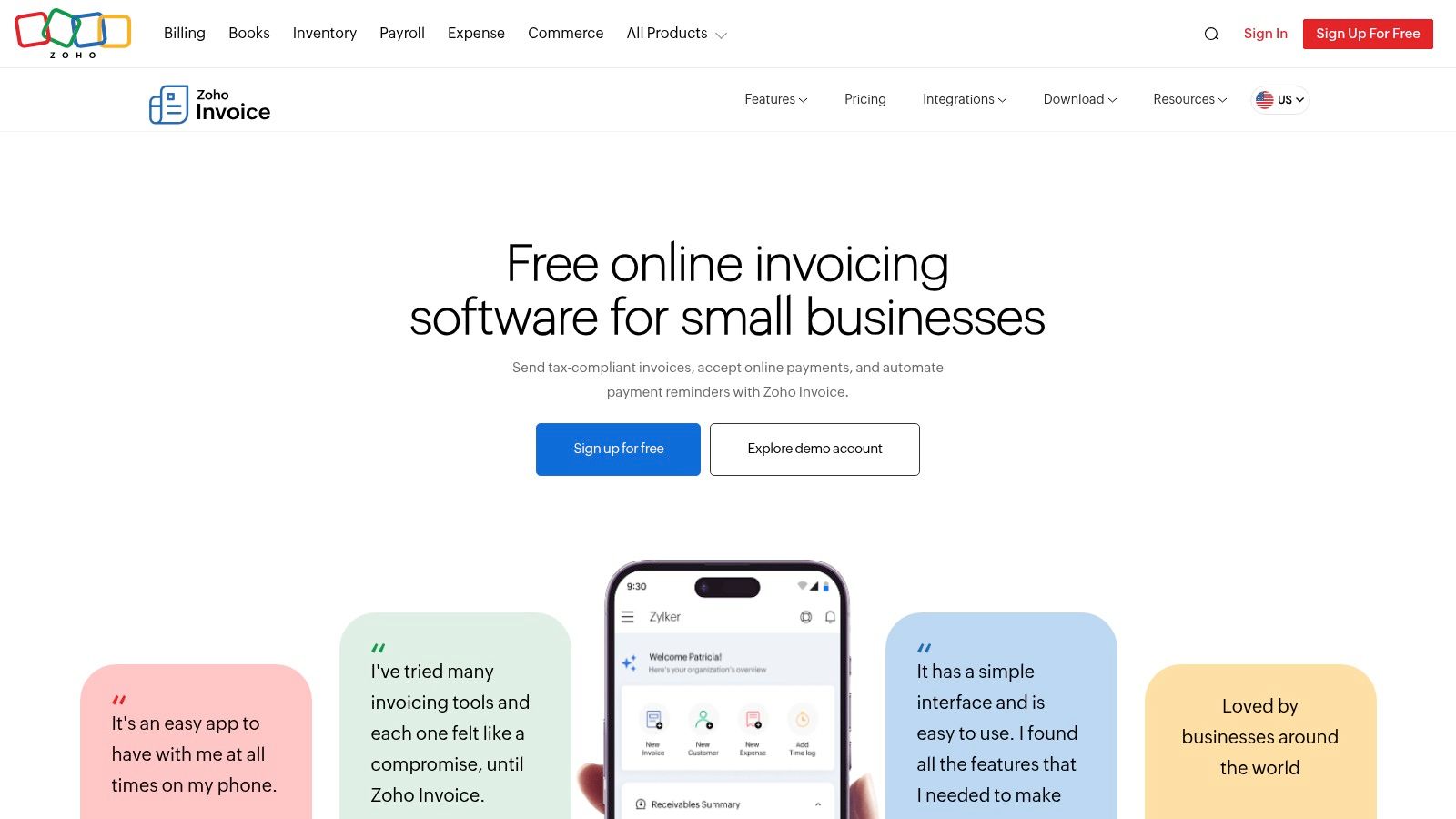
For one-off and recurring invoices with a customer portal, Zoho Invoice is the free pick. The product stands alone from Zoho Books, so a business can bill clients, log project hours and take payment through the portal without adopting a full ledger.
What's in the free product
- Invoices, quotes and recurring invoices with automated payment reminders.
- A customer portal where clients view history and pay.
- Expense recording and project time tracking that feed back into the bill.
- Connections to Zoho CRM, Books and Analytics for businesses already inside that stack.
Published limits apply to users and annual invoice volume, so a business with a high billing count should check the current terms before committing. The free product covers billing only, and a company that needs a full ledger later moves to a paid Zoho product or a broader accounting platform.
The compliance question
E-invoicing mandates are spreading to businesses of every size, including firms that only bill domestically today. The practical question for any vendor is whether the product stays compliant as rules change in the markets a business sells into, or whether meeting a new mandate means migrating to a different tool.
A free invoicing product that works now can turn into a migration project later, so that answer matters more than the price tag.
Free tiers, including this one, are compared side by side in the best free invoicing software shortlist.
5. Zoho Billing
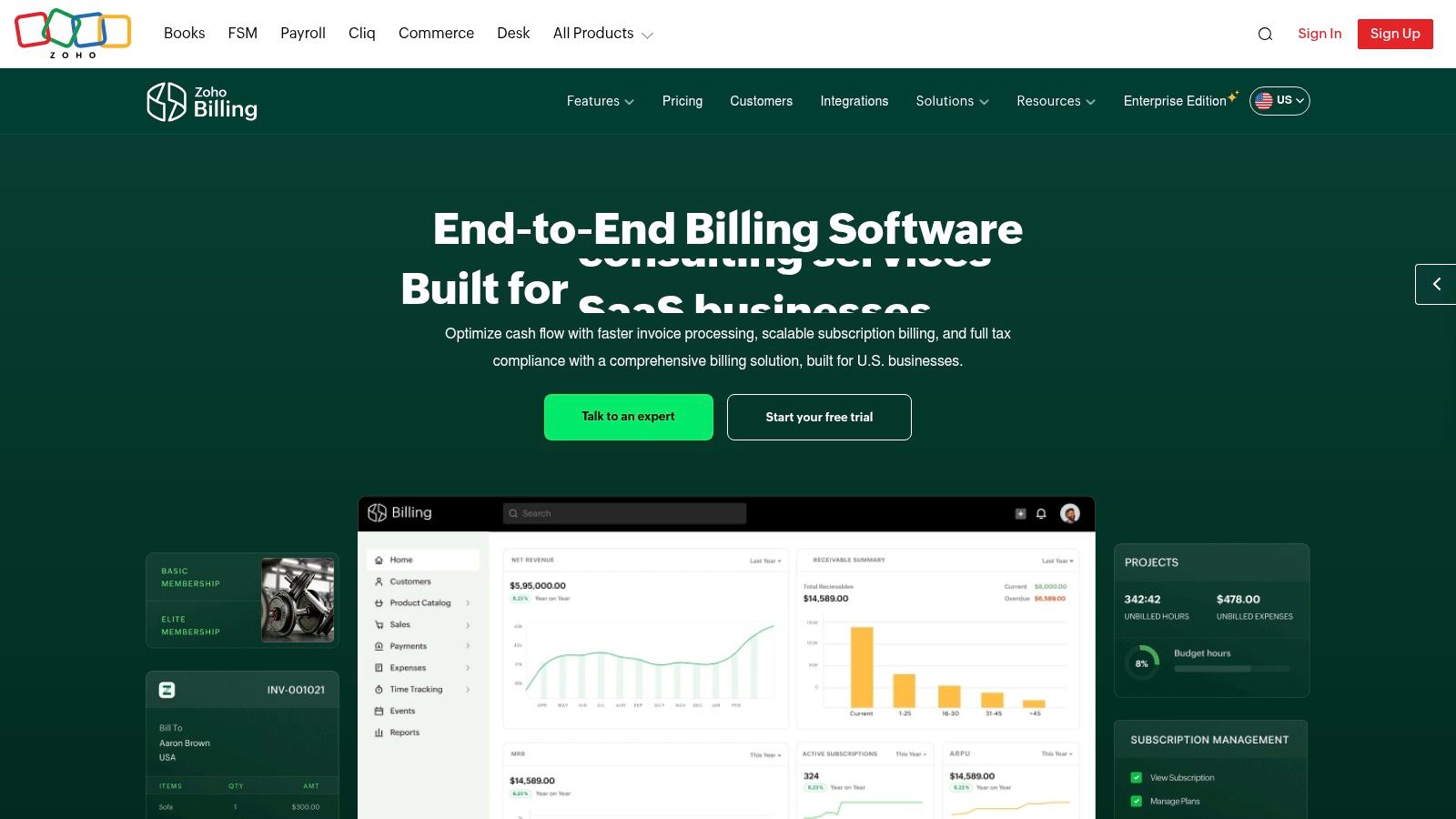
Zoho Billing covers the middle ground: a business sending one-off invoices now that expects to add subscriptions later. Standard handles quotes, invoices and payment reminders. Premium adds subscription billing, usage-based pricing, proration and dunning tools for recovering failed payments.
Zoho Billing lists Standard at $50 per month, or $39 per month billed annually, and Premium at $100 per month, or $79 per month billed annually, checked November 2026. A 14-day trial is available. Both tiers carry published revenue and invoice limits, and larger deployments move to the Enterprise edition.
When Premium is the only honest choice
Subscription and usage-based billing sit in Premium. A business that buys Standard expecting to add recurring charges later pays twice in effort, once for the setup and once for the migration. If recurring revenue is on the roadmap within a year, price Premium from the start.
Electronic invoicing isn't one capability, and the adoption numbers show the split. An OECD analysis drawing on 71 tax administrations found 1,960 taxpayers issuing EDI invoices, roughly 400,000 a month or 0.64% of all invoices, against nearly 110,000 taxpayers issuing more than 16 million non-EDI electronic invoices monthly. Check which format the customer and the tax authority accept before treating e-invoicing support as settled.
6. Stripe Billing
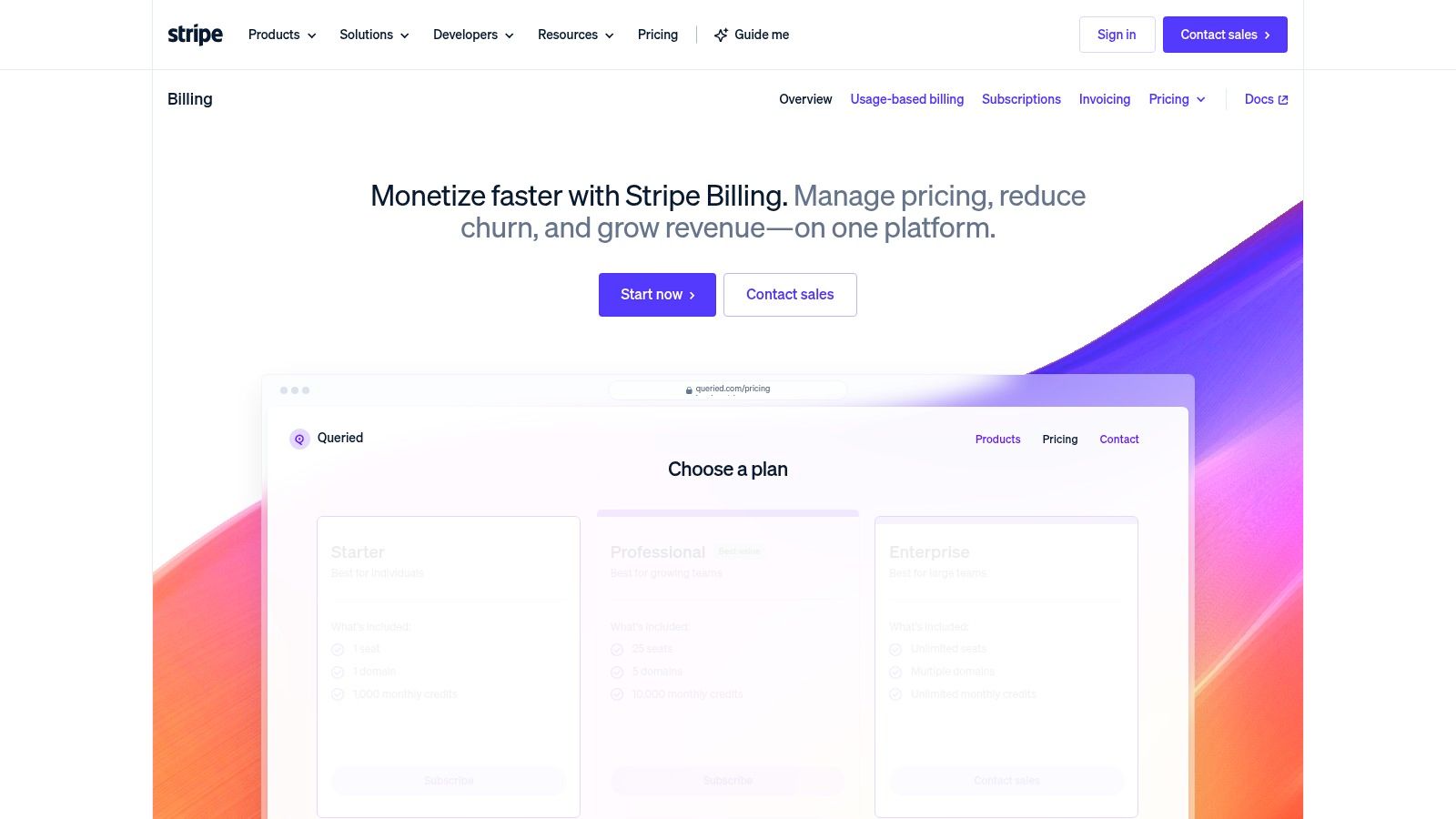
Stripe Billing is the pick when revenue arrives as subscriptions, seats or metered usage. It models billing periods and pricing logic rather than producing a document: flat-rate, per-seat, usage-based, tiered, variable and multi-currency pricing run through the same subscription engine.
The Stripe Billing pricing page lists pay-as-you-go Billing at 0.7% of billing volume, excluding one-off invoices, checked November 2026. Payment processing is charged on top, at 2.9% plus $0.30 for successful card charges and 0.8% for ACH direct debit, capped at $5.
One-off invoices are a separate product on a separate fee. Stripe Invoicing is listed at 0.4% per paid invoice on Starter and 0.5% on Plus, with no fixed fees or setup costs, and the charge lands only when an invoice is paid through Stripe (Stripe Invoicing pricing).
Setup ranges from an afternoon to a sprint. Recurring billing can be configured in the Dashboard, through no-code Payment Links or with Checkout's prebuilt payment page. Custom logic needs API work and developer time. Invoice auto-reconciliation for recurring invoices paid by ACH credit or wire transfer is included.
The mechanic buyers miss. Post-payment invoices are charged at 0.4% of the transaction total, capped at $2 per invoice (Stripe pricing). Estimate the payment-method mix before comparing totals, because card processing at those rates usually outweighs the billing percentage.
7. Square Invoices
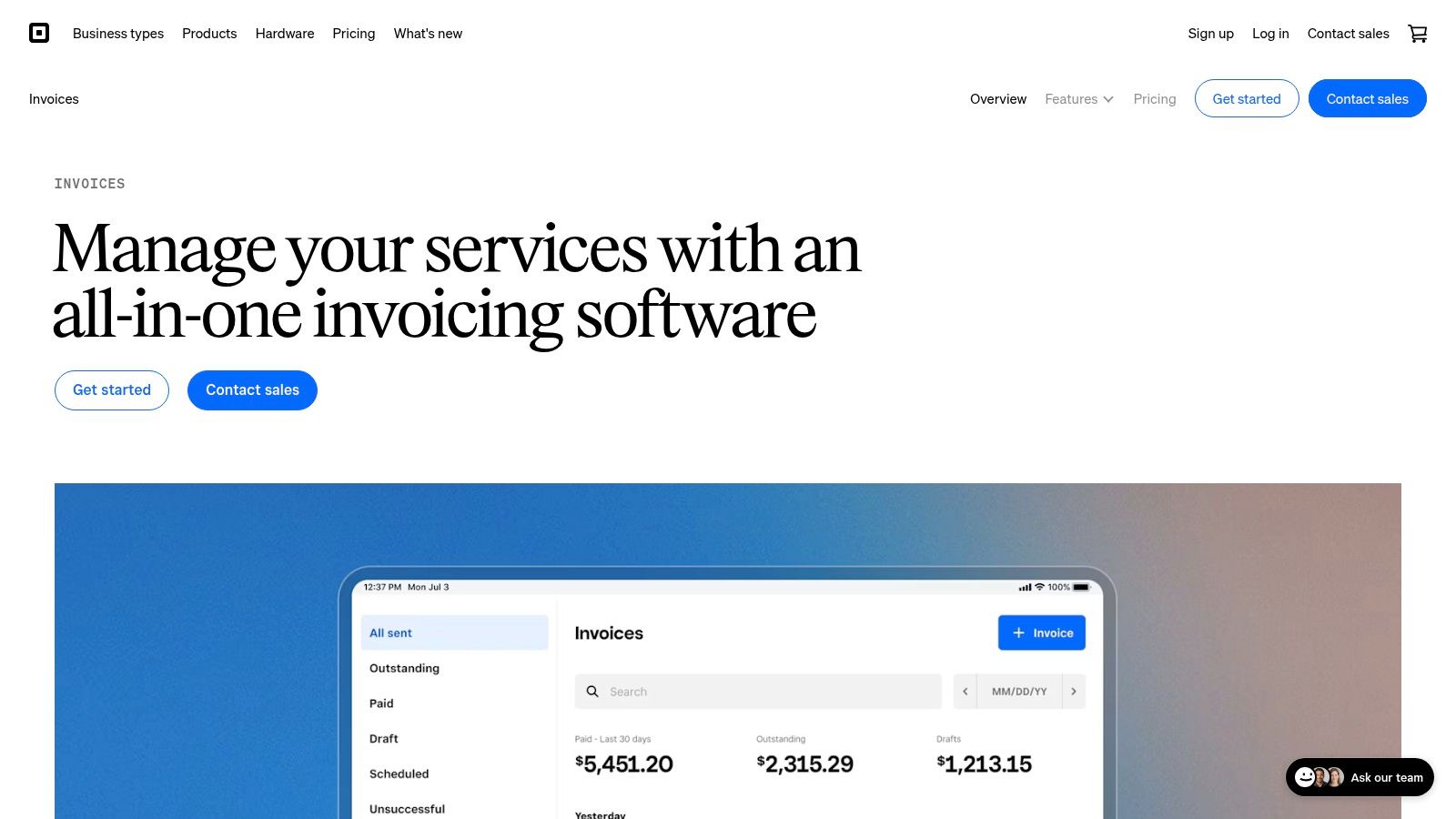
Square Invoices fits the business that already takes money in person: the shop, the food truck, the mobile repair van. Invoices, deposits, payment schedules and automatic reminders sit next to the card reader, so one dashboard covers the counter and the follow-up bill.
The Free plan carries no monthly subscription charge, with processing fees applied to payments taken. Paid plans exist for advanced features, and the rate for those is worth confirming on the plan page rather than assuming from the free tier.
Where the value depends on Square
- Deposits and payment schedules suit project work, jobs with materials up front and staged deliveries.
- Recurring invoices handle maintenance contracts and repeat service visits.
- One customer record covers the deposit paid at the counter and the balance settled by link.
The trade-off. Square is a payments company first. A business that needs accrual accounting, purchase-order approval routing or multi-entity reporting keeps a separate ledger anyway, which shrinks the saving the free invoice tier appears to offer.
Square Invoices makes most sense where the card reader is already on the counter.
Billing Software Compared on Starting Price, Free Plan, Recurring Billing and Best For
| Item | Starting Price | Free Plan | Recurring Billing | Best For |
|---|---|---|---|---|
| QuickBooks Online | $38/month | No | Yes | Businesses combining billing and bookkeeping |
| FreshBooks | $4.60/month promotional price | No | Yes | Freelancers and service businesses |
| Wave | Free Starter plan | Yes | Yes | Very small businesses seeking low-cost invoicing |
| Zoho Invoice | Free | Yes | Yes | Small businesses needing standalone invoicing |
| Zoho Billing | $50/month or $39/month billed annually | No; 14-day trial | Yes; subscription billing on Premium | Growing businesses with subscription or usage-based billing |
| Stripe Billing | 0.7% of billing volume on pay-as-you-go | No | Yes | Businesses with flexible or usage-based pricing |
| Square Invoices | Free plan | Yes | Yes | Businesses using Square for online and in-person payments |
Choose the Cheapest Plan That Covers Your Billing Model
Three questions settle the shortlist. Are you sending one-off invoices, billing projects and retainers, or running recurring subscriptions and usage charges? Answer that first, then pick the lowest-cost plan that supports the model you run, not the one you might run after a good quarter.
For one-off invoices, Wave and Square Invoices charge nothing monthly and take their money at payment processing. Zoho Invoice does the same but adds a customer portal and time tracking at no cost. Project and retainer billing points to FreshBooks, where the promotional tiers are the cheapest entry but the list rate returns. Subscriptions and usage charges belong with Stripe Billing or Zoho Billing Premium, and there the percentage or the higher tier is unavoidable. QuickBooks Online earns its price only when the books need to live in the same system as the bill.
Then check what changes the total. Promotional pricing expires, processing fees stack on top of subscription fees, and a usage fee of a fraction of a percent can beat a flat monthly charge at low volume and lose at high volume. Confirm the figure against the vendor's pricing page on the day you buy, because plan limits and tiers move without announcement.
Prices in this article are the cheapest paid plan in US dollars, as shown on each vendor's page on the date TopToolAdvisor checked it. Where a vendor quoted a promotional rate, it's marked as promotional so the list price isn't mistaken for the discounted one.
Send one real invoice through two candidates before paying for either. Build the invoice you send most often, attach a payment method and count the clicks a customer needs to pay. That single test says more about the best software for billing than any feature grid, and it takes about ten minutes per tool. Start from the TopToolAdvisor directory to see which shortlist covers your category, then price the two finalists against their own pages on the day you commit.
Questions or corrections: editorial@toptooladvisor.com