Guide · General
Free Software for Nonprofit Organizations: 10 Real Options
A practical guide to free software for nonprofit organizations, covering eligibility rules, plan limits and paid upgrades for 10 tools.
By the TopToolAdvisor research desk · Updated November 11, 2026 · 15 min read
“Free software” can mean a permanent grant, a free tier with limits, or open-source software that carries hosting and maintenance work. Treating all three as cost-free can lead to a surprise bill or an unusable tool.
Verified grant. Google Workspace, Microsoft 365 Business Basic and Canva Nonprofits offer eligible charities paid products at no charge, subject to approval, user limits and program terms. Free core with fee choices or paid tiers. Zeffy covers payment costs through optional donor contributions, while Givebutter asks organizations to choose between donor tips and a platform fee. HubSpot's free CRM has a seat limit, and Wave charges for some features. Open source. CiviCRM, OpenPetra and OpenProject have no license fee, but the organization must manage hosting, backups and upgrades.
Budget is the obstacle nonprofits cite most often: in a Chronicle of Philanthropy survey of nonprofit leaders, 89% named budget constraints as their main technology obstacle, while 64% said they lacked in-house expertise and 62% lacked the time to vet and implement tools (Chronicle of Philanthropy).
Check eligibility, user limits and likely upgrade triggers before choosing. For open-source tools, include the work of hosting and maintenance in the decision. The options below are compared using documented features and published prices, not claims of hands-on testing.
Table of Contents
- 1. Google Workspace for Nonprofits
- 2. Microsoft 365 Business Basic for Nonprofits
- 3. Canva Nonprofits
- 4. Zeffy
- 5. Givebutter
- 6. CiviCRM
- 7. OpenPetra
- 8. Wave
- 9. HubSpot Free Tools
- 10. OpenProject Community Edition
- 10 free software options for nonprofit organizations at a glance
- How to Choose and Stack These Tools Without Paying Later
1. Google Workspace for Nonprofits
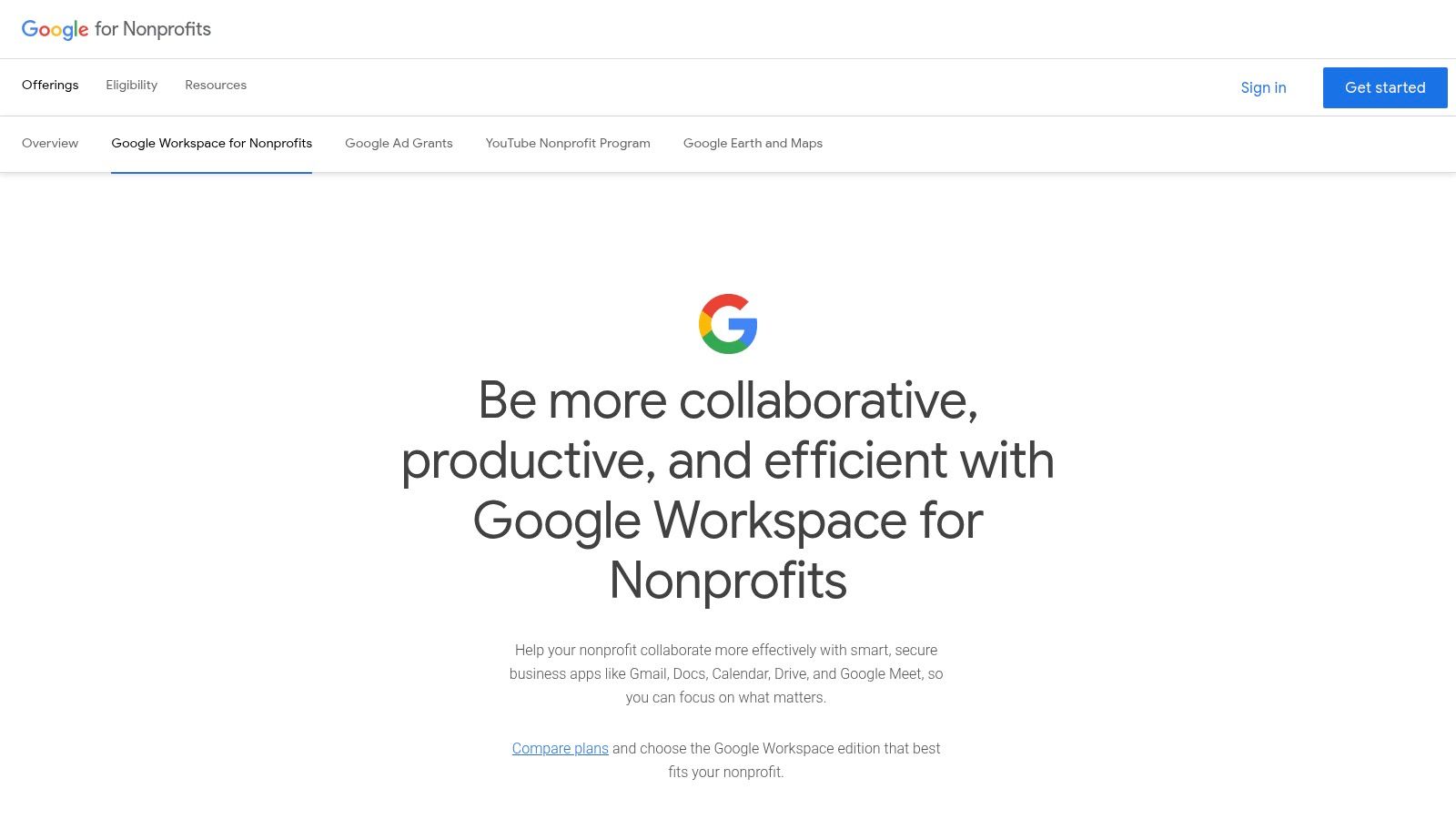
If your team already works in Gmail, Docs and Drive, start with Google Workspace for Nonprofits. Eligible organizations can get the core edition at no charge, with discounted Business and Enterprise editions available when the free plan falls short (Google for Nonprofits eligibility guidance, published October 9, 2024).
Eligibility is the entire decision
Your organization must be a registered charity in a supported country, pass verification through Goodstack, Google's validation partner, and accept Google's nonprofit terms. Verification usually takes a few business days, so plan onboarding rather than expecting a same-day switch.
Google excludes government entities, hospitals and health care organizations, schools, academic institutions and universities. Charitable arms or foundations affiliated with health and education organizations may qualify. In the United States, a typical qualifying organization has IRS recognition under Section 501(c)(3).
What the free edition includes
- Custom-domain Gmail with Calendar, Meet, Chat, Docs, Sheets and Slides.
- Shared drives for team-owned program files.
- Admin controls for accounts, groups and recovery.
- Shared storage for the organization's files, with the allowance set by Google's current nonprofit terms.
Where the upgrade pressure comes from
Advanced administration and some premium features require a discounted paid edition. If your team relies on Word, Excel and Outlook files, expect extra conversion work. That makes Microsoft a stronger fit for organizations already standardized on Office.
Once approved, apply for Google's Ad Grants, YouTube Nonprofit Program and Maps Platform credits too. These are separate programs, not part of the Workspace grant.
2. Microsoft 365 Business Basic for Nonprofits
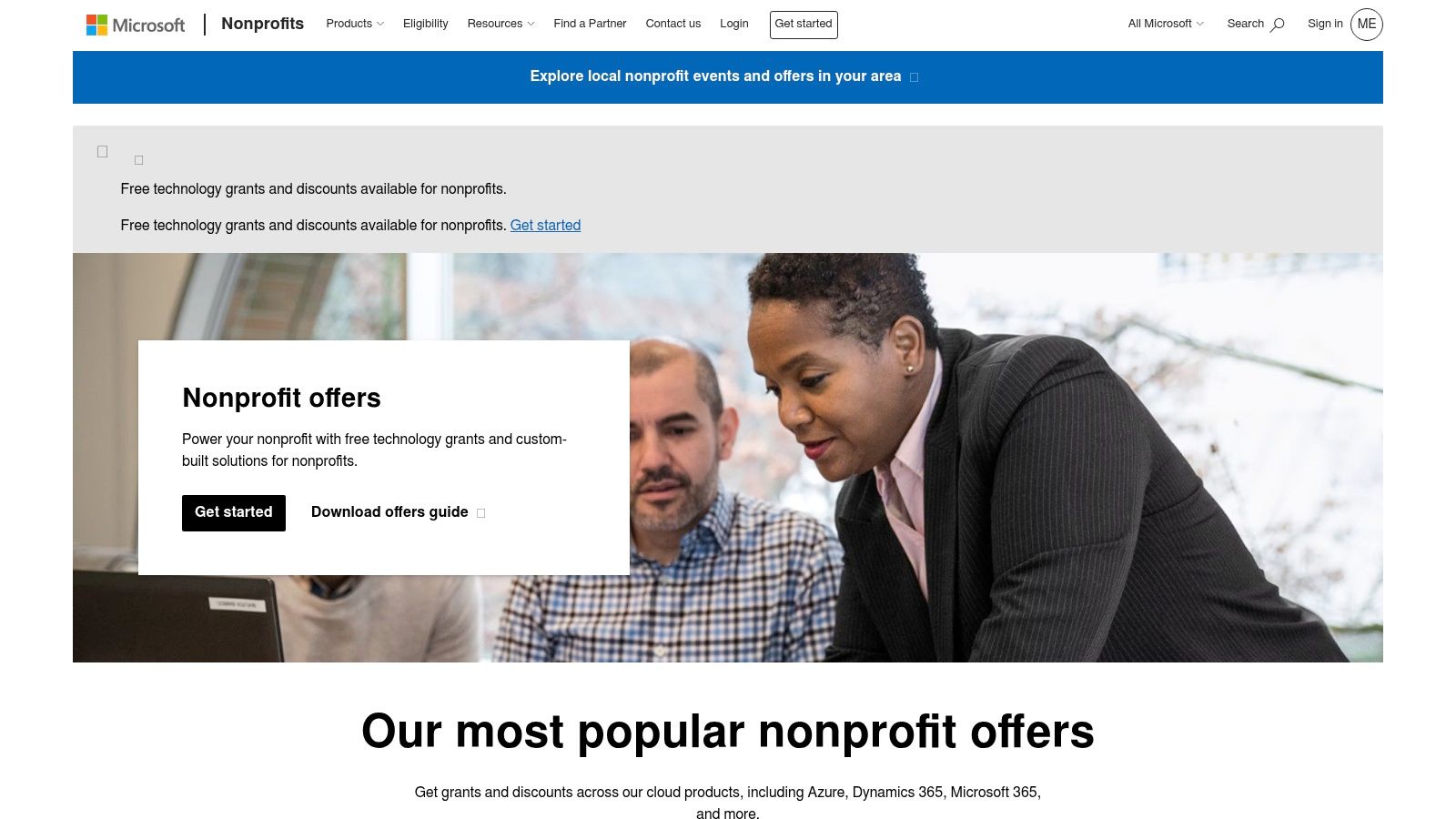
Choose Microsoft 365 Business Basic if your nonprofit already relies on Word, Excel and Teams. Microsoft lists a free nonprofit grant for up to 300 users, with web and mobile versions of Outlook, Teams, Word, Excel and PowerPoint, plus 1 TB of cloud storage per user (Microsoft nonprofit plans and pricing, page updated December 30, 2024).
What the eligibility review checks
Your organization must have recognized charitable status in the country where it operates, work on a not-for-profit basis, serve the broader community and accept Microsoft's anti-discrimination policy. Licenses are for paid nonprofit employees and unpaid executive staff who provide nonprofit leadership. Volunteers can access nonprofit pricing, but participants, members and donors cannot hold nonprofit licenses. Approval requires nonprofit registration, so ordinary free consumer accounts are not a substitute.
What is in the grant
- Web and mobile Office apps with business email on the organization's domain.
- Teams for meetings, calls and shared channels.
- 1 TB of cloud storage per user for documents and files.
- License administration through Microsoft's nonprofit portal, with paid editions available at nonprofit pricing.
Assign licenses to staff who will use them, and keep your allocation under review. A free grant is valuable only if the organization meets Microsoft's eligibility and usage requirements.
The upgrade line
Business Basic does not include installed desktop Office apps. If staff need those apps or deeper administrative controls, compare Business Standard at $3.50 per user per month and Business Premium at $5.50 per user per month, both paid yearly at nonprofit pricing.
3. Canva Nonprofits
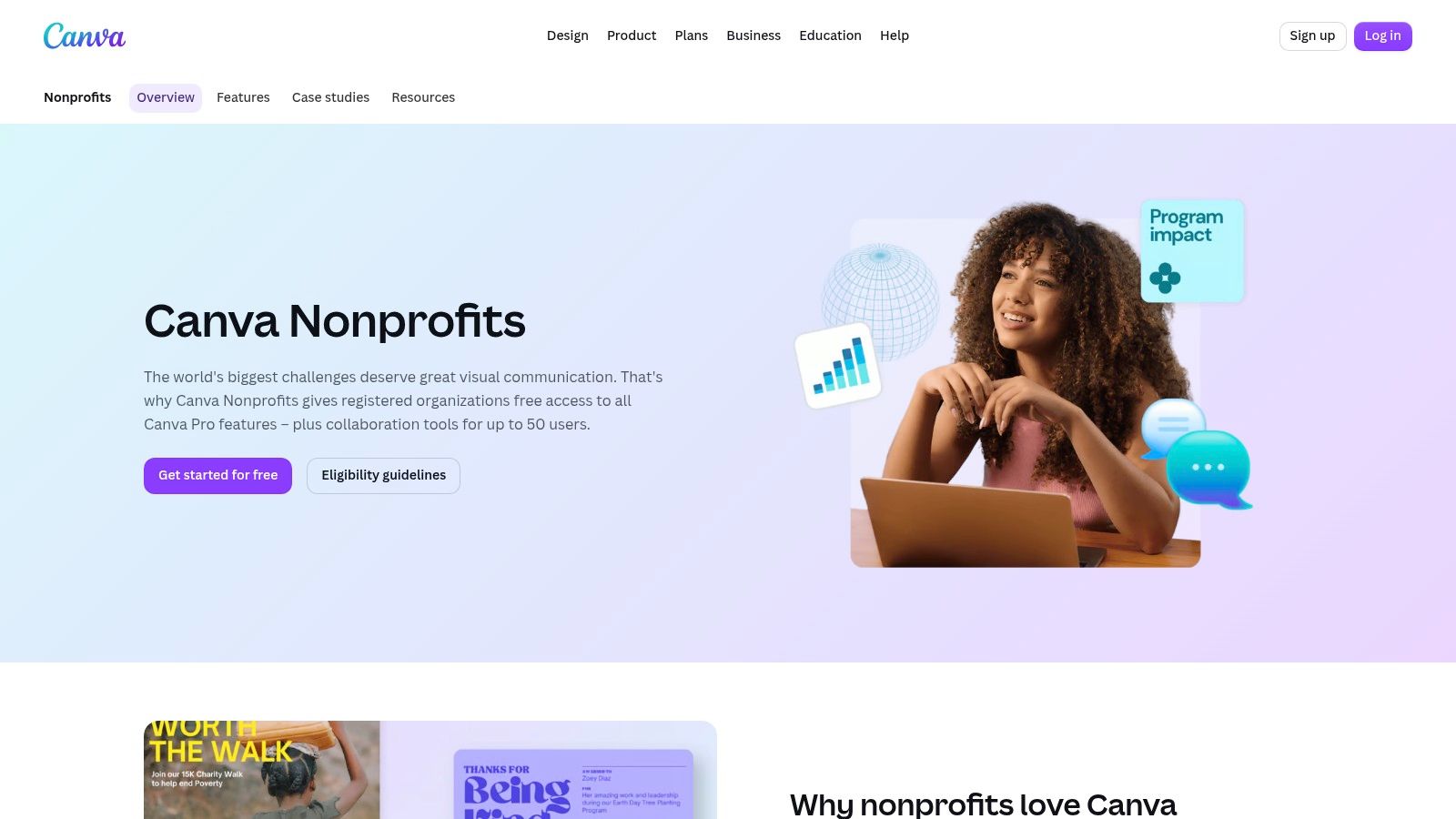
Canva Nonprofits is the design budget. Eligible organizations get the Pro feature set plus team collaboration at no cost for one team of up to 50 users (Canva Nonprofits).
What arrives with approval
- Template library covering appeal graphics, annual reports, event signage and social posts.
- Brand controls so logos, fonts and colors stay consistent when volunteers build assets.
- Shared team folders for approved files instead of artwork emailed between staff.
- Affinity access through the nonprofit program, subject to availability and terms.
The two limits that catch people
Charitable status alone doesn't guarantee acceptance, because Canva reviews every application on its own terms. The 50-user ceiling applies to a single team, so a charity with chapters or a large volunteer design pool needs a plan for who holds a seat.
Canva also isn't a publishing, CRM or fundraising system. It produces the appeal graphic; the donation page, the receipt and the donor record come from somewhere else. Non-designers gain the most here, since templates remove the blank-page problem that keeps campaign assets unfinished until the week before launch. Apply in the same week as the Google or Microsoft verification and load the brand kit before the next campaign, not during it.
4. Zeffy
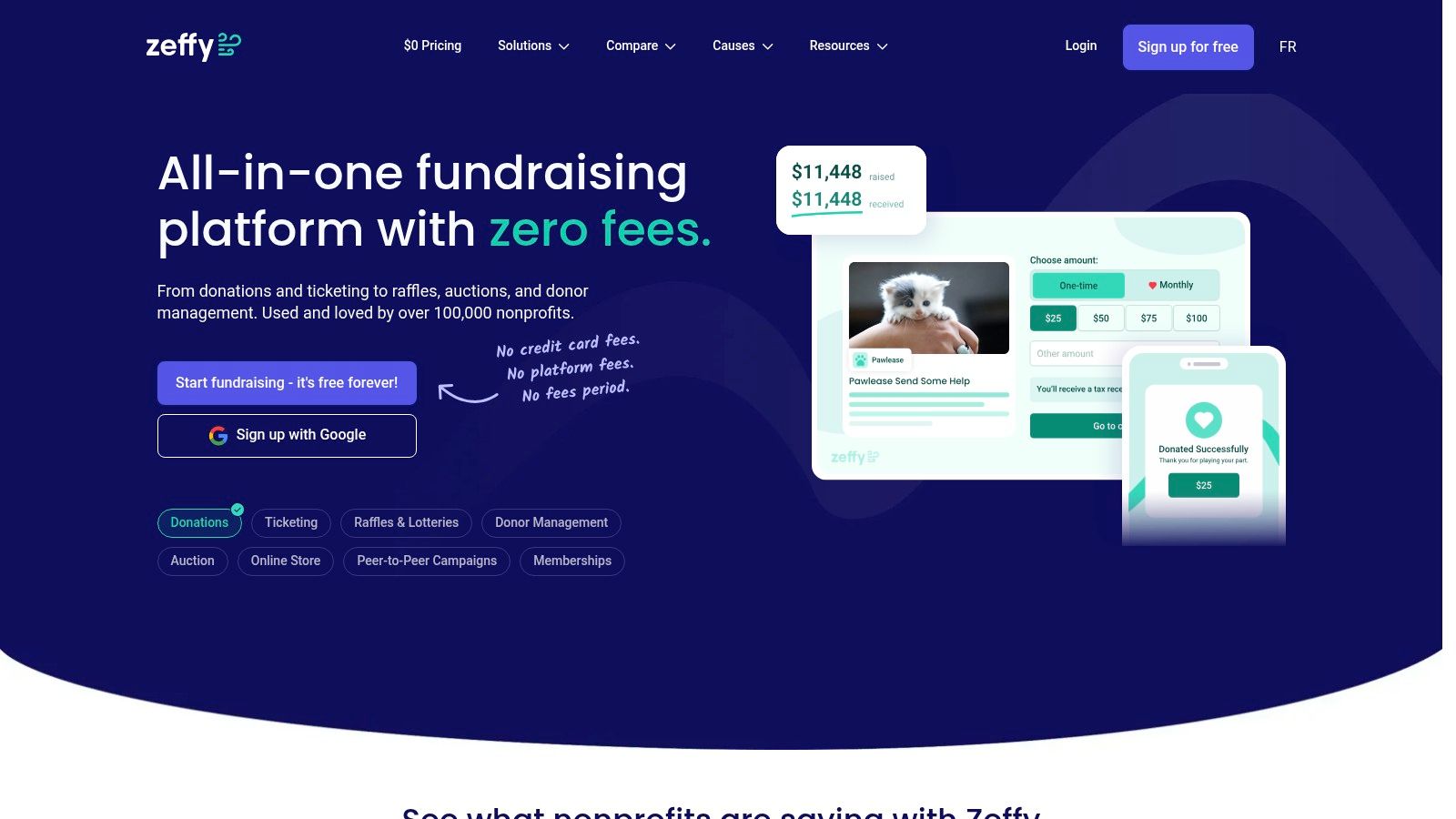
Pick Zeffy when fundraising is the job and the budget for it is zero. Zeffy states that it deducts no platform or card-processing charge from proceeds and covers payment costs itself, with running costs met by optional donor contributions at checkout (Zeffy).
The trade is donor-facing, not hidden
Supporters see a request to contribute to Zeffy during checkout, and the organization receives the gift whether they accept or decline. Availability centers on registered nonprofits in North America, so a charity registered elsewhere should confirm status before building a campaign around the platform.
What the free account covers
- Donation forms for one-time and recurring gifts.
- Event ticketing with attendee lists and check-in.
- Donor records where gifts, tickets and memberships land on one contact.
- Campaign pages that embed in an existing website.
Ask governance questions before importing donor data
Fundraising software holds payment details and giving history, and the free tier is where controls get thinnest. A 2025 survey of European nonprofits published as Nonprofit Pulse found that only 37% had cybersecurity planning and software, while 48% reported using AI, up from 13% the previous year. Ask where data is stored, whether role-based access and encryption are included on the free tier, what export is possible after cancellation, and whether the vendor trains AI models on customer data. A platform that can't answer those four questions in writing isn't ready for a donor file.
5. Givebutter
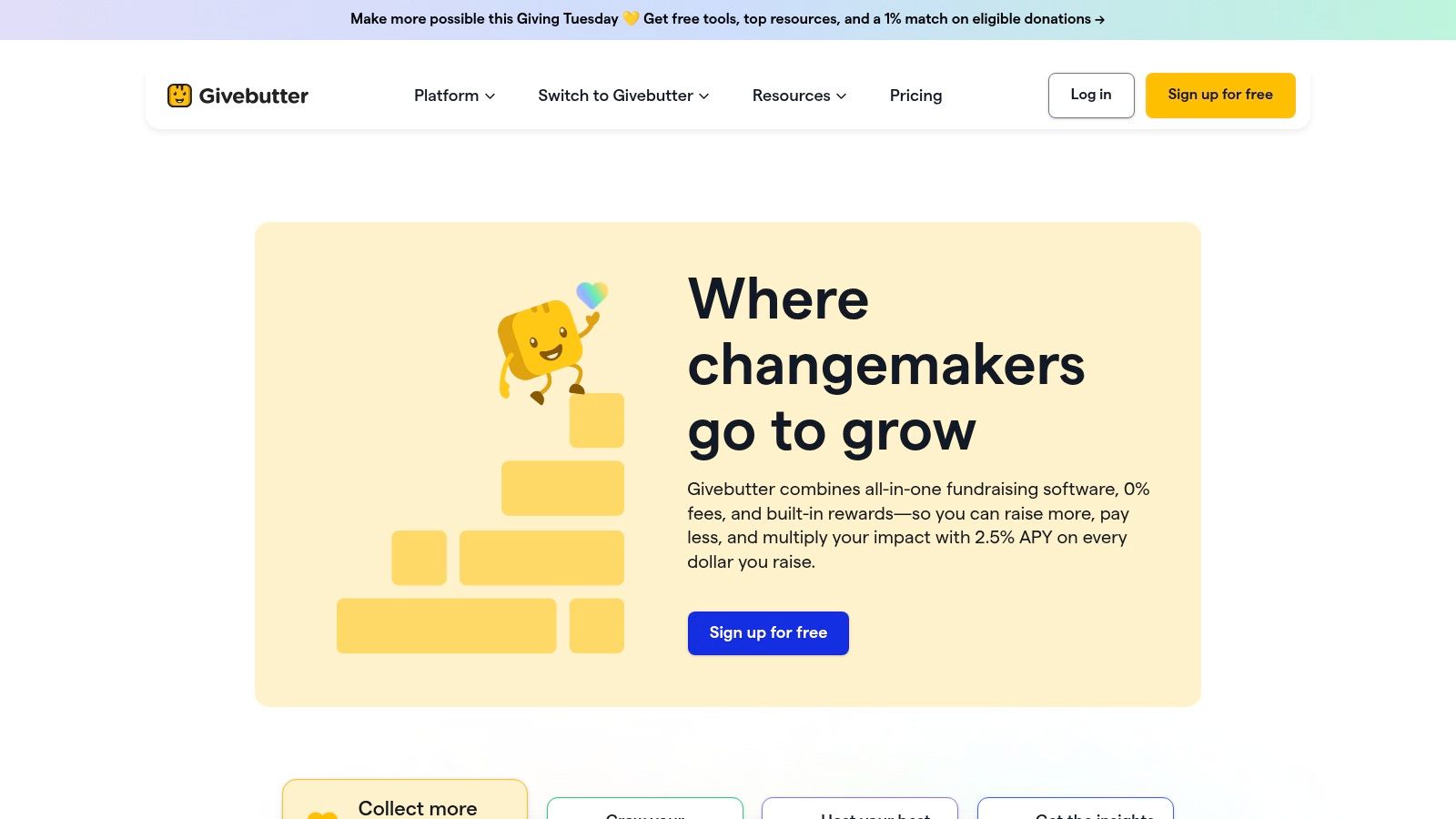
Givebutter puts donation forms, peer-to-peer pages, events, auctions and a donor CRM in one account, and the core product carries no monthly subscription (Givebutter).
You choose the fee route
Leave donor tips switched on and supporters fund the platform at checkout. Switch tips off and Givebutter applies a 3% platform fee plus processing, according to the company, with some auction payments excluded from the no-fee guarantee. The percentage matters more as online revenue grows, so model it against last year's totals before deciding which route to take.
Included at no monthly cost
- Donation forms and fundraising pages with campaign branding.
- Events and auctions with registration and bidding.
- A built-in donor CRM holding supporter records and giving history.
- Marketing and engagement tools for segmented outreach.
Where the paid tier starts
Givebutter Plus adds workflows, reporting, texting and task management for teams running several campaigns at once. A charity running two appeals a year rarely needs it in the first twelve months; an organization with a full event calendar usually does by year two. For a side-by-side view of how fee structures compare, the best fundraising software comparison scores comparable products on the same criteria.
Run the arithmetic on your own online revenue. Three percent of a $200,000 online program is a budget line worth negotiating; three percent of $8,000 is noise.
6. CiviCRM
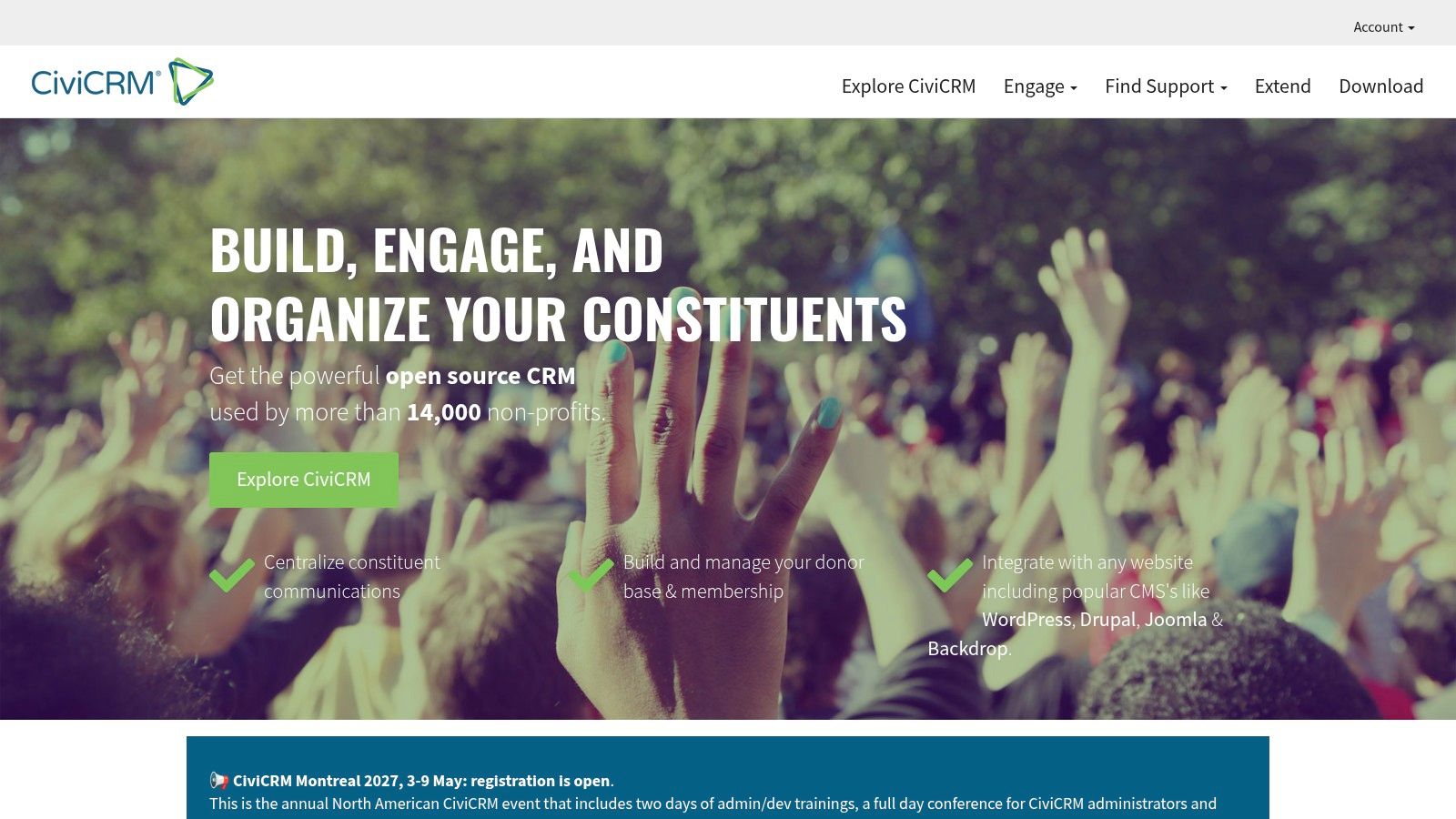
CiviCRM is the open-source answer to donor, member and constituent management. It carries no license fee and no per-user charge, and it runs inside Drupal, WordPress or Joomla or as a standalone installation (CiviCRM).
The rights model behind the zero price
Free software has meant something specific since the GNU Project was announced in 1983 and the Free Software Foundation was founded in 1985. The Free Software Foundation's definition turns on rights rather than price: whether an organization can legally run, inspect, adapt and redistribute the code. That distinction decides what happens to a donor database when a vendor relationship ends, which is why the license matters as much as the fee.
This isn't a fringe choice. The Linux Foundation's 2023 global open source research reported that more than 90% of surveyed organizations used open-source software to a moderate, significant or widespread extent, including nonprofits, academic bodies and government organizations.
What you pay instead of a license
Hosting, upgrades, backups, extensions and the person who answers when a contribution page breaks. Self-hosting needs a server administrator or a support partner, and configuration takes longer than a hosted CRM's setup wizard. Budget implementation hours before committing, then compare the total against a paid product.
Core modules
- Contact and constituent records with relationships and households.
- Contributions, memberships, events and campaigns in one database.
- Mailings to segments built from giving history.
- Extensions for receipts, grants and case work.
For organizations weighing hosted alternatives, the best nonprofit CRM shortlist compares products on features, ease of use and value.
A license fee of zero is a starting condition, not a budget.
7. OpenPetra
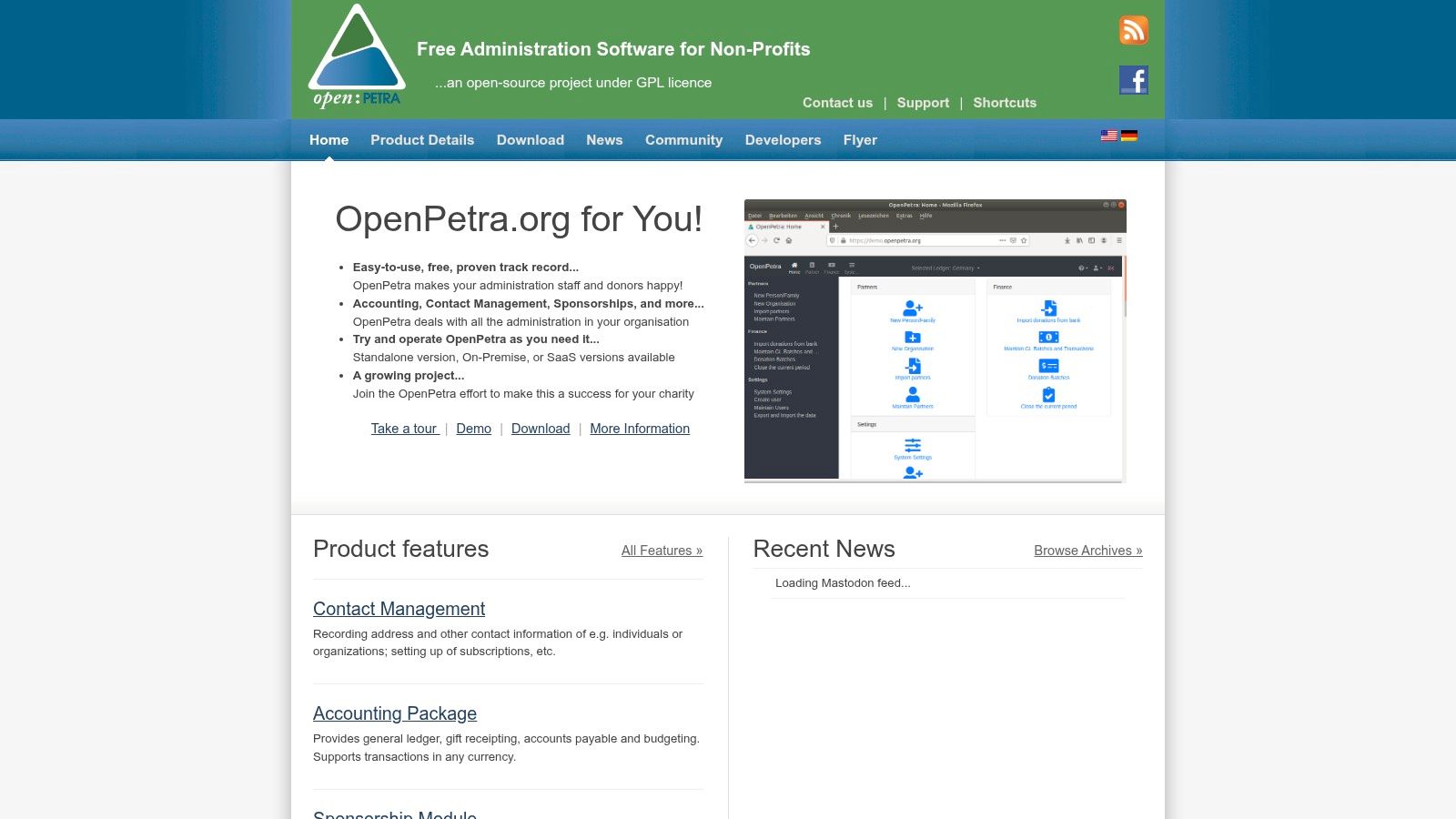
OpenPetra is charity administration software released under the GPL, built around donation processing and gift receipting rather than generic small-business bookkeeping (OpenPetra).
Built for the receipting workflow
Annual receipting is the job that breaks generic accounting tools: thousands of gifts, tax wording that varies by jurisdiction, and donors who notice when a receipt is wrong. OpenPetra treats contacts, gifts and receipting as one workflow instead of three modules bolted together.
What ships with it
- Contact and supporter records linked to giving history.
- Donation processing and gift receipting.
- Bookkeeping and accounts-payable functions.
- A hosted test installation through an associated service, so evaluation doesn't require a server on day one.
Test the reporting before live books
Feature scope is narrower than mature commercial nonprofit platforms, and installation, hosting and maintenance usually need technical help. Run a parallel month against current records: import a batch of gifts, produce the receipts, reconcile the total, and check the reports the treasurer and board read. If those outputs need manual repair, the free license isn't saving anything, and the finance team will keep using the old spreadsheet.
8. Wave
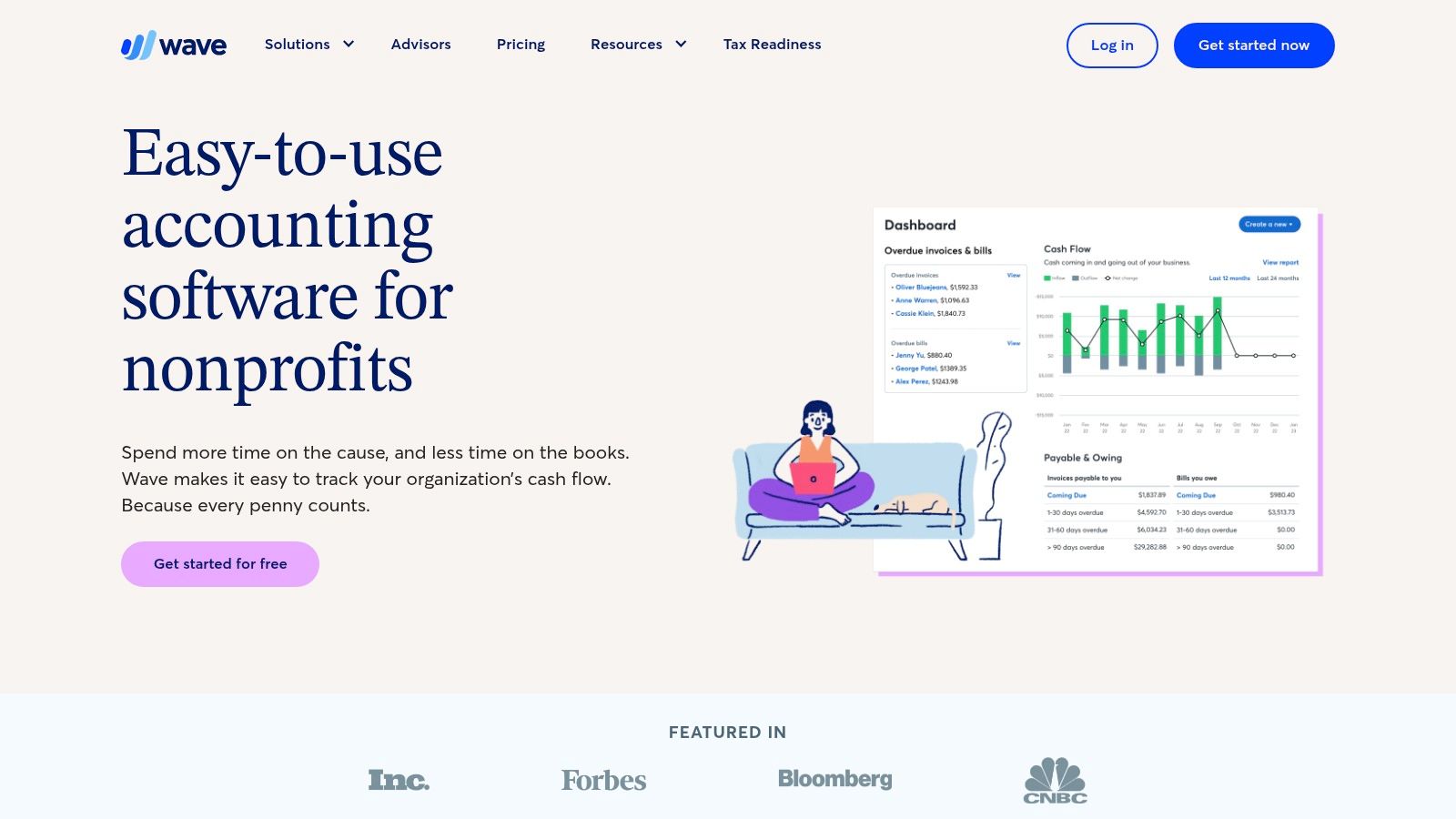
Wave is general small-business accounting with a free Starter plan, and it can carry a very small charity through invoicing, expense capture and basic reporting (Wave for nonprofits). Bookkeeping is already standard practice in the sector: in Sage's 2024 Nonprofit Technology Trends Survey, 85% of nonprofit finance leaders reported using financial-management and accounting software, while 64% reported using donor-management or CRM software.
What the free plan handles
- Invoicing and estimates with payment reminders.
- Expense and receipt capture from a phone camera.
- Basic reports including profit and loss and a balance sheet.
- Cloud access so a treasurer and bookkeeper see the same records.
Where it stops for a charity
Wave offers no nonprofit discount and isn't built for restricted funds, grant tracking or fund-level reporting. A charity with designated grants can create separate equity accounts in the chart of accounts, but that's a manual workaround that gets riskier with every fund added. Payment processing carries its own fees, and automatic bank feeds and user permissions sit on the paid tier.
If a funder asks for a statement of functional expenses or a balance by fund, Wave will not produce it without exported spreadsheets and a volunteer with time. Compare fund-accounting options in the best accounting software for nonprofits shortlist before the first restricted grant arrives, not after the audit request.
9. HubSpot Free Tools
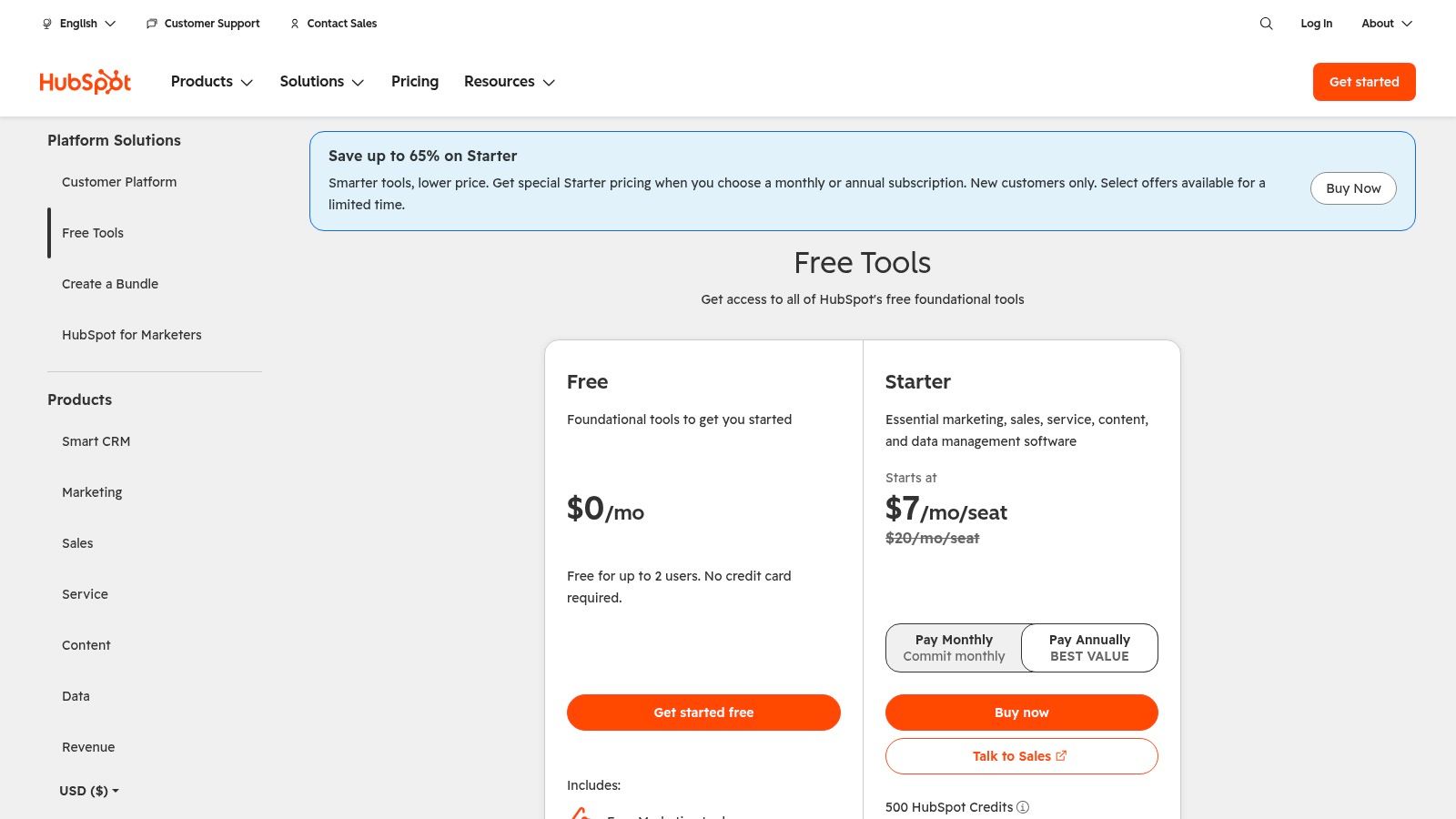
HubSpot's free CRM is listed at $0, needs no credit card to start, and is limited to two users, which makes it a contact organizer for a small charity rather than a donor database (HubSpot CRM pricing).
Use it for relationships, not receipts
Contact and deal records, imports and basic reporting help when the immediate problem is a spreadsheet of several thousand names and no owner for follow-up. It doesn't do gift receipting, restricted funds or nonprofit reporting, and the free and paid editions differ in features and limits. It is a bridge product: useful while the organization proves it will maintain contact records at all.
The hidden cost is stack sprawl
A 2024 nonprofit research study found that 43% of organizations used seven or more tools daily, while 79% reported overall satisfaction with nonprofit business software and systems (2024 nonprofit software research). The satisfaction figure tracks fit and integration, not whether the tool was free.
Procurement rule: before any free tool becomes the system of record, require documented CSV or API export, role-based access control, audit logs, automated backups and a tested migration path.
Move to a donor-specific CRM once receipts, recurring gifts or grant reporting enter the picture. Two seats is enough to test the habit, and too few to run a campaign team.
10. OpenProject Community Edition
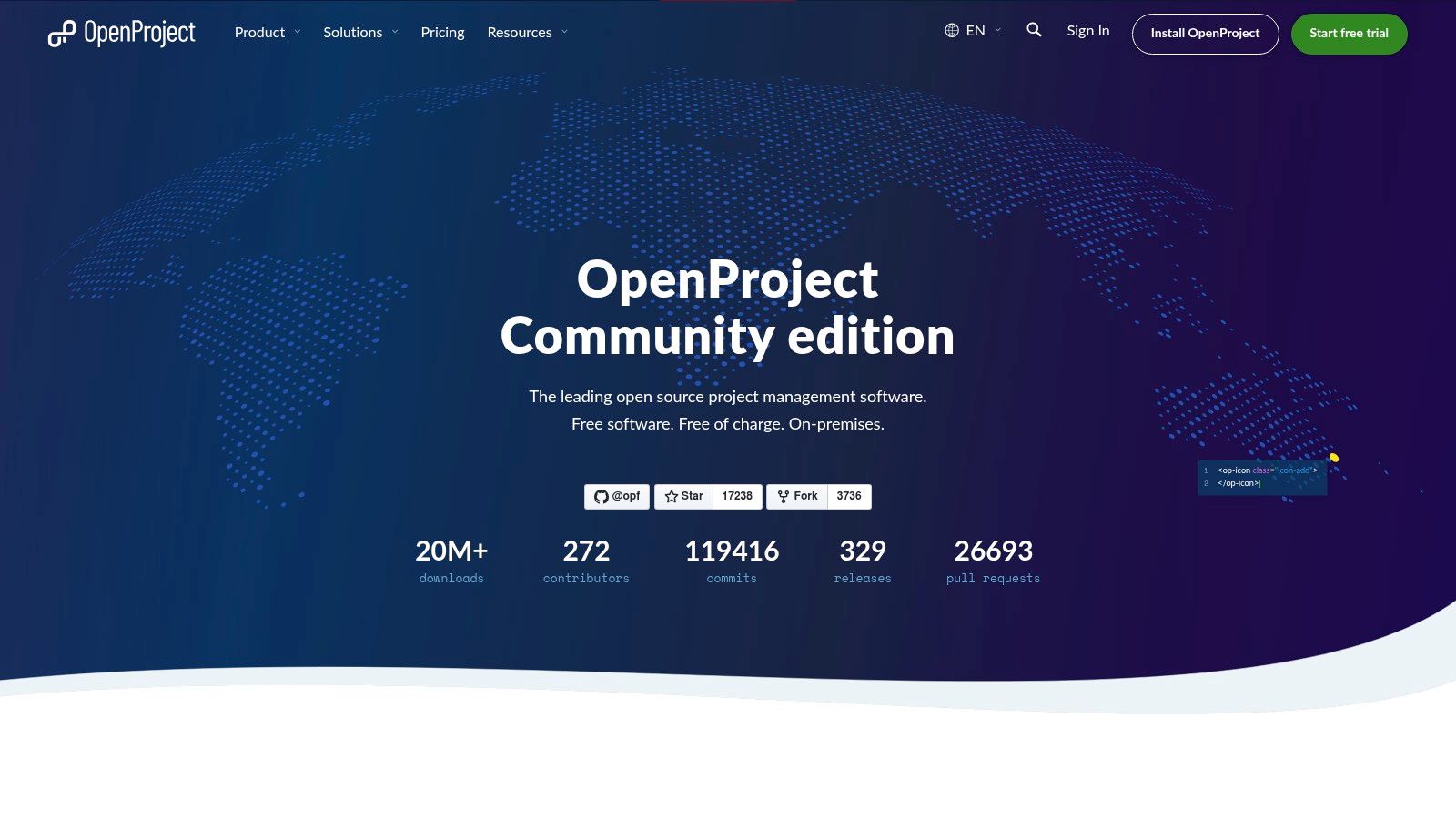
OpenProject Community Edition is open-source project management that a nonprofit installs on its own infrastructure, with no license charge for the community edition (OpenProject Community Edition).
Structured work without a project manager
Programs, campaigns, grant deliverables and internal operations need the same four things: an owner, a date, a status and one place where the update lives. Community Edition supports classical and agile workflows, so a team can run a Gantt-style program plan and a weekly board from a single installation rather than three spreadsheets.
What you get and what you host
- Projects and tasks with assignees, dates and status tracking.
- Classical and agile workflows in the same system.
- Regular updates to the community edition.
- Paid hosted services and enterprise features when the team wants vendor support.
The server is the subscription
Someone has to patch it, back it up, watch disk space and restore a broken install. That work is real, and it lands on whichever staff member already knows what a server is. If nobody does, a paid hosted plan usually costs less than the hours the free edition consumes. Self-hosting makes sense when data control is the requirement, not when avoiding a subscription is the goal.
10 free software options for nonprofit organizations at a glance
| Best for | Cost model | Eligibility or key limit | Paid upgrade |
|---|---|---|---|
| Google Workspace for Nonprofits, email and team collaboration | Free core edition | Eligibility verification required; features and account limits apply | Discounted paid editions may add advanced features |
| Microsoft 365 Business Basic for Nonprofits, Microsoft-based productivity and collaboration | Free grant for eligible nonprofits, subject to current terms | Nonprofit validation required; web apps only, not desktop Office apps | Paid Microsoft 365 editions available at nonprofit pricing |
| Canva Nonprofits, nonprofit design and content creation | Free nonprofit offering | Eligibility review required; one team of up to 50 users | Paid Canva plans available |
| Zeffy, donations, fundraising pages, and event ticketing | No required subscription or standard fees deducted from proceeds, according to Zeffy | Primarily for registered nonprofits in North America | No required platform upgrade stated |
| Givebutter, fundraising and donor management | No monthly subscription; fees depend on settings and transaction type | A 3% platform fee plus processing applies if donor tips are disabled | Optional Givebutter Plus plan |
| CiviCRM, customizable nonprofit constituent management | Free open-source software | Self-hosting requires technical capacity or assistance | Hosting, support, and implementation may cost extra |
| OpenPetra, charity administration, donations, and receipting | Free open-source software | Installation and maintenance may require technical help | Hosting or implementation support may cost extra |
| Wave, basic bookkeeping and invoicing | Free Starter plan; payment services may incur charges | General-purpose accounting, not designed for nonprofit fund accounting | Optional paid plan and payment features |
| HubSpot Free Tools, basic contact management and outreach | Free edition | Limited to two users; not donor-specific | Paid plans add features and increase limits |
| OpenProject Community Edition, self-hosted project management | Free open-source edition | Organization manages installation and maintenance | Paid hosting and enterprise features available |
How to Choose and Stack These Tools Without Paying Later
Get verified before you build anything. Google, Microsoft and Canva all review status before a single seat is assigned, and a launch plan built around an unapproved grant puts the campaign at risk. Submit all three applications in the same week, then claim the related benefits attached to each program, because the productivity grant is usually the entry ticket to Ad Grants, cloud credits and design access.
Budget for the moment a free plan runs out. HubSpot's free CRM stops at a seat count a growing team will hit inside a year, Canva's team ceiling forces a conversation about who designs, and Microsoft's grant terms belong to the vendor and change without notice. Write a trigger for each limit: the number of users, the size of the mailing list, the first restricted grant, the first funder audit. A trigger written down becomes a line in next year's budget instead of a crisis in March.
Decide carefully about self-hosting. CiviCRM, OpenPetra and OpenProject trade license fees for server work, backups, upgrades and the person on call when a donation page fails mid-campaign. If nobody on staff or on the board can administer a server, price a support partner into the comparison before installing anything. The open-source product often still wins on total cost, but only with that line included.
Stack deliberately rather than completely. Productivity and design come from grants, fundraising and email from a free core platform, accounting from whichever product can report by fund, and project management from whatever the team will open on a Monday. Every extra tool adds an integration to maintain, and integration is what separates a working stack from a set of logins nobody owns.
TopToolAdvisor publishes shortlists that score comparable products on features, ease of use and value, and quotes starting prices from vendor pricing pages with the date checked.
Start with the verification applications, not the software trials. Submit Google for Nonprofits, Microsoft's nonprofit program and Canva Nonprofits in the same week, then compare the approved tools against real numbers from your own donor file, gift volume and staff hours. TopToolAdvisor's nonprofit software shortlists score comparable products on the same criteria and quote every starting price from the vendor's own pricing page with the date checked, so the first-year cost you build is made of published figures rather than a sales call. Re-check each program's terms at signup, because caps, eligibility rules and upgrade prices change.
Questions or corrections: editorial@toptooladvisor.com