Guide · General
Help Desk Software with Remote Control: 10 Options for 2026
Compare help desk software with remote control across 10 tools, covering remote sessions, support workflows, setup effort and vendor-checked prices for 2026.
By the TopToolAdvisor research desk · Updated November 8, 2026 · 15 min read
A customer's device fails halfway through a support ticket. The agent has the conversation open, but troubleshooting now requires screen access, permission to connect, and a record of what changed. Moving between disconnected tools can leave the next agent with an incomplete history.
Atera fits IT teams managing many endpoints. GoTo Resolve fits small teams wanting one platform with a free entry point. Freshdesk with Splashtop SOS fits customer-support queues that need occasional device troubleshooting. The right choice depends less on the remote-control button than on what the business must license behind it.
Remote control comes built in, paired with a separate product, or sold as an add-on. These delivery models determine setup effort, permissions, session capacity, and total subscription cost. A ticketing subscription alone doesn't necessarily include remote access.
- Built-in or bundled workflows suit teams replacing disconnected IT tools.
- Paired products suit teams keeping an established help desk.
- MSP platforms and add-ons suit technicians responsible for customer environments and managed endpoints.
The TopToolAdvisor research desk compares documented features and published prices, not hands-on testing. Its help desk shortlist serves teams choosing a ticketing system for customer email, live chat, and phone calls in one place; its scores reflect documentation rather than personal testing.
The price basis is the cheapest paid plan in US dollars on the date checked. Where a complete, dated US-dollar price isn't established, the cost remains unconfirmed rather than being estimated.
Table of Contents
- 1. Atera
- 2. GoTo Resolve
- 3. ManageEngine ServiceDesk Plus MSP
- 4. Zoho Desk + Zoho Assist
- 5. Freshdesk + Splashtop SOS
- 6. Freshservice + GoTo Resolve
- 7. HappyFox Help Desk
- 8. Zendesk + remote-support integration
- 9. Jira Service Management + Splashtop
- 10. Syncro
- Remote control model, trial options and price notes for each help desk
- Match Remote Control to Your Support Volume
1. Atera
Best fit for IT teams managing many endpoints. Atera combines a help desk and service portal with remote monitoring and management, automation, device management, and remote access. Technicians can initiate sessions from alerts, tickets, or device views rather than treating remote support as a separate destination.
Its per-technician pricing with unlimited endpoints makes it worth evaluating when a small technician team supports a large device estate. That model doesn't automatically suit a customer-service department with many agents and only occasional technical escalations.
Bundled IT operations rather than a support inbox
Atera supports remote access to managed endpoints, including unattended access. Current plan descriptions include AI Copilot, and the vendor advertises a 30-day free trial on its website.
- Setup effort: Deploy endpoint agents, establish device groups, assign technician permissions, and connect device records to support workflows.
- Operational advantage: An agent investigating an alert can move into a remote session without rebuilding the device context elsewhere.
- Trade-off: RMM and automation add administration that a small customer-support team may not need.
Cost position: A current, date-checked US-dollar entry price isn't established here. The comparison should include technician seats, the remote-access entitlement, and any session restrictions, not assume that unlimited endpoints means unlimited remote-session capacity.
Atera belongs on the shortlist when device management is part of the job. Teams primarily handling customer conversations can compare lighter options in the best help desk software for small business shortlist before adopting a broader IT platform.
2. GoTo Resolve
A small team that wants ticketing and remote support together should consider GoTo Resolve. It combines help desk workflows with remote support and endpoint-management capabilities, reducing the need to connect separate products.
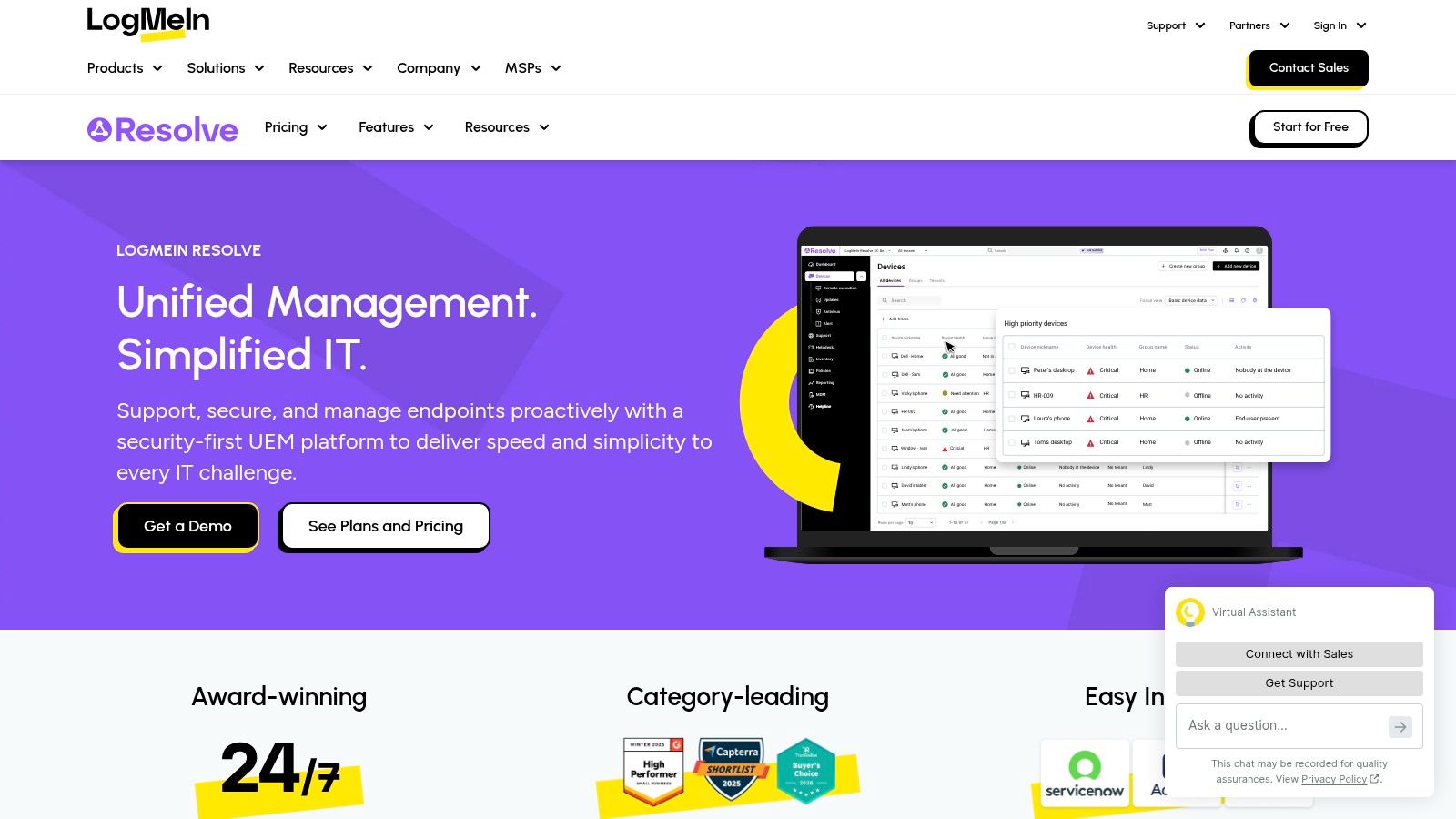
PIN-based attended support suits a customer waiting at the device. Unattended access serves a different purpose, allowing authorized technicians to work on enrolled devices without coordinating a live appointment.
Evaluate the complete session workflow
GoTo Resolve includes file transfer, session recording, session history, session transfer, and multi-agent collaboration. Those capabilities matter when the first agent needs help from a specialist without asking the customer to start again.
The setup should distinguish customer-approved connections from persistent administrative access. Technicians also need a consistent way to associate session history with the correct ticket.
Practical rule: A free entry point is useful for evaluation, but it isn't evidence that the production workflow will remain free.
Cost position: GoTo offers a free plan, but its current user, session, and feature limits need confirmation. A date-checked paid-plan US-dollar price isn't established here, so a complete subscription comparison remains pending.
GoTo Resolve is a sensible starting point for teams consolidating basic support operations. It's less compelling when advanced ITSM, extensive asset processes, or a specialized customer-service environment dictates the help desk choice.
3. ManageEngine ServiceDesk Plus MSP
Remote control here is sold as an MSP add-on, priced per concurrent session rather than bundled into the ticket license. ManageEngine ServiceDesk Plus MSP organizes support around multiple customer accounts, with ticketing and optional IT asset-management capabilities.
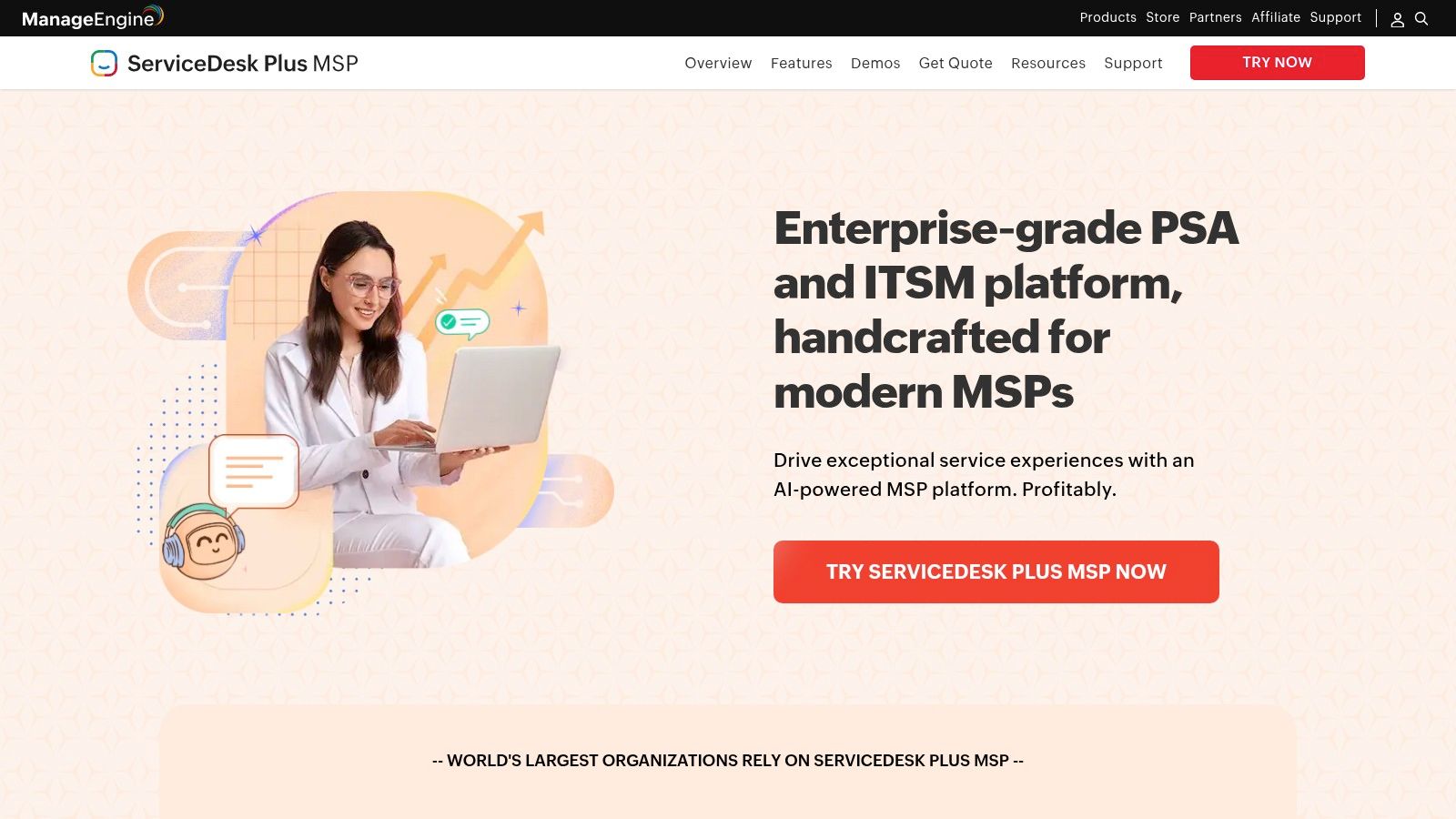
Because remote access is priced separately, the quote has two parts: the service-desk subscription, then session capacity on top of it. Confirm edition requirements and billing terms before treating any figure as a budget line.
Price simultaneous work, not just technician accounts
Concurrent-session licensing suits a provider whose technicians don't all connect at once. It becomes restrictive when several customers need live troubleshooting in the same busy window, because each simultaneous session consumes a paid slot.
- Base subscription: Technician counts, edition selection, and managed assets drive the service-desk bill.
- Remote-control layer: The add-on is priced by concurrent sessions and needs its own capacity calculation.
- Deployment: Cloud and on-premises options create different responsibilities for maintenance, access configuration, and administration.
Setup goes beyond installing remote-access software. Customer organizations, assets, permissions, and ticket workflows must stay correctly separated, or one client's session data can land in another client's account.
This fits an MSP that needs customer-aware service management across many accounts. It is a poor fit for a small company wanting occasional screen access from a shared support inbox. A useful purchasing exercise: model your busiest support hour and count how many simultaneous remote connections your technicians would need.
4. Zoho Desk + Zoho Assist
Businesses already using Zoho apps can pair Zoho Desk with Zoho Assist rather than replace the ticketing system. Desk handles the customer case, while Assist supplies remote-support capabilities.
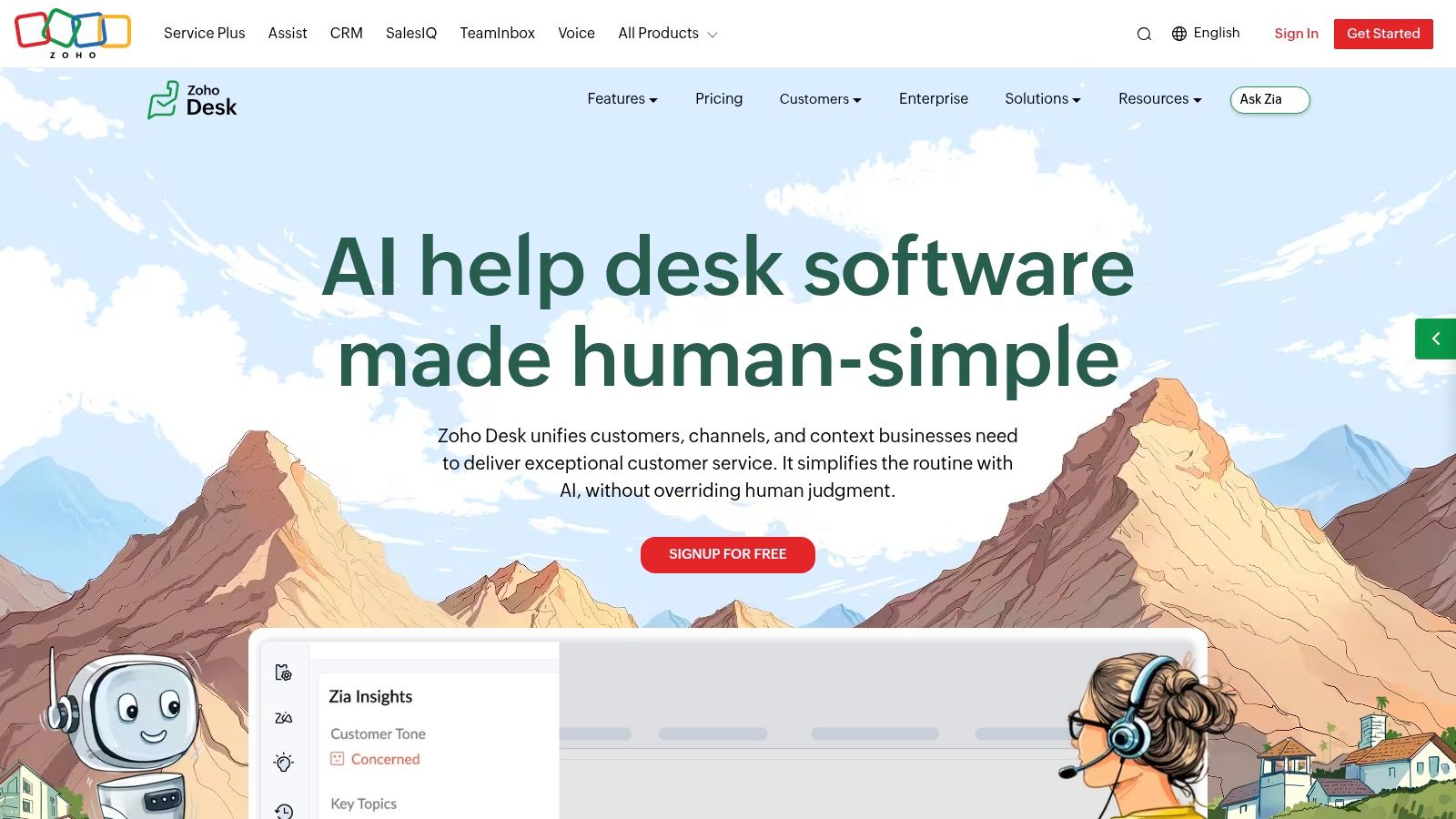
The integration supports starting or scheduling remote sessions from a ticket. Screen sharing, unattended access, session notes, and associated ticket updates can keep troubleshooting connected to the customer's support history.
Separate subscriptions require separate checks
Zoho Assist is an additional subscription, not remote control automatically included with every Desk purchase. Scheduling is limited to specified Desk editions, while integration availability and session capacity depend on the Assist plan.
- Setup effort: Authorize the connection, map technician access, and verify that session information reaches the intended ticket.
- Best use: Customer-support teams that need remote assistance without adopting a full endpoint-management platform.
- Limitation: The cheapest subscription to each product may not support the required combined workflow.
Cost position: TopToolAdvisor marks the Zoho Desk price as pending because the pricing page checked displayed INR rather than USD. Assist has a published entry price and trial availability, but a complete, date-checked US-dollar bundle price isn't established here.
Remote sessions should remain an escalation path, not replace reusable support content. Teams documenting repeated fixes can also compare the best knowledge base software for customer help centers and internal product documentation.
The pairing works best when the team values ticket context and already has a reason to remain within Zoho's ecosystem.
5. Freshdesk + Splashtop SOS
Freshdesk with Splashtop SOS fits customer-support queues, especially when agents need to troubleshoot a customer's computer without managing it permanently. Freshdesk handles the conversation; Splashtop supplies remote desktop support.
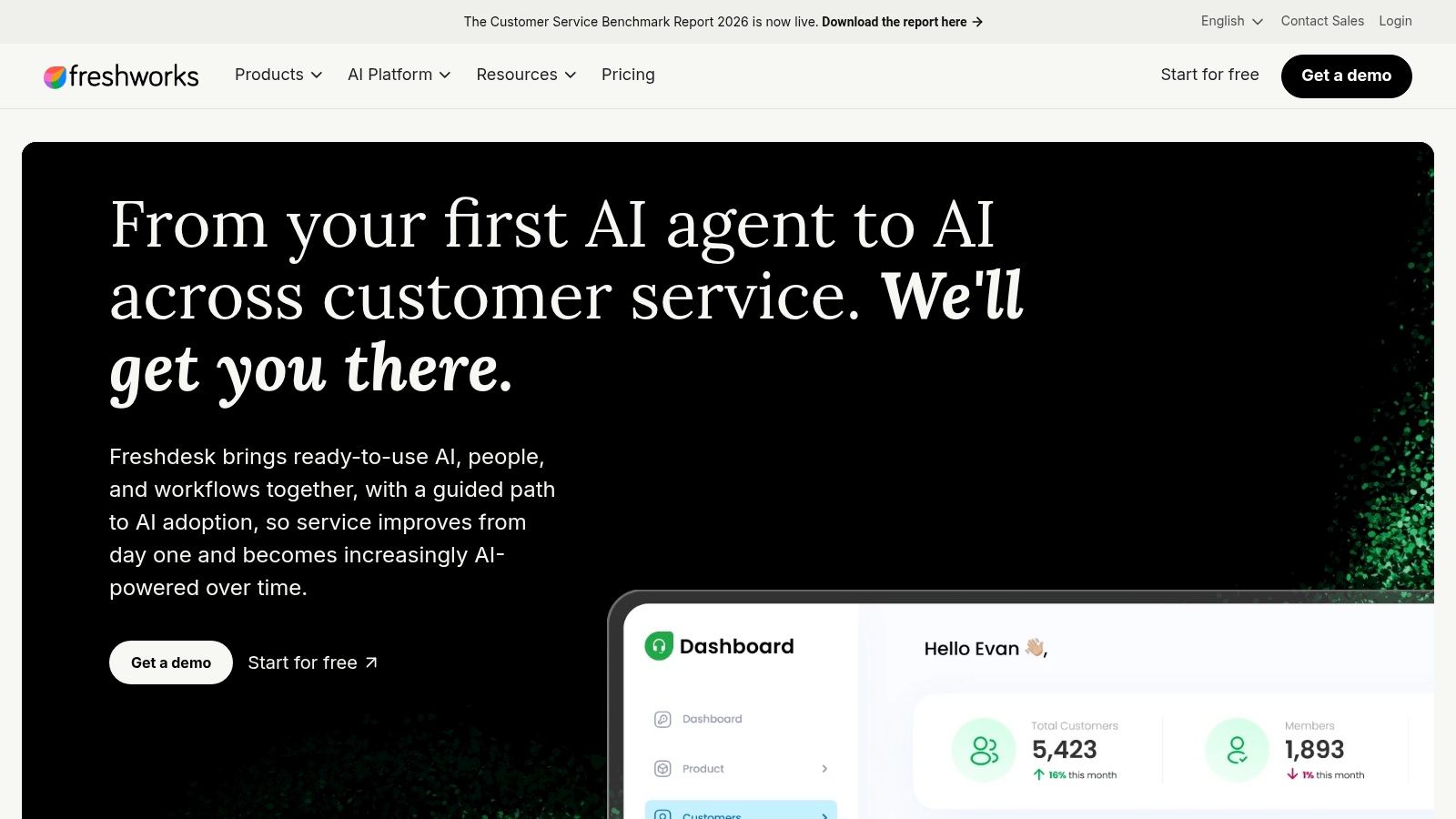
An agent can launch an on-demand session from a Freshdesk ticket without requiring a remote-access agent to be preinstalled for that workflow. The customer still participates in establishing the connection, and session details can be recorded in ticket history.
Count concurrent remote technicians separately
The Splashtop Remote Support pricing page, checked in 2026, lists SOS starting at $22 per month per concurrent technician, billed annually, while displaying annual totals of $259 or $399, depending on the selected offer. The selected annual offer and its device allowance therefore need confirmation before budgeting.
Freshdesk licensing is additional. A date-checked Freshdesk entry price isn't established here, so the combined subscription total remains incomplete.
- Useful tools: File transfer, remote reboot, and chat support troubleshooting beyond simple screen viewing.
- Setup work: Install and authorize the integration, assign remote-support licenses, and verify ticket logging.
- Trade-off: This pairing doesn't replace deep endpoint monitoring or IT asset administration.
The purchasing distinction is important: not every customer-service agent necessarily needs simultaneous remote access. Teams should compare their Freshdesk agent count with actual remote-session demand rather than automatically buying matching quantities.
6. Freshservice + GoTo Resolve
Internal IT teams with structured incident processes should consider Freshservice paired with GoTo Resolve. Freshservice manages the service request and incident workflow, while the remote-support component handles device-level troubleshooting.
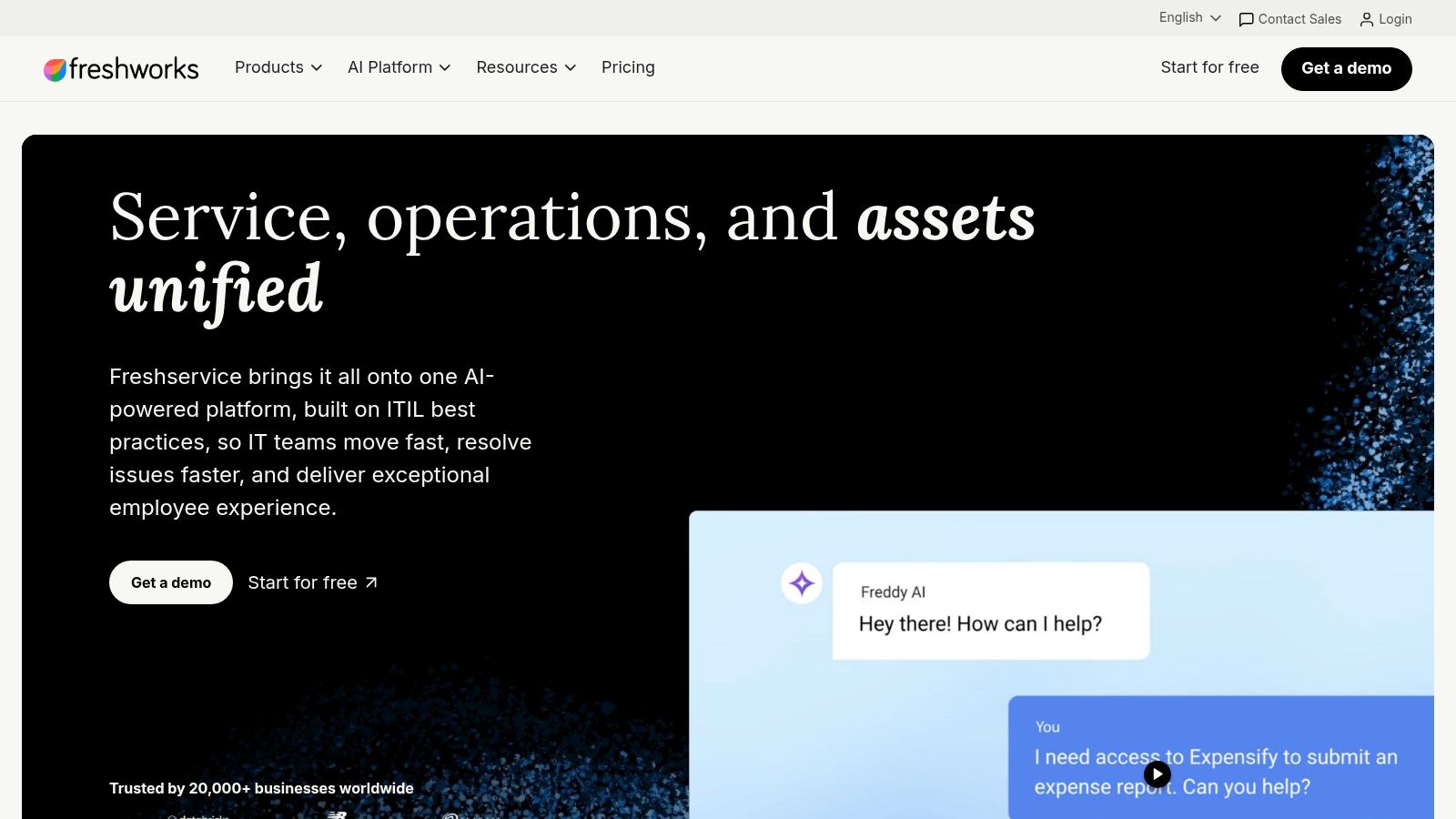
This is a different purchase from a customer-support inbox with screen sharing. The service portal and structured service-management processes are part of the value, but they also require configuration and ownership.
Keep incident ownership clear
A useful evaluation scenario starts with an employee submitting a service request. The assigned technician launches remote support, escalates if necessary, and returns the outcome to the incident record.
The connection itself isn't enough. The integration must preserve the relationship between the employee, affected device, incident, and technician action.
- Strength: Teams can select the ITSM and remote-support components independently.
- Setup effort: Configure the integration, align identities, assign licenses, and decide which session details belong in Freshservice.
- Limitation: Separate products introduce separate permissions and potentially separate renewal arrangements.
Cost position: Both subscriptions and their integration requirements need evaluation. A complete, date-checked US-dollar entry price for this pairing isn't established here.
Freshservice with GoTo Resolve makes sense when incident handling and service governance justify the extra process. A small team that mostly answers customer questions may find the administrative work disproportionate. The pairing is strongest when internal IT needs a durable service record, not merely a convenient screen-sharing link.
7. HappyFox Help Desk
An existing remote-support contract can be a reason to choose HappyFox Help Desk. Its integration options include LogMeIn Rescue, TeamViewer, BeyondTrust, and Splashtop, allowing teams to evaluate remote control without immediately replacing their current provider.
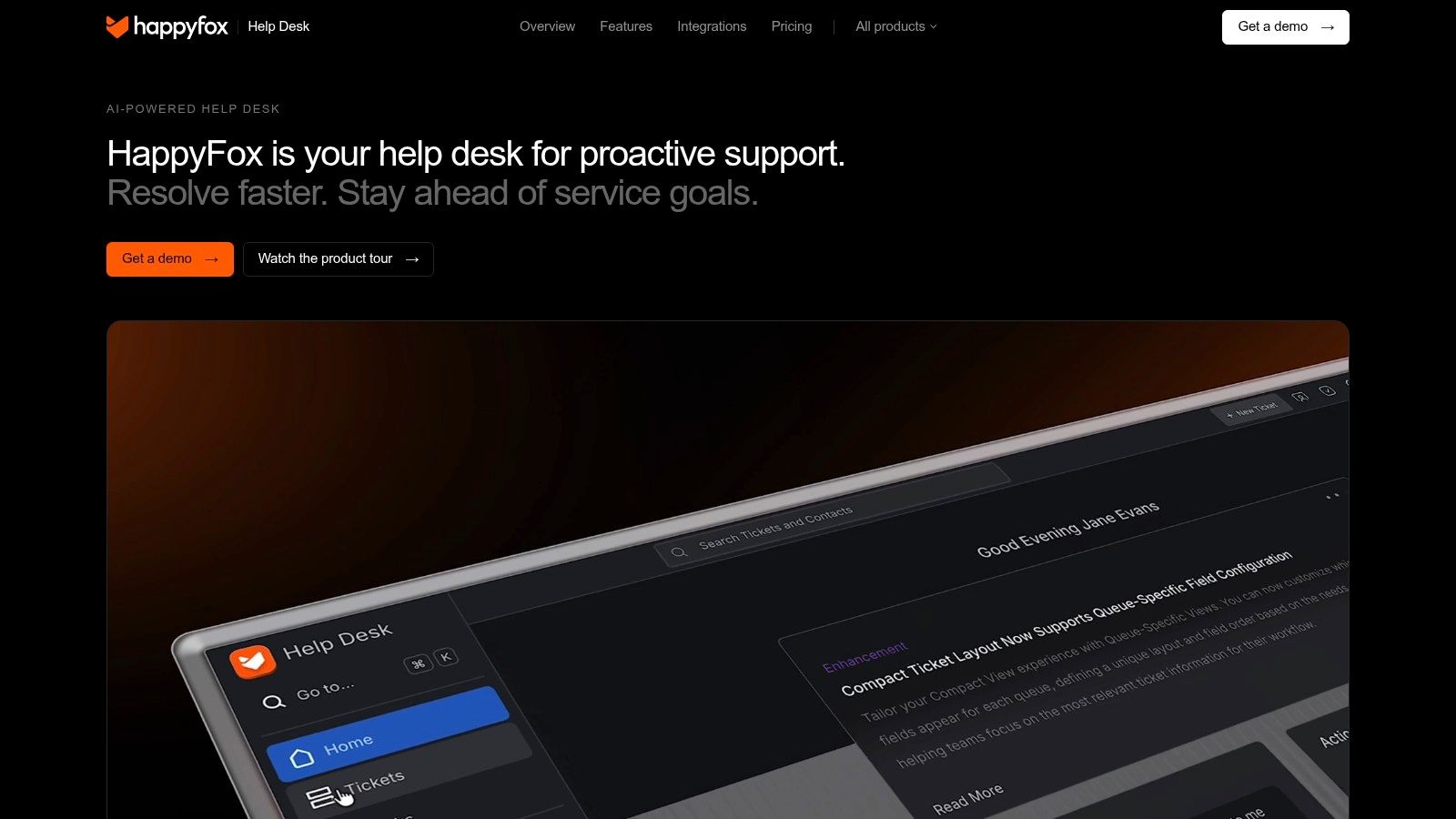
HappyFox supplies ticketing, SLAs, and a knowledge base. Remote control comes through a connected product, rather than being a universal built-in capability across every Help Desk plan.
Compare the integration, not just the provider name
A listed integration doesn't establish that every remote-support function is available inside the ticket. Buyers should verify session initiation, technician handoff, notes, recordings, and the information written back after disconnection.
Keeping an existing remote-support provider can reduce migration work, but only if the integration preserves the support record the team needs.
HappyFox offers agent-based and flat-price unlimited-agent structures. Its vendor documentation also describes migration assistance with annual subscriptions.
Cost position: A date-checked US-dollar entry price isn't established here. The full comparison must include the chosen HappyFox structure, the compatible remote-support subscription, and any integration requirements.
This flexibility suits teams with a specific reason to retain their remote-access provider. It's less attractive when the business has no existing contract and wants the smallest possible setup burden. Higher-tier help desk features and a separate remote-support bill can be difficult to justify for infrequent technical support.
8. Zendesk + remote-support integration
Existing Zendesk customers usually have more reason to add remote support than replace their help desk. Zendesk provides multichannel customer-service workflows, while a compatible marketplace app supplies device-level assistance.
RemotePC HelpDesk describes starting remote-support sessions from ticket context, and Splashtop also lists Zendesk integration support. Capabilities and licensing differ by provider, so the marketplace listing is the beginning of the evaluation, not the complete specification.
RemotePC provides a documented cost reference
The RemotePC HelpDesk vendor page, checked in 2026, lists $99.50 per year for one technician and a promotional first-year price of $9.95. That remote-support charge is separate from Zendesk licensing, and the promotional figure shouldn't be treated as the continuing annual cost.
RemotePC includes consent-based file transfer, session recording, notes, logs, multi-monitor access, and simultaneous sessions. Its customer-side software is automatically deleted when the session ends.
- Setup effort: Install the app, authorize access, assign technician identities, and verify ticket association.
- Best fit: An established Zendesk team adding occasional technical troubleshooting.
- Trade-off: Separate licensing and provider-specific integration behavior remain part of the operating model.
A date-checked Zendesk entry price isn't established here, so a complete bundle total remains pending. Teams planning their wider channel mix can consult the Customer Service Software Statistics page alongside the product evaluation.
The decision should turn on workflow continuity and access controls, not merely whether an app can launch a session.
9. Jira Service Management + Splashtop
For teams already working in Atlassian's ecosystem, Jira Service Management with Splashtop can add remote support without replacing established service workflows. Jira Service Management handles requests and incidents; Splashtop enables remote sessions from the Jira workflow.
The fit is strongest when IT and development teams already depend on Jira for ownership, escalation, and issue tracking. A business without that foundation should account for the configuration effort rather than treating ecosystem breadth as an automatic benefit.
Preserve the service record
The setup should connect the remote session to the correct request and technician. Teams also need to decide which troubleshooting details belong in customer-visible comments and which belong in internal notes.
- Plan choices: Atlassian offers Free, Standard, Premium, and Enterprise options, including a Free tier for qualifying small teams.
- Separate entitlement: Splashtop requires its own subscription and integration setup.
- Administrative cost: Queues, workflows, permissions, and automation rules require ongoing ownership.
Cost position: The combined cost includes Jira agent licensing and separate remote-support licensing. A complete, date-checked US-dollar entry price isn't established here, and agent count can affect the Jira subscription.
This pairing works when remote support is another action within an established incident process. It's harder to justify when a small customer-service team only needs email, chat, phone, and occasional screen access. In that situation, configuring Jira can introduce more process than the support workload requires.
10. Syncro
Syncro is primarily an MSP operations platform, combining ticketing and professional-services automation with RMM and remote-access tools. It belongs in this comparison when technicians manage customer devices and service operations, not just customer conversations.
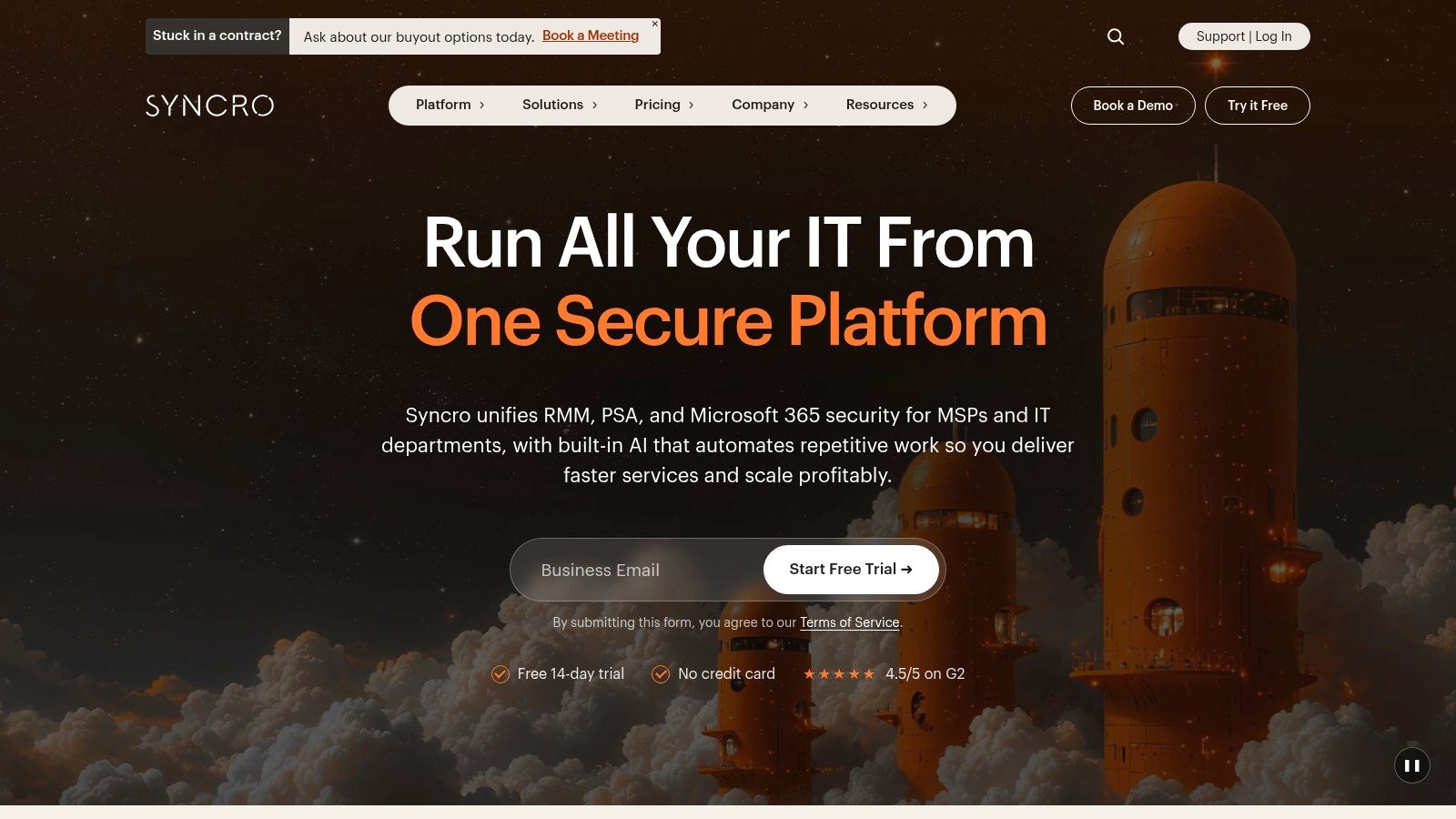
Remote control here arrives through two different routes. Enrolled endpoints get persistent access through the platform's RMM layer, and Splashtop SOS has been offered as an optional integration for attended, one-off sessions. That split matters when an MSP must help a first-time customer whose device hasn't been enrolled in its managed environment.
Separate managed-device access from attended support
Persistent access to an enrolled endpoint and an on-demand customer session solve different problems. A general remote-access entitlement does not automatically cover every attended-support workflow, so buyers should confirm both paths before committing.
- Operational fit: Ticketing, endpoint management, and MSP business functions sit within the broader platform.
- Setup effort: Enroll managed devices, organize customer accounts, configure technician permissions, and confirm the attended-support integration.
- Commercial terms: Confirm current SOS availability, trial terms and pricing directly with Syncro before budgeting.
Cost position: A current, date-checked US-dollar subscription total isn't established here. The evaluation also needs to establish whether the intended SOS workflow requires an additional purchase on top of the platform subscription.
Syncro makes sense when a business wants to manage devices and customer service operations together. It is less suitable for a general customer-service department that doesn't need RMM or MSP business processes. The bundled platform only pays off when technicians will use those functions.
Remote control model, trial options and price notes for each help desk
Remote control can be included in the help desk, paired with a separate support product, or sold as part of an MSP platform. That choice affects both setup and total cost. The table separates each model and keeps trial availability distinct from pricing.
| Item | Remote control model | Free plan or trial | Published price note | Best for |
|---|---|---|---|---|
| Atera | Remote access built into its managed-endpoint platform | 30-day free trial | Per technician, with unlimited endpoints | IT teams managing many devices |
| GoTo Resolve | Built-in attended and unattended support | Free plan; check its limits against the required workflow | Paid price not established here | Teams seeking ticketing and remote support in one product |
| ManageEngine ServiceDesk Plus MSP | Remote control available as an add-on | Trial terms not established here | $315 per concurrent session per month; confirm edition and billing terms | MSPs needing customer-aware service management |
| Zoho Desk + Zoho Assist | Separate products linked to support tickets | Zoho Assist offers a 15-day trial | Zoho Assist has a published entry price; combined cost depends on the selected plans | Businesses already using Zoho apps |
| Freshdesk + Splashtop SOS | Separate remote-support product launched from tickets | Trial terms not established here | Freshdesk uses per-agent pricing; Splashtop SOS adds a separate license | Customer-support teams troubleshooting device issues |
| Freshservice + GoTo Resolve | Separate ITSM and remote-support products | Trial terms not established here | Total cost depends on both products and plans | Internal IT teams with structured incident workflows |
| HappyFox Help Desk | Third-party remote-support integrations | Trial terms not established here | Public pricing includes per-agent and unlimited-agent options; integration costs depend on the provider | Teams choosing among remote-support providers |
| Zendesk + remote-support integration | Third-party app or separate remote-support product | Trial terms not established here | Remote-support licensing is separate; cost depends on the provider | Existing Zendesk teams needing occasional remote support |
| Jira Service Management + Splashtop | Separate remote-support product integrated with Jira | Free tier available to qualifying small teams | Jira pricing varies by agent count and plan; Splashtop is a separate cost | IT or development teams using Atlassian |
| Syncro | RMM platform with remote access and optional Splashtop SOS | Trial access available | Confirm current SOS terms and total cost | MSPs combining ticketing and endpoint management |
A built-in option can simplify purchasing, while a separate product may fit teams that already use a help desk. For MSP platforms, compare the remote-control entitlement with the work technicians will perform. Trial availability does not establish that every integration or support workflow is included.
Match Remote Control to Your Support Volume
Remote control reaches a help desk in three ways, and each bills differently. Built-in access puts sessions and tickets on one subscription. A paired remote-support product adds a second license on top of the ticketing tool. An MSP platform bundles remote sessions with monitoring and endpoint management, priced for a different job entirely. The right model follows the work technicians do, so size the purchase around concurrent sessions and managed devices.
Support teams running mixed email, chat, and phone queues without an established stack gain the most from built-in remote control, as long as the channel coverage fits the queue. GoTo Resolve is the first product to check for a smaller consolidated setup.
Teams already on a ticketing system keep more of their workflow with a paired product. Freshdesk with Splashtop SOS, Zoho Desk with Zoho Assist, and Zendesk with a compatible app each leave the existing queue in place and attach a session tool. Freshservice and Jira Service Management pairings pay off where internal IT processes already shape the support operation.
Match the license to actual demand
Atera, Syncro, and ManageEngine ServiceDesk Plus MSP answer a different question. An MSP or RMM platform earns its price when technicians run many endpoints, several customer environments, or recurring maintenance. A single internal support queue buys capacity it will not use.
- Occasional customer troubleshooting: attended access, clear consent prompts, and session details linked back to the ticket.
- Recurring device maintenance: unattended access, device scope, technician permissions, and revocation controls.
- Busy support periods: concurrent-session capacity measured against the number of technicians who connect at once.
- Complete subscription cost: the help desk plan, remote-support entitlement, managed-device allowance, add-ons, and renewal terms.
Security works as an operating process. Encryption protects the connection. Technician identities, least-privilege permissions, session records, and prompt offboarding decide whether access stays governable.
Buying test: the team should be able to show who accessed a device, which ticket justified the connection, what record remains, and how access is revoked.
Judge a demonstration by one real support scenario: open the ticket, get consent, connect, hand the session off, reconnect after a reboot, then check the history it left. A feature checkbox proves nothing about that sequence.
The shortlist was last updated on November 5, 2026, and its next review is scheduled for December 20, 2026. Where a vendor page showed a pending price, the charge is unconfirmed. Unknown is not free.
Before committing, compare the team's channel needs against TopToolAdvisor's Customer Service Software Statistics page, which holds 54 sourced figures on AI adoption, chatbots, channels, response times, and agents. Then take the chosen configuration to the named vendor and get written confirmation of the base subscription, remote-control add-on, concurrency limits, unattended-device allowance, and renewal price before approving the purchase.
Questions or corrections: editorial@toptooladvisor.com