Guide · General
10 Marketing Automation Tool Options Compared for 2026
Compare 10 marketing automation tool options for 2026, including Brevo, Mailchimp, Klaviyo and Keap, with features, setup effort and vendor-checked prices.
By the TopToolAdvisor research desk · Updated November 22, 2026 · 13 min read
A small team has a few thousand contacts, a product to sell and nobody whose full-time job is email. The next campaigns are already taking shape: a welcome sequence, a product announcement and follow-up for people who showed interest but didn't buy. The team needs a marketing automation tool that one person can run alongside everything else.
ActiveCampaign fits customizable journeys. HubSpot fits CRM-connected marketing. Brevo fits multichannel sending. For online stores, Klaviyo and Omnisend deserve an early look. Mailchimp and MailerLite suit email-first work, while Customer.io, GetResponse and Keap cover different mixes of lifecycle messaging, lead capture and sales follow-up.
The practical distinction is what must happen before a campaign can run. A newsletter needs a permissioned list and a working template. Purchase-triggered messages need reliable store events. Product onboarding needs customer activity data. Sales follow-up needs clear ownership and accurate pipeline stages.
Buying rule: Choose the platform that supports the next campaigns with the least ongoing administration, not the platform with the longest feature list.
Each entry below states the setup effort and the price of the first plan that supports useful automation, which often costs more than the advertised entry price. Confirm current rates, billing terms, contact allowances and messaging charges on the vendor's page before buying.
Table of Contents
- 1. ActiveCampaign
- 2. HubSpot Marketing Hub
- 3. Brevo
- 4. Mailchimp
- 5. Klaviyo
- 6. Customer.io
- 7. GetResponse
- 8. Omnisend
- 9. MailerLite
- 10. Keap
- Listed starting prices, free plans and best-fit buyers for the 10 marketing automation tool options
- Choose the Smallest Tool That Covers Your Next Two Campaigns
1. ActiveCampaign
ActiveCampaign fits small and midsize businesses that need branching customer journeys, rather than a newsletter followed by a fixed sequence. Its combination of email campaigns, segmentation and visual workflows suits businesses prepared to maintain the logic behind their follow-up.
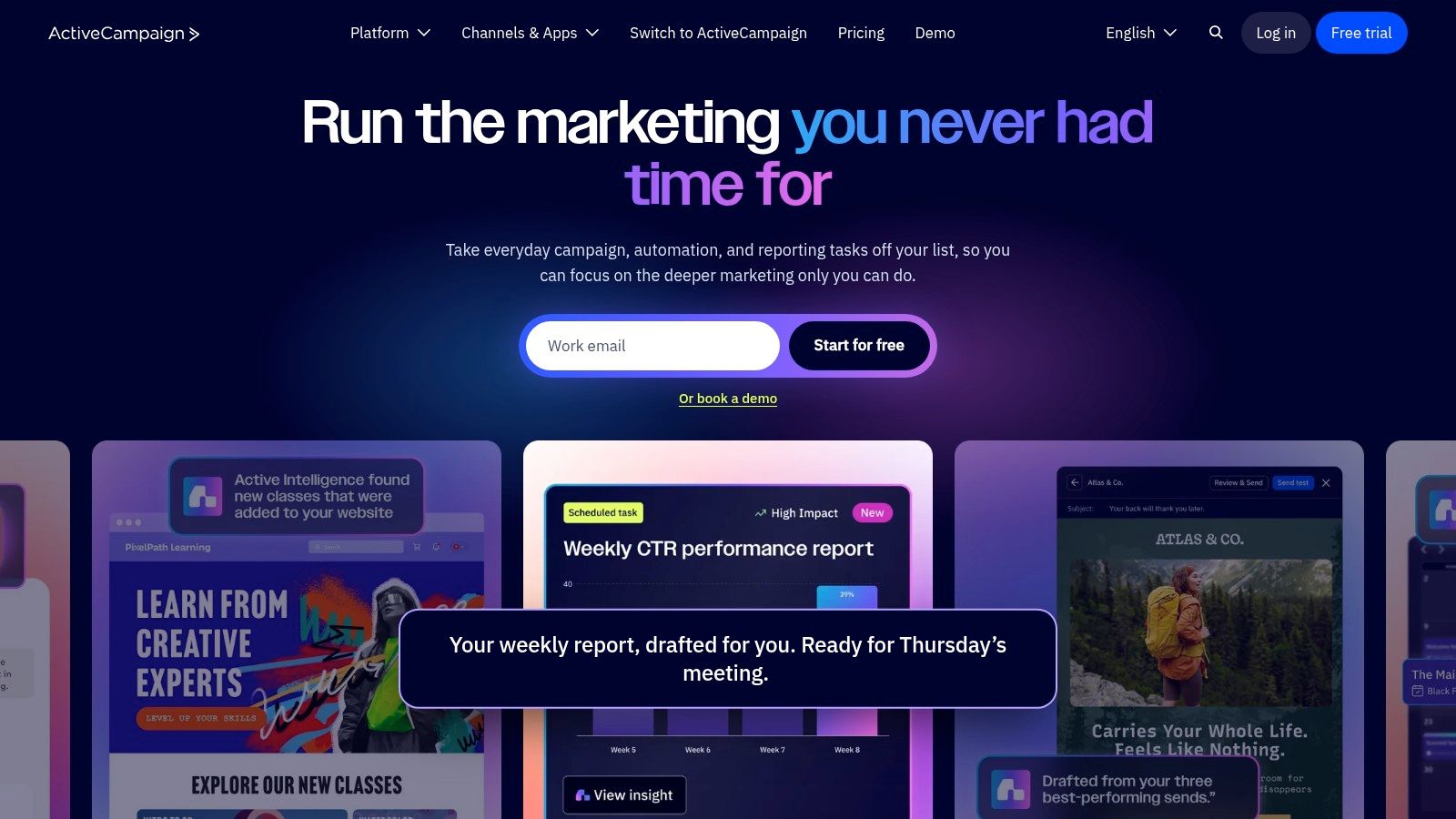
A service business could separate new inquiries by interest, send relevant information and stop promotional follow-up when a salesperson takes over. Conditional logic makes that possible, but somebody must define the conditions and keep CRM fields consistent.
Setup effort is moderate. Contact cleanup, field mapping and workflow testing matter more than choosing a template. CRM and ecommerce integrations expand its usefulness, although advanced functions and support depend on the selected plan.
Where the extra flexibility pays off
- Useful features: Multi-step workflows, conditional logic, personalization, forms, landing pages and integrations support varied customer journeys.
- Main advantage: Marketing follow-up can respond to customer behavior instead of sending everyone through the same sequence.
- Main trade-off: Flexible workflows create more rules to document, test and maintain.
Listed vendor entry price: ActiveCampaign states pricing starts at $15 for accounts with fewer than 1,000 contacts in its FAQ; a dated verification isn't documented. That entry amount shouldn't be treated as a quote for every workflow described above.
The first useful plan is the one that includes the required branching, integrations and sales functions. A buyer should submit an actual workflow for plan confirmation rather than compare the entry price alone.
2. HubSpot Marketing Hub
A business already using HubSpot CRM can keep marketing activity alongside the contact records sales and service teams use. That shared view is the main reason to consider Marketing Hub; it is less compelling for teams that only need scheduled newsletters.
Email campaigns, forms, lead capture and reporting cover core marketing work. Setup effort ranges from modest to substantial: basic campaigns are straightforward, while lifecycle stages, ownership rules, CRM migration and advanced workflows need agreement across departments.
A shared CRM helps only when teams agree on what qualifies a lead and who follows up.
Budget for the automation tier
Listed vendor prices: HubSpot Marketing Hub is listed at $800 per month for Professional, with a $3,000 one-time onboarding fee, and $3,600 per month for Enterprise.
Free tools offer an entry point, but they do not provide the advanced automation and reporting available on paid tiers. Professional is the relevant budgeting reference for deeper automation. Check current plan inclusions and billing terms before choosing it.
HubSpot's breadth can reduce tool switching, but it adds little value if the team does not need CRM-connected marketing functions. Compare the first useful plan against the workflows you intend to run, not just the platform's range of features.
3. Brevo
Brevo fits a small business that wants email and SMS within the same marketing platform. It's a practical shortlist candidate when sending volume and channel mix matter as much as contact-list size.
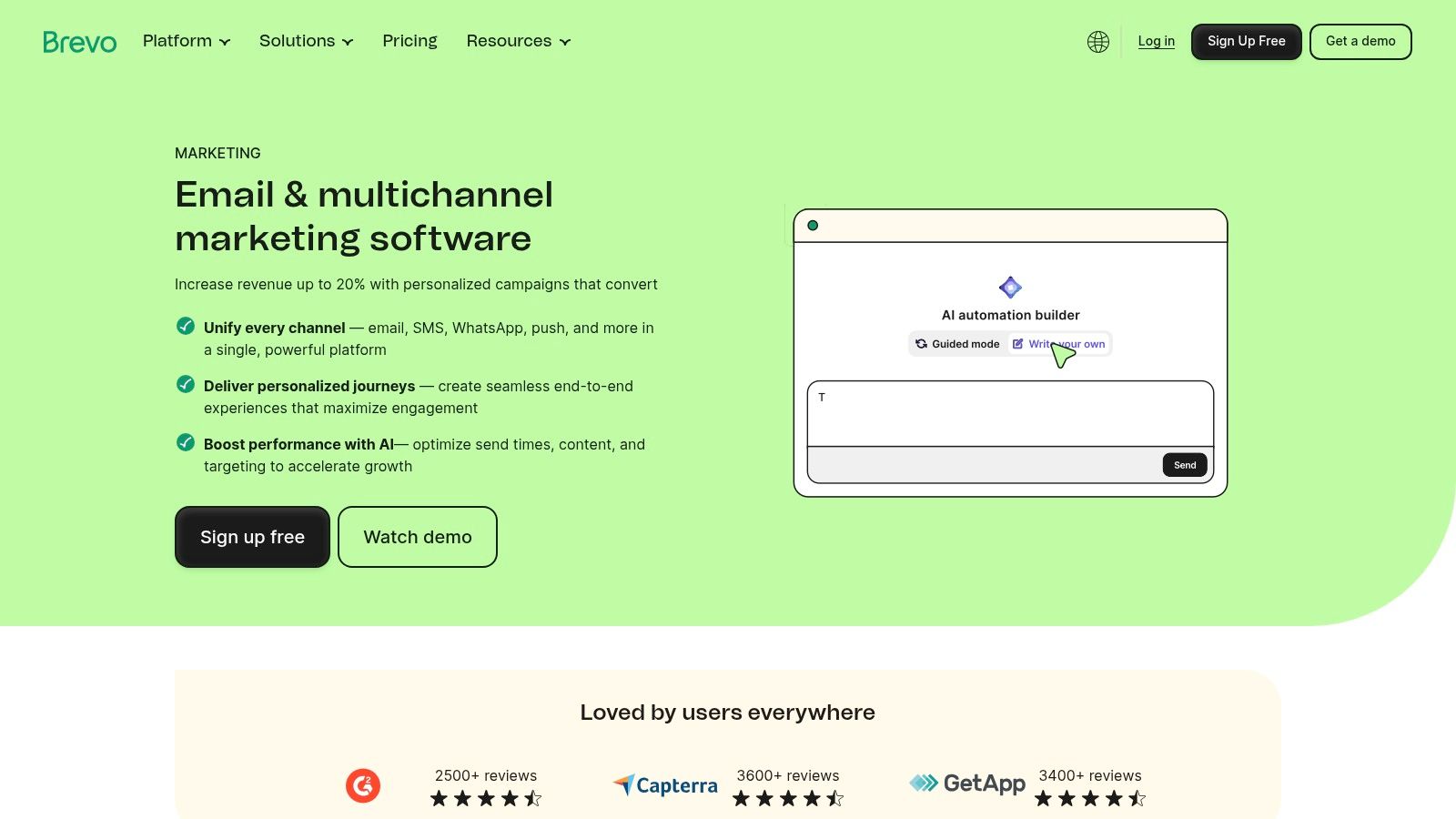
The platform combines campaigns, segmentation and automation with web or event tracking. A/B testing and landing-page capabilities broaden its role beyond sending announcements, although buyers should confirm which features belong to the selected tier.
Setup effort is low to moderate for email, and higher for behavioral automation. Importing a permissioned list is different from reliably capturing website activity. SMS also needs separate attention to consent, destination coverage and usage charges.
- Useful starting point: Email campaigns and forms support basic list-building and regular communication.
- Automation fit: Standard includes unlimited automated workflows in the listed configuration.
- Cost risk: Email limits, SMS charges and add-ons can change the effective monthly bill.
Listed vendor prices: Brevo lists Starter at $9 per month and Standard at $18 per month on monthly billing; a current dated vendor verification isn't documented. Standard is the relevant first useful plan for marketing automation, rather than Starter.
The free tier suits basic evaluation, not an assumption that every planned campaign will fit. Brevo deserves consideration when a team wants several communication channels without adopting a broader enterprise marketing system.
4. Mailchimp
Mailchimp suits teams that put newsletters and promotional email first, with templates, audience tools and automated follow-up in the same campaign platform. Creators, consultancies and small retailers can use it without adopting a full sales CRM.
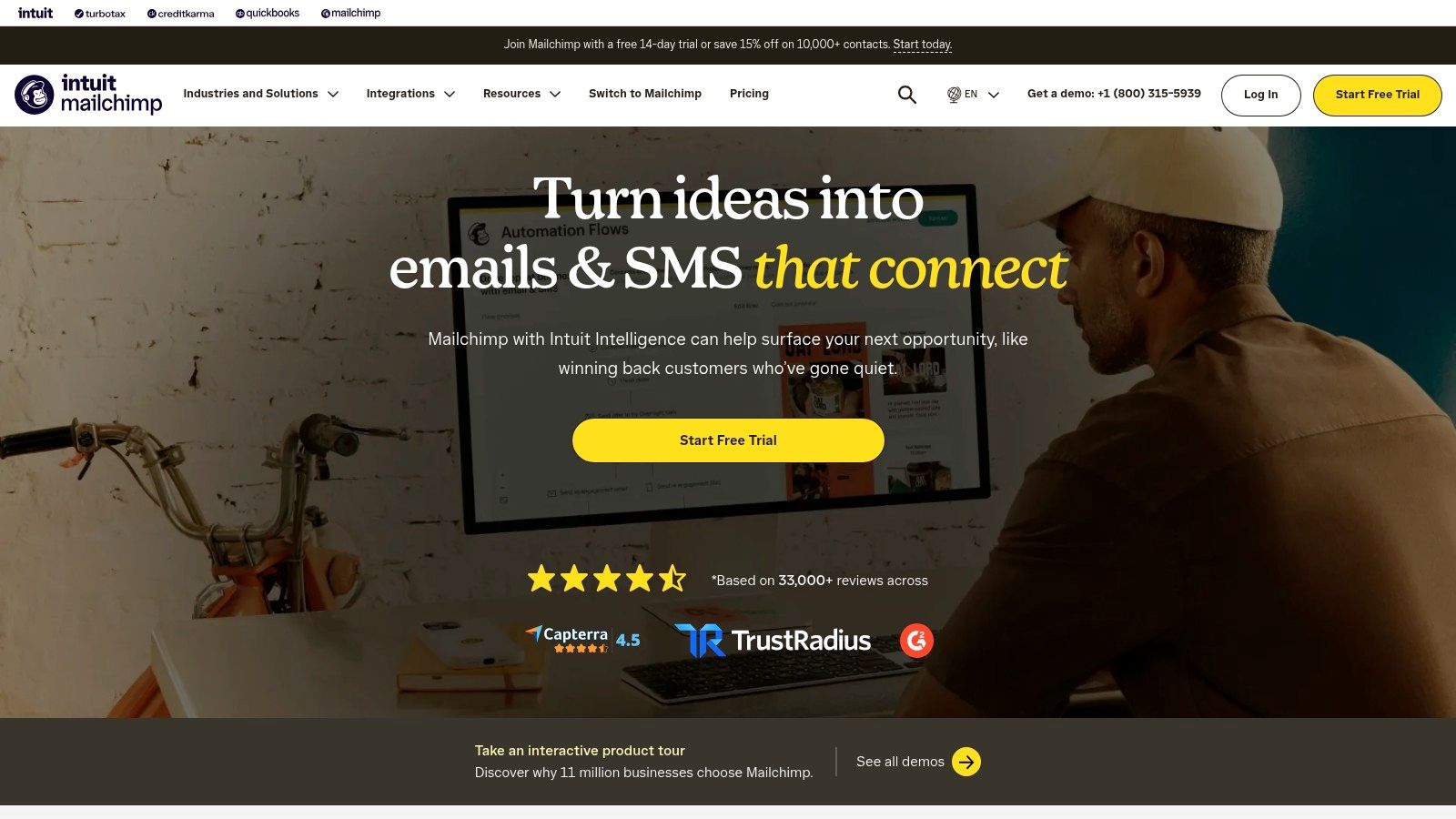
The campaign editor, segmentation and analytics support recurring sends. Automated customer flows add follow-up, and eligible plans include AI-assisted content features. These tools help with drafting, but audience selection and a clear offer still determine whether a message fits its recipients.
Start with the audience structure
Setup effort is low to moderate. Organize contacts before building flows: inconsistent tags, overlapping lists and manual exclusions make it harder to target the right people. Decide how to identify customers, prospects and inactive subscribers, then map those groups to campaigns.
Listed vendor prices: Mailchimp lists Essentials from $13 per month and Standard from $20 per month for a 500-contact configuration. Standard is the more relevant starting point when campaigns need branching automation, though workflow allowances vary by plan.
Costs can rise as the audience grows. Check contact and sending limits, potential overages and the automation depth included in the chosen tier before committing. TopToolAdvisor's email marketing statistics offer context for campaign planning; the practical test is whether Mailchimp can target the intended audience, stop messages at the right point and report results without spreadsheet work.
5. Klaviyo
Klaviyo fits ecommerce businesses that want purchase behavior to drive targeting and follow-up. Its customer profiles and commerce integrations make it more relevant to a store than to a business whose only customer information is an email address.
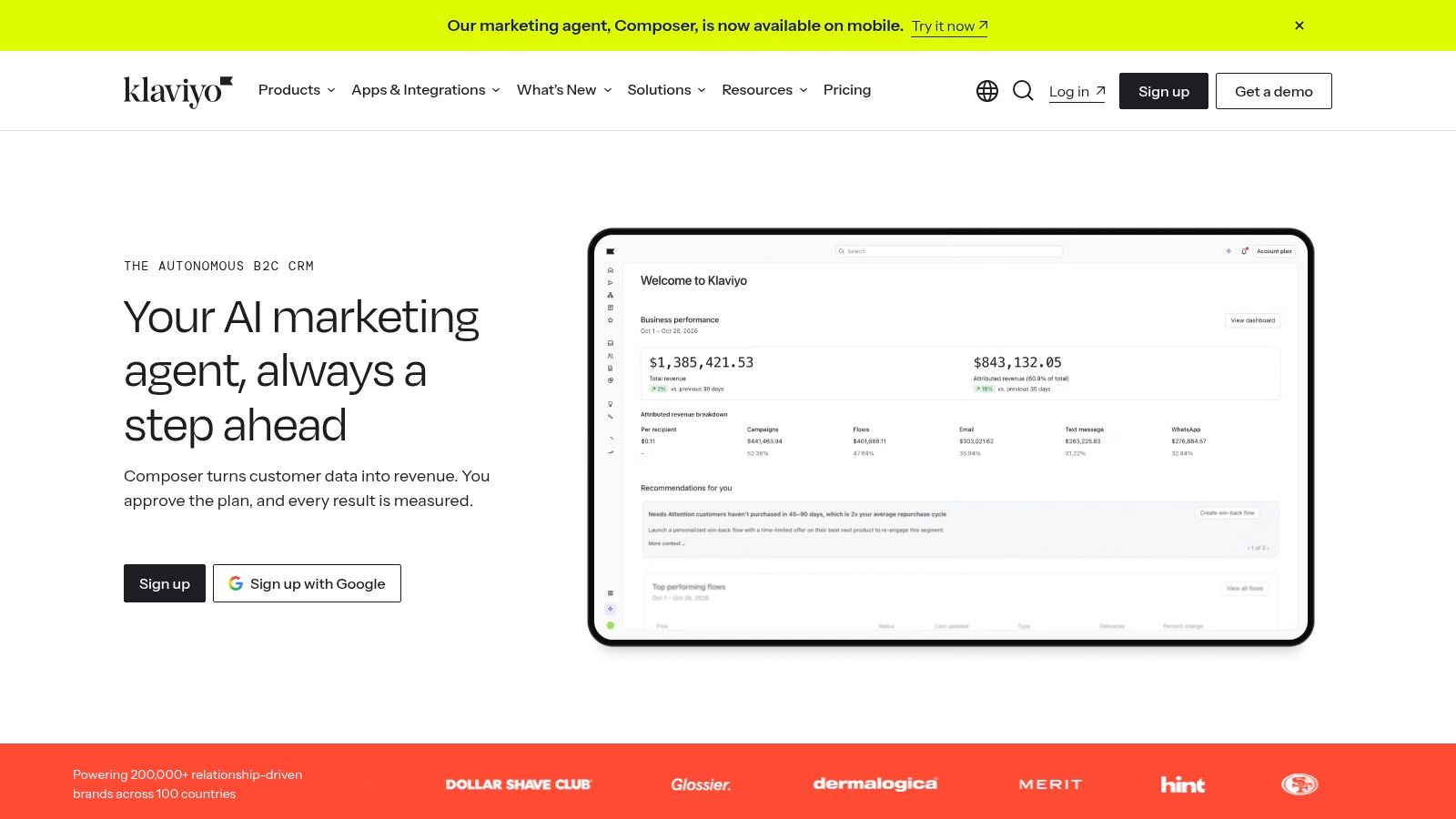
A store selling replenishable products could distinguish recent buyers from customers due for another purchase. Email and SMS campaigns can then use customer activity and segmentation instead of treating every subscriber as equally ready to buy.
Setup effort is moderate. Connecting the store is only the beginning. Product, order and customer events need checking, and the team should test whether purchasers leave promotional flows at the right moment.
- Strong fit: Purchase-driven personalization, customer profiles, automated flows and ecommerce reporting.
- Useful entry: Basic segmentation and automation are available on the free plan.
- Scaling trade-off: Audience growth and mobile messaging needs affect pricing.
Listed vendor free-plan allowance: Klaviyo includes 250 active profiles and 500 email sends per month, with free-user human support limited after the first 60 days; a dated vendor verification isn't documented.
That free plan can support a small evaluation. For the larger contact list described at the outset, the first useful paid-plan cost requires a profile-based quote. Klaviyo is worth that evaluation when store data will shape campaigns, not merely decorate a newsletter.
6. Customer.io
A software company could send onboarding guidance after registration, adjust the sequence once a customer completes an important action and stop reminders when the task is done. Customer.io fits product-led businesses that trigger messages from customer behavior; its strongest use case is lifecycle communication tied to what someone does inside a product.
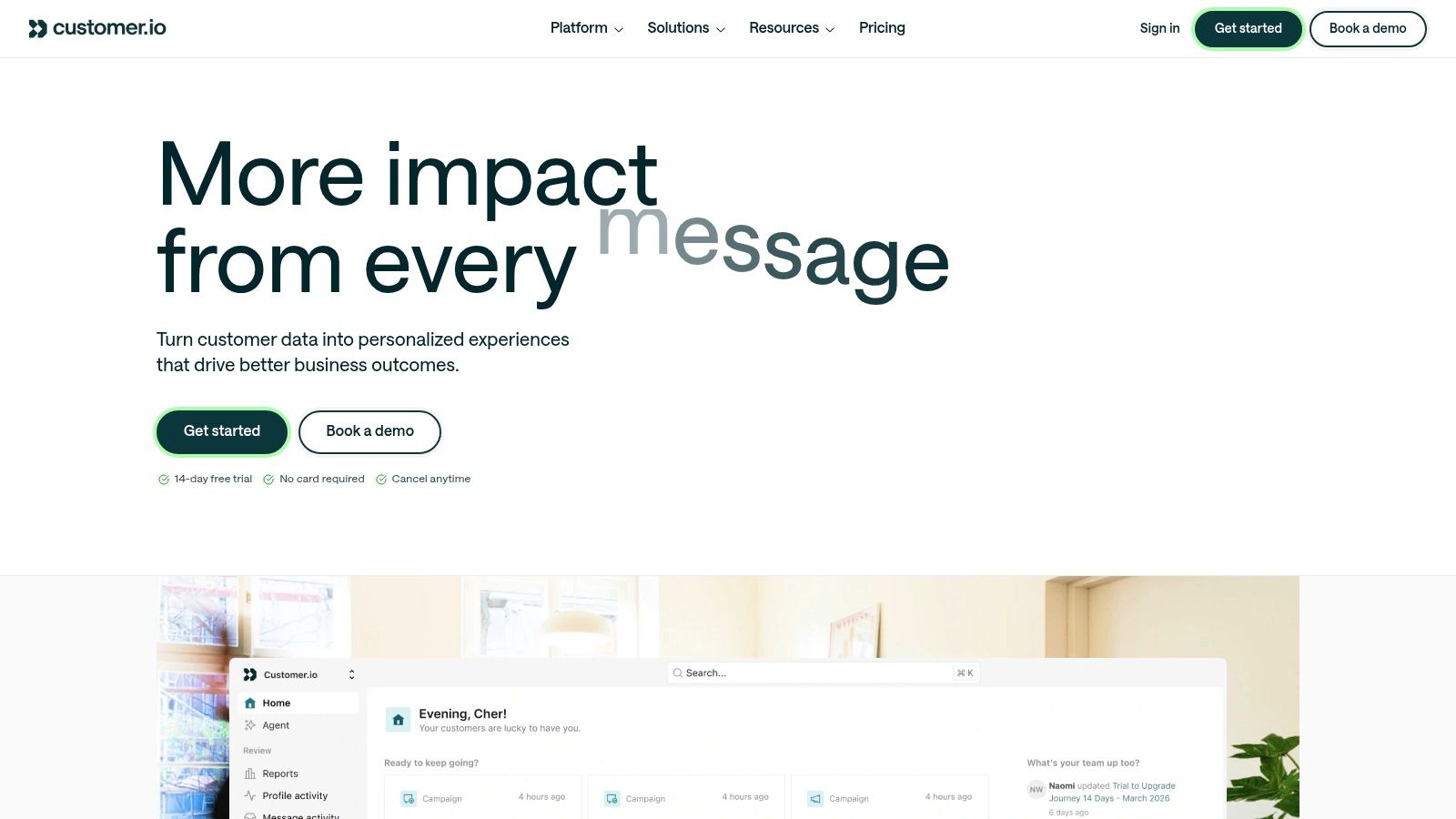
The visual workflow builder supports that kind of messaging, provided the underlying events are reliable. When signup, feature use and account events arrive with consistent identifiers, campaigns can react to each customer's actual progress through the product.
Setup effort is relatively high when product instrumentation doesn't already exist. Marketing needs agreement with whoever maintains customer identifiers, event payloads and profile attributes. The builder simplifies campaign construction; it can't repair missing activity data.
The data work comes first
Listed vendor prices: Customer.io lists Essentials from $100 per month, billed monthly, for 5,000 profiles, and Premium from $1,000 per month, billed yearly; Enterprise pricing is custom.
Essentials is the first useful pricing reference for a team ready to build behavioral messaging, and its 5,000-profile allowance gives a small user base room to segment before costs rise. Premium suits businesses with more complex profile and object requirements, but those structures should follow a need the data already shows.
Behavioral orchestration is a different job from scheduled campaigns, and the marketing automation explainer separates the two. Customer.io belongs on the shortlist when a business needs event-driven messaging and has someone responsible for keeping its data connections healthy.
7. GetResponse
GetResponse suits small businesses and creators who want email campaigns, signup forms and landing pages in one tool. It works well when one person owns both lead capture and follow-up.
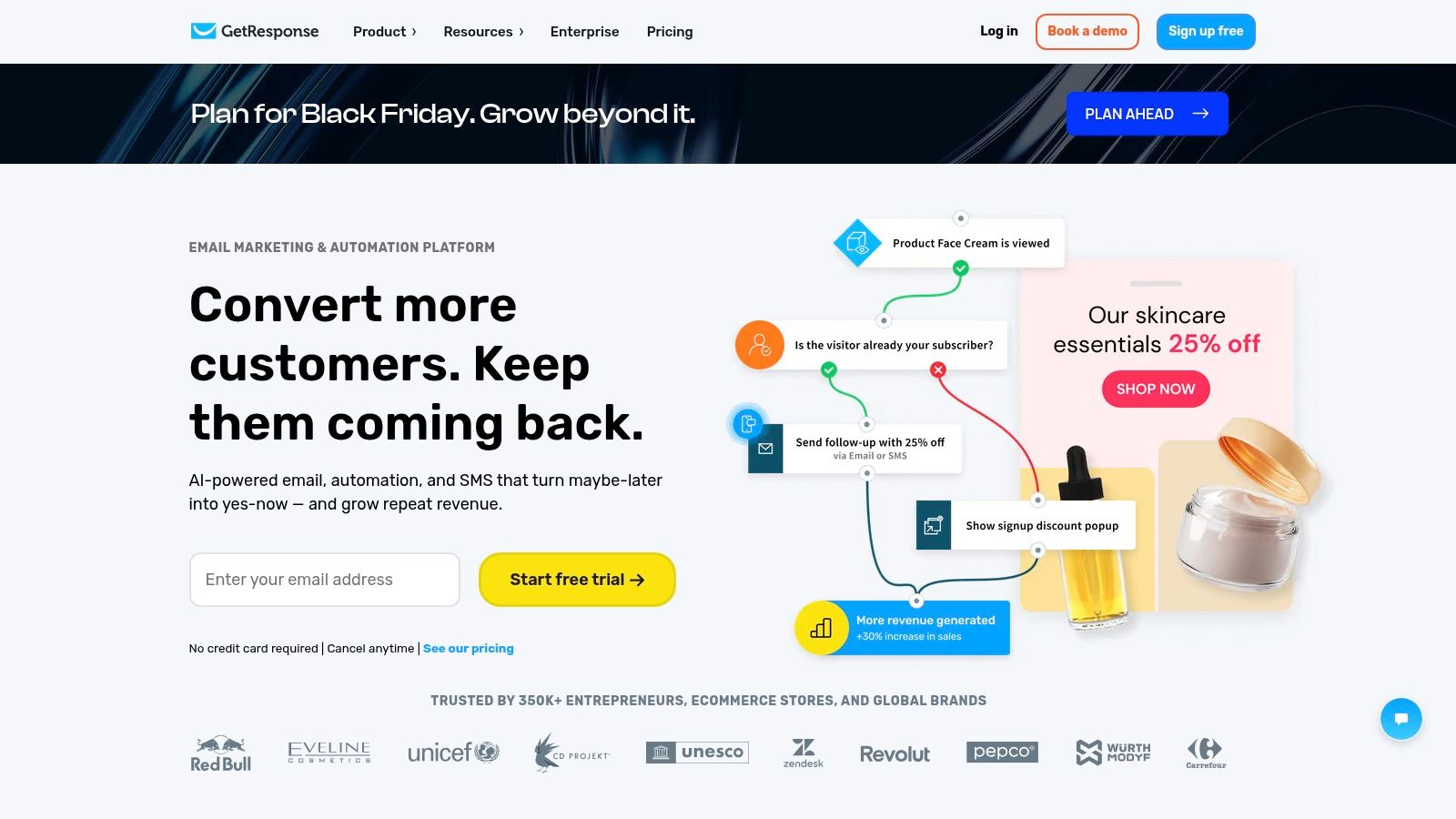
A course creator can publish a signup page, send introductory content and follow up with interested subscribers. Keeping these tasks together reduces handoffs. The number of workflows available determines how many journeys the team can run.
Setup effort is low to moderate. Plan for forms, page publishing, domain configuration and audience organization before testing campaigns. More advanced segmentation also depends on consistent contact fields and clearly defined customer groups.
- Starter fit: Basic lead capture and a contained follow-up program.
- Marketer fit: Several concurrent journeys and more advanced segmentation.
- Main limitation: Starter's one-workflow allowance may restrict expansion before the email editor does.
Listed vendor prices: GetResponse lists Starter at $19 per month or $15.58 per month billed annually, including one custom automation workflow, and Marketer at $59 per month or $48.38 per month billed annually, with unlimited workflows.
Both plans include unlimited monthly email sends, though list-size and billing conditions still need confirmation. Starter suits a contained automation job; Marketer is the relevant comparison for broader ongoing automation.
8. Omnisend
Omnisend suits online stores that need ecommerce follow-up through email, SMS and web push. Its narrower focus works in its favor when the job is to trigger campaigns from store activity, rather than manage a broad marketing or sales operation.
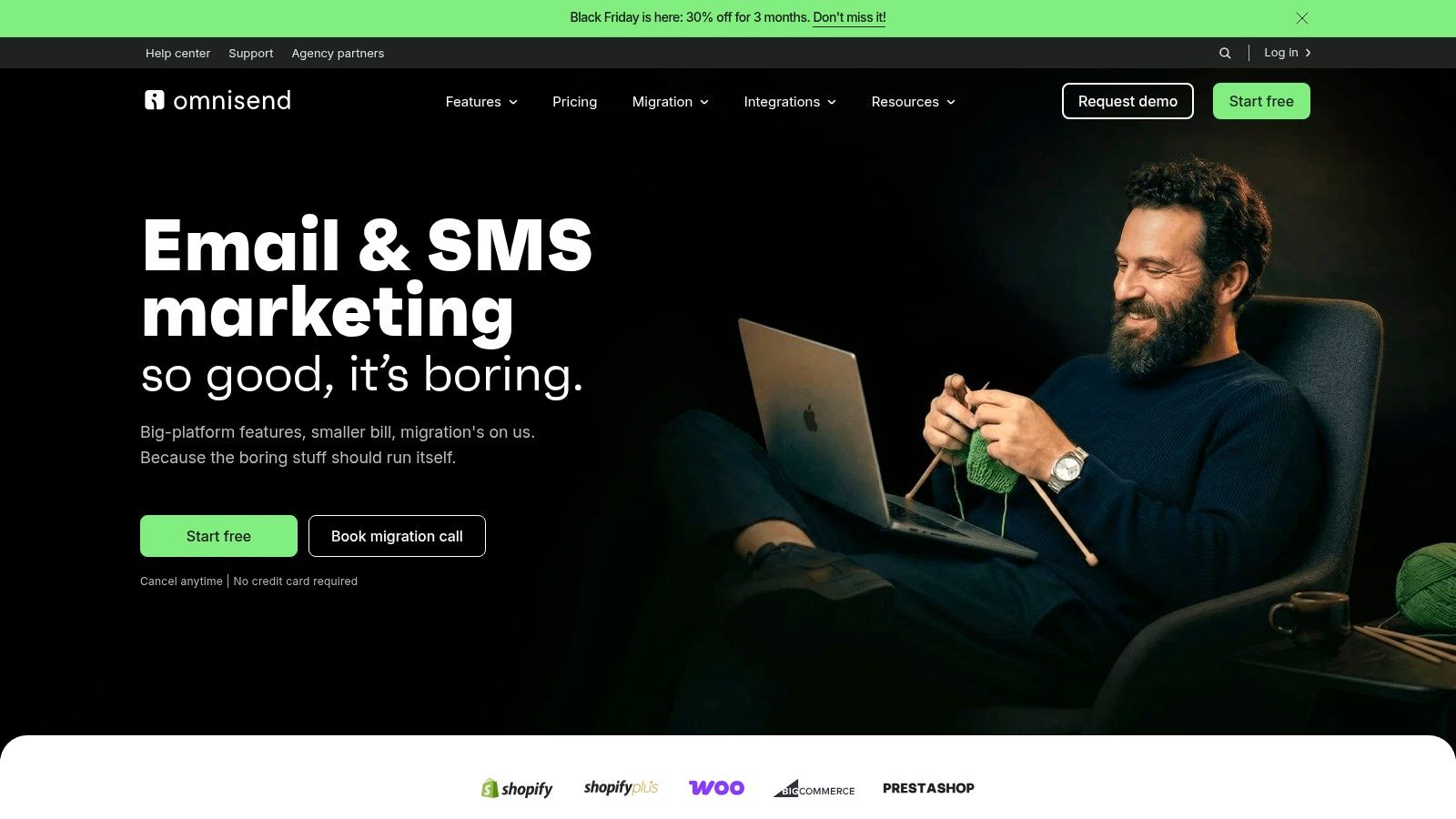
Prebuilt workflows give teams a starting point for common store campaigns. Segmentation, forms and reporting support those messages, and migration assistance may help during a move from another platform. Review purchase exclusions and message timing before activating a workflow.
Confirm the store connection before the templates
Setup effort is moderate. First, check that customer, cart and order data arrives correctly. Then test each workflow against the store actions it is meant to respond to. Migration assistance does not replace reviewing consent records and suppression lists.
Listed vendor pricing: Omnisend lists Standard from $11.20 per month and a free plan limited to 250 contacts and 500 emails per month. SMS rates vary by country and usage.
The free plan includes core automation features, so it can support an initial evaluation. Standard is the paid starting point when the free plan's contact or sending limits no longer fit. Confirm that the store data and campaign triggers cover the workflows you intend to run.
Omnisend is a weaker fit for B2B lead management and non-commerce product messaging. Choose it when store behavior is the main trigger for customer communications.
9. MailerLite
MailerLite suits freelancers, creators and small teams whose primary need is email publishing. Newsletters, automation, landing pages, websites and signup forms support a straightforward program without requiring a sales pipeline.
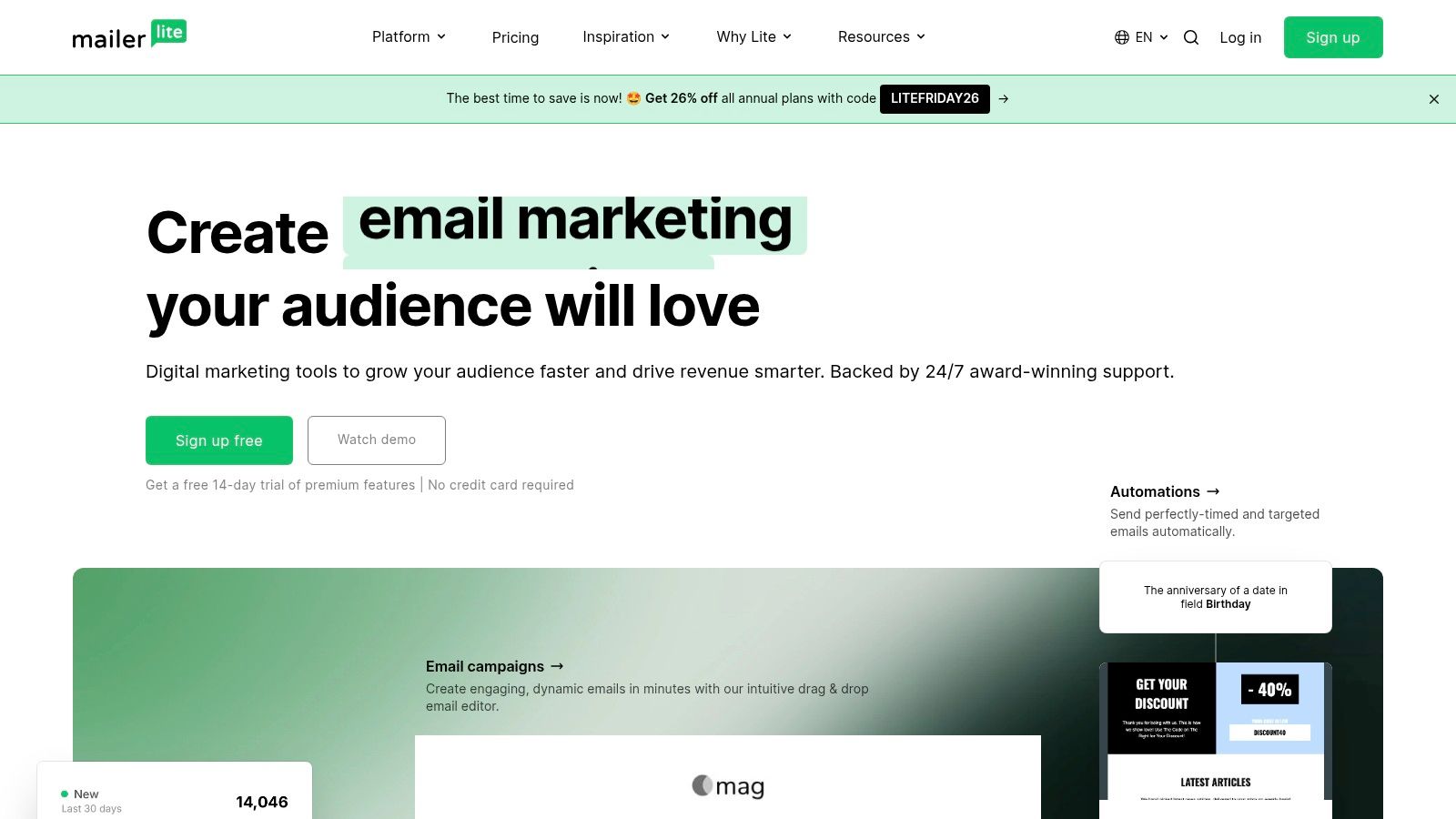
For example, a consultant can use it to send a regular newsletter and deliver a resource to new subscribers. The setup effort is relatively low for this kind of email-first workflow, though sending-domain configuration, consent records and signup testing still need attention. Drag-and-drop and HTML editing offer different ways to build messages, while paid tiers add testing and personalization features.
MailerLite is less suited to deep CRM processes or enterprise journey orchestration. Subscriber growth can also change which paid plan fits.
Listed vendor allowances and prices: MailerLite lists a free plan for 250 subscribers and 2,500 monthly emails, with Comfort from $12 per month and Power from $25 per month.
The free plan is a practical starting point for a small eligible list that needs campaigns and automation. For a larger audience, check MailerLite's current pricing page: the cost of Comfort or Power depends on subscriber count and the features required.
10. Keap
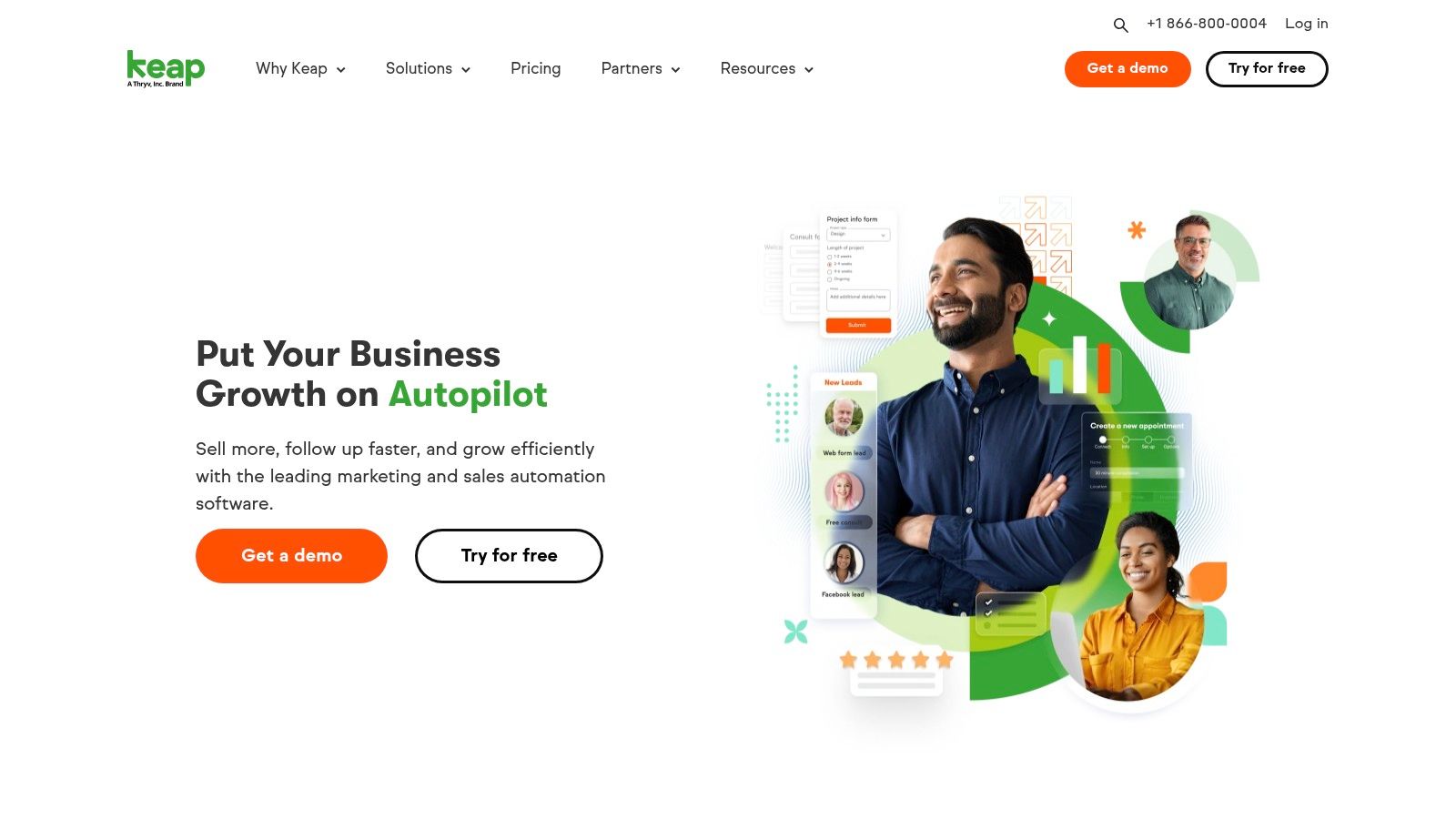
Keap suits small service businesses that need CRM records, email and text marketing, scheduling, and pipeline follow-up in one workflow. A firm can capture an inquiry, assign follow-up, book an appointment, then track the opportunity through its sales stages. Contact segmentation, landing pages, and sales funnels support that process, provided the team defines its stages and responsibilities first.
Treat implementation as an operations project
Setup takes more planning than with email-first tools. Contact migration, record ownership, appointment rules, and pipeline definitions affect how the whole business handles leads. Keap offers implementation and migration assistance, which can help with a wider deployment but still requires decisions about the team's process.
Listed vendor pricing: Keap lists $299 per month on its website and $2,988 per year for annual billing. Request a written quote for the plan that includes the automation, text marketing, and pipeline features the business needs.
Text marketing tiers, overages, and regional availability can affect the final cost. Keap makes more sense when it replaces manual sales follow-up or disconnected operational tools. For a business that only sends promotional email, the added scope and setup work may be hard to justify.
Listed starting prices, free plans and best-fit buyers for the 10 marketing automation tool options
| Item | Listed starting price | Free plan | Best for |
|---|---|---|---|
| ActiveCampaign | $15 for fewer than 1,000 contacts | No free plan listed | Businesses needing customizable customer journeys |
| HubSpot Marketing Hub | $800/month for Professional; $3,600/month for Enterprise | Yes | Businesses wanting marketing tools connected to CRM |
| Brevo | $9/month | Yes | Small businesses wanting multichannel marketing |
| Mailchimp | $13/month | No free plan listed | Small businesses seeking familiar email marketing tools |
| Klaviyo | Paid pricing based on profile count; request a quote | Yes; limited to 250 profiles and 500 email sends/month | Ecommerce businesses using purchase-driven personalization |
| Customer.io | $100/month | No free plan listed | Product-led businesses using behavioral data |
| GetResponse | $19/month, or $15.58/month billed annually | No free plan listed | Small businesses and creators wanting email and landing page tools |
| Omnisend | $11.20/month | Yes; limited to 250 contacts and 500 emails/month | Ecommerce businesses using email and SMS automation |
| MailerLite | $12/month | Yes; up to 250 subscribers and 2,500 emails/month | Freelancers, creators, and small teams focused on email |
| Keap | $299/month; annual figure of $2,988/year | No free plan listed | Small service businesses automating lead-to-sale follow-up |
Choose the Smallest Tool That Covers Your Next Two Campaigns
If your next two campaigns are a welcome sequence and a product follow-up, choose a tool that can run both with your existing data and team. MailerLite and Mailchimp suit email-first publishing. Brevo supports multichannel communication, while ActiveCampaign handles customizable customer journeys. Klaviyo and Omnisend suit ecommerce workflows; Customer.io suits behavioral product messaging. HubSpot and Keap fit work centered on CRM, while GetResponse combines lead capture and campaign delivery.
Build the same real workflow in each finalist. A welcome sequence can test entry conditions, message delays, purchase or qualification exclusions, unsubscribe handling and a measurable business outcome. The message editor alone won't show whether those steps work as intended.
Test the handoffs, not just the message editor
- Contact entry: Check that forms and integrations fill the right fields without creating duplicate records.
- Workflow behavior: Confirm that contacts enter, branch and exit correctly, including when their information changes.
- Team ownership: Assign responsibility for reviewing failures, updating content and maintaining audience rules.
- Reporting: Check that the platform tracks the conversions your business needs, not just sending activity.
- Exit options: Confirm whether you can export contacts, consent records and useful campaign data.
Account for setup and ongoing work. A simpler platform your team can maintain may be a better fit than an advanced system that depends on skills you don't have. In the 2025 State of Your Stack survey, 65.7% of respondents cited data integration as a stack-management challenge. Test your actual connections before committing to a broader rollout.
Write down the full cost and scope. Subscription fees may not cover onboarding, migration, additional seats, contact growth or SMS usage. Before committing, confirm current prices, billing terms and plan inclusions directly with each vendor, since they can change.
Set a success measure before activating automation. Faster lead response, fewer missed follow-ups or improved purchase conversion are clearer goals than adding more workflows. Where feasible, compare an automated segment with a similar untreated segment to see whether the follow-up contributes to the result.
TopToolAdvisor compares documented features and published prices rather than claiming hands-on testing. Your final choice should still pass a workflow trial with your own contacts, integrations and operating constraints.
Shortlist tools that fit the job, then build a complete campaign before signing an annual agreement. Choose the smallest system your team can operate every week without outside help.
Questions or corrections: editorial@toptooladvisor.com