Guide · General
Customer Help Desk Software: 10 Options Compared for 2026
Compare 10 customer help desk software options by features, setup effort and starting prices, with vendor prices and check dates shown.
By the TopToolAdvisor research desk · Updated November 24, 2026 · 13 min read
A five-person support team answers email, live chat and phone calls from separate inboxes. Someone replies to a customer who has already spoken with a colleague, another request sits unassigned, and the support lead can't tell which cases need attention. The immediate need isn't more automation. It's a shared record of each conversation, a named owner and a reliable handoff between channels.
Zendesk fits growing multichannel teams; Freshdesk and Zoho Desk suit smaller ticketing operations; Intercom fits messaging-led support. Help Scout and Front deserve attention when email and collaboration dominate. HubSpot Service Hub suits CRM-connected teams, HappyFox offers an alternative for large agent rosters, Gorgias centers ecommerce workflows, and LiveAgent combines ticketing with broader communication options.
The TopToolAdvisor research desk compared documented features and published prices, not hands-on testing. These customer help desk software choices are organized around team size and channel mix before feature depth, although the required plan matters more than the product name.
Pricing reference date is November 5, 2026. Listed amounts are US-dollar plan references, not binding quotes; billing terms, regional availability and usage charges need confirmation before purchase. Zoho Desk's US-dollar starting price remains pending because the page checked displayed INR.
Table of Contents
- 1. Zendesk
- 2. Freshdesk
- 3. Zoho Desk
- 4. Intercom
- 5. Help Scout
- 6. Front
- 7. HubSpot Service Hub
- 8. HappyFox Help Desk
- 9. Gorgias
- 10. LiveAgent
- Starting prices, free options and best-fit team for 10 customer help desk tools
- Choose the Pricing Model Before the Feature List
1. Zendesk
Best fit for growing support teams handling email, chat and phone with increasingly structured workflows. Zendesk is TopToolAdvisor's leading pick because it provides the most complete multichannel help desk on this list. Its main advantage is the progression from straightforward ticket management to a broader service operation.
For the November 5, 2026 pricing reference, Zendesk lists Support Team from $19 per agent/month billed annually and Suite Team from $55 per agent/month billed annually. Support Team centers on email and tickets; teams needing messaging, live chat and telephony should evaluate Suite rather than budget from the lowest headline price.
Where the extra administration pays off
Routing, macros, automations and marketplace integrations suit teams that need consistent processes across queues. Suite adds an omnichannel agent workspace, with help-center and analytics capabilities supporting more organized service delivery.
- Setup effort: Define groups, ticket fields, permissions and escalation rules before importing existing conversations.
- Cost pressure: Additional agents, higher-tier functionality and connected services can increase the subscription.
- Main limitation: A small email-only team may take on more configuration than it needs.
For technical support involving device access, the separate help desk software with remote control shortlist addresses a requirement that ordinary ticketing doesn't satisfy.
2. Freshdesk
For a small team replacing a shared mailbox, Freshdesk offers ticketing, a customer portal and a knowledge base without requiring an immediate move into a larger service suite. It suits support leads who need assignment, ownership and reporting before advanced cross-channel orchestration.
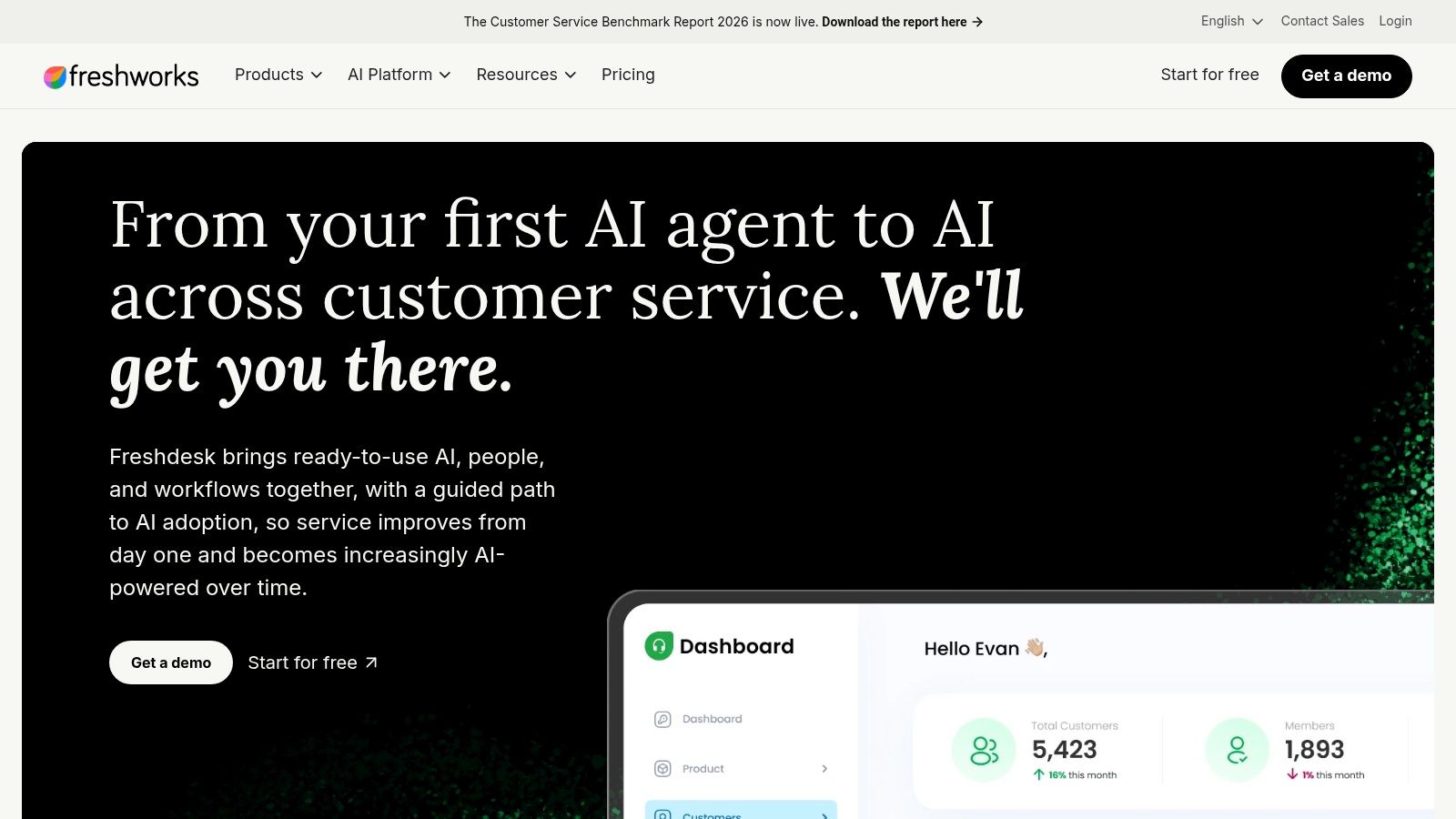
The November 5, 2026 pricing reference for Freshdesk lists Growth from $19 per agent/month billed annually, alongside a free option whose eligibility and limits require confirmation. Paid tiers expand automation, routing, reporting and AI capabilities.
Confirm Freshdesk versus Freshdesk Omni
Freshdesk and Freshdesk Omni aren't interchangeable purchases. A team expecting email, live chat and phone in the same workflow should verify the exact product, channel coverage and plan before comparing subscriptions.
Start implementation with mailbox forwarding, customer records, business hours and assignment rules. Add automated routing only after agents can recognize and correct misassigned tickets.
Budget safeguard: Included AI sessions aren't the same as unlimited AI use. The purchasing comparison should show the included allowance, additional-session charges and ownership of usage monitoring.
Freshdesk's strength is the combination of core ticket handling and self-service. Its limitation is that the desired channel mix and AI workload may require more than the advertised entry plan.
3. Zoho Desk
Zoho Desk belongs near the top of a budget-conscious small team's shortlist, especially when the business already uses Zoho applications. It can operate independently, but existing customer records and administrative familiarity make the wider Zoho connection worth evaluating.
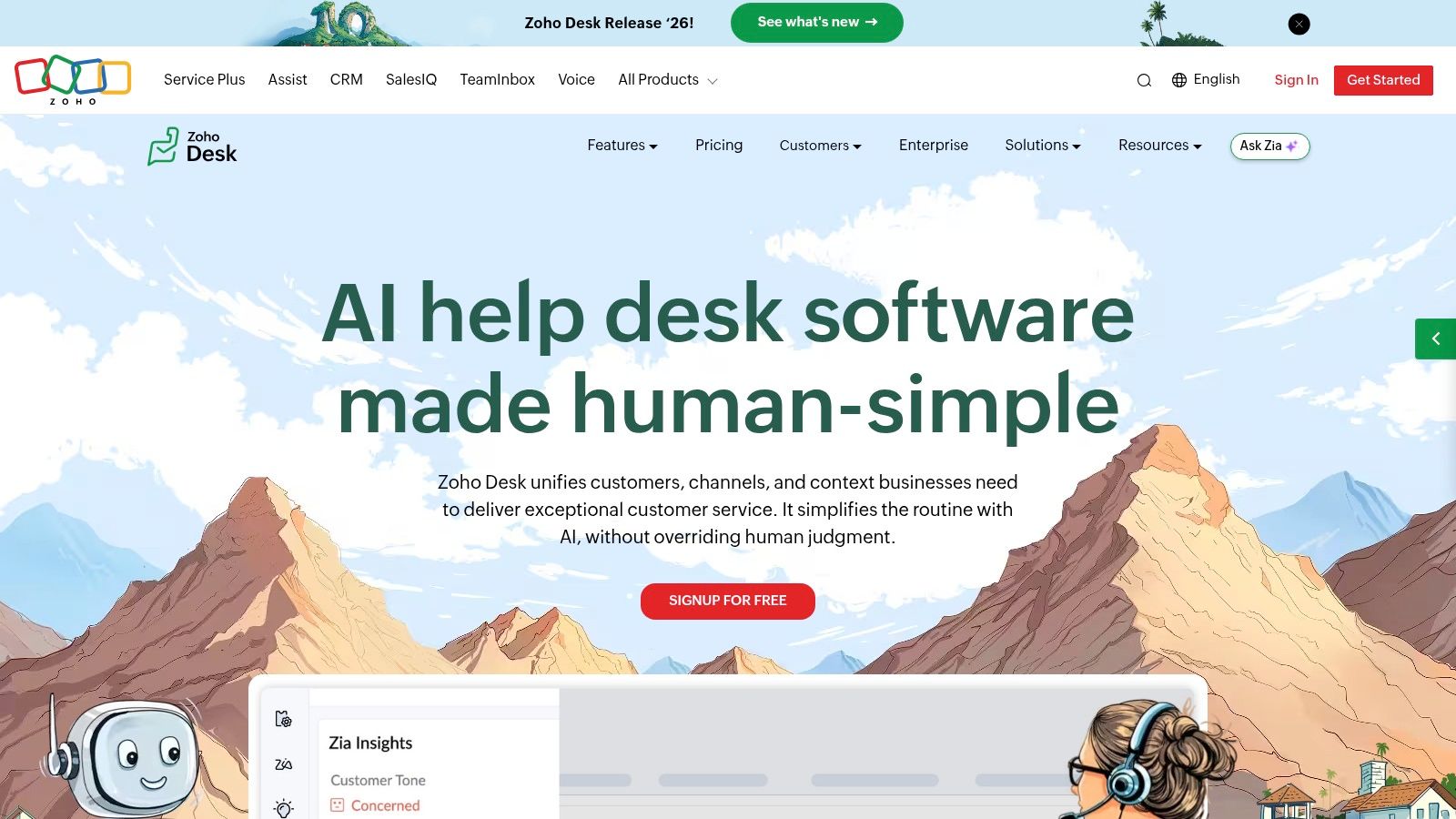
The November 5, 2026 reference for Zoho Desk describes a free edition supporting up to three users. Its paid US-dollar starting price remains pending in this comparison because the pricing page checked displayed INR, so a regional amount shouldn't be presented as a verified USD quote.
Buy the required tier, not the cheapest tier
Email ticketing, web forms and assignment rules provide the starting workflow. Paid tiers add combinations of self-service, social and messaging channels, department management and automation, while advanced routing and AI require closer plan inspection.
- Setup priority: Establish departments and ownership rules before adding complex workflows.
- Value advantage: A limited operation can begin with basic ticketing rather than a broad service platform.
- Upgrade risk: Messaging, multi-brand support or advanced automation may determine the actual subscription.
For teams building customer documentation alongside ticketing, the best knowledge base software shortlist helps distinguish a sufficient built-in help center from a separate documentation requirement. Cheap ticket handling won't compensate for articles customers can't find.
4. Intercom
Intercom fits software companies whose customers ask for help inside a product or website. Its Messenger, shared inbox, ticketing and help center connect live conversations with self-service, making it a different purchase from an email-first help desk.
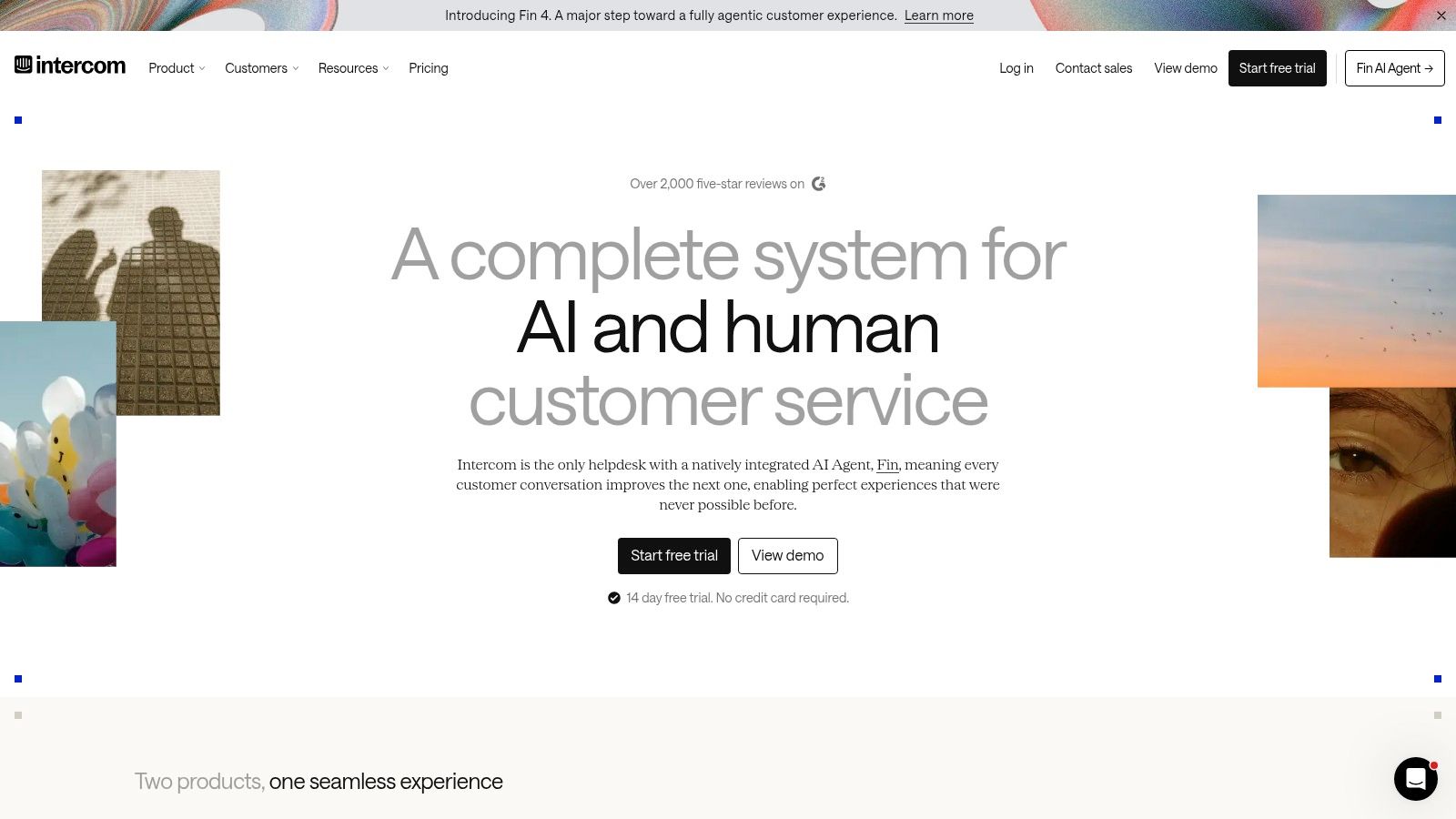
For November 5, 2026, Intercom lists Essential at $19 per seat/month with annual billing, plus $0.99 per Fin outcome when used. The operational distinction is important: adding agents affects seat spend, while increasing AI activity affects a separate usage bill.
Treat AI handoff as part of setup
Installing Messenger is only part of implementation. Administrators also need approved knowledge, customer identification, routing rules and a clear path from automated answers to a human agent.
Intercom includes live chat, inbound email and in-app messaging across plans. Higher tiers add capabilities such as multiple inboxes, automation workflows, multilingual help-center options and additional collaboration controls.
A customer who needs an exception shouldn't have to persuade an automated agent that the standard answer doesn't apply.
Intercom's strength is continuity between messaging and ticket handling. Its trade-off is a bill shaped by seats, AI outcomes and potentially other messaging usage, with advanced workflow and security requirements pushing the purchase toward higher tiers.
5. Help Scout
Help Scout suits small and midsized teams whose support still looks primarily like email. Shared inboxes, saved replies and customer context provide more accountability than a mailbox without making a full contact-center rollout the starting point.
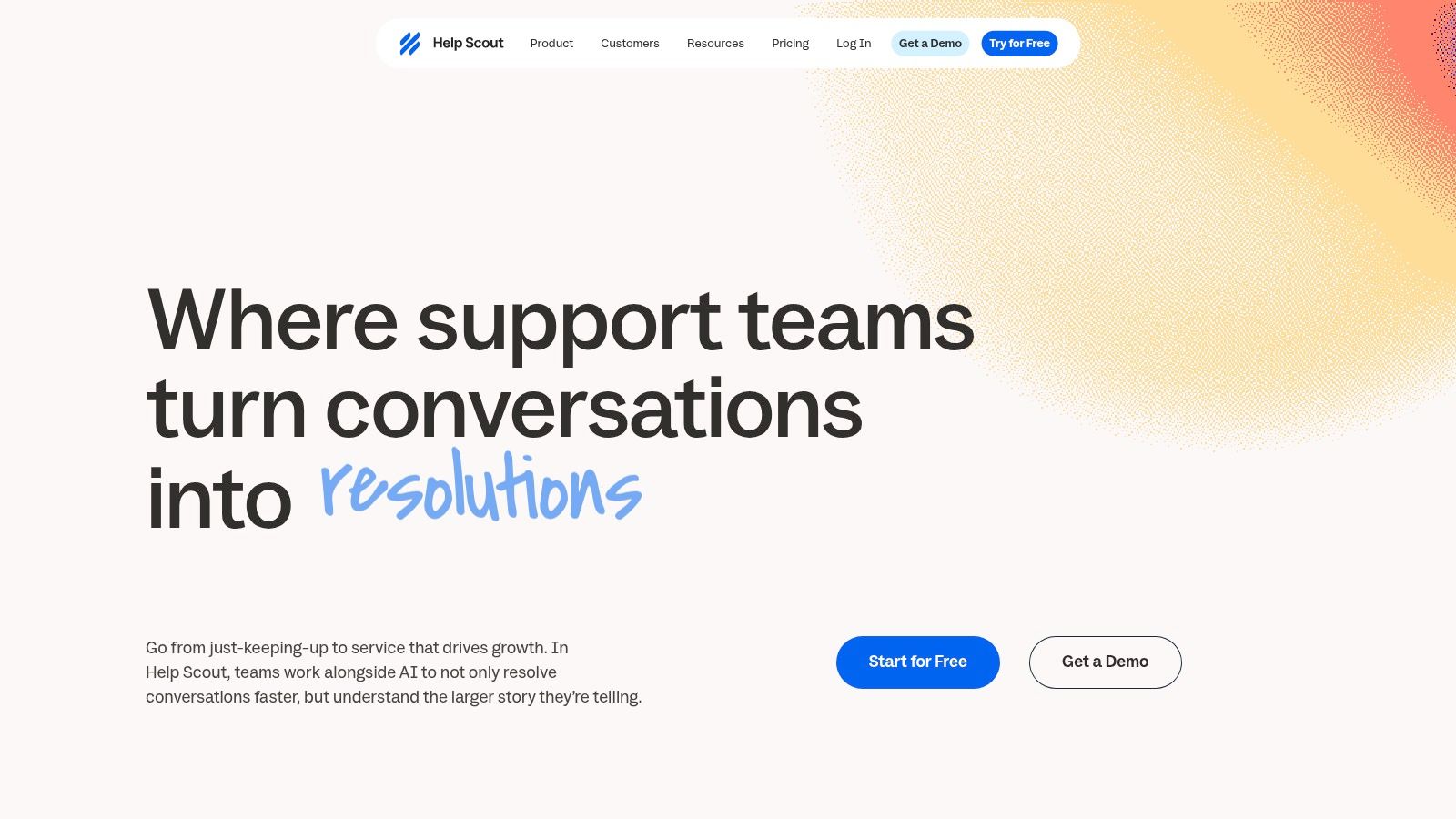
The November 5, 2026 reference for Help Scout lists Standard at $25 per user/month. The purchasing team should confirm the billing period and applicable plan terms before treating that amount as the complete subscription.
Keep the workflow deliberately simple
Begin with inbox ownership, saved replies and a maintained knowledge base. Live chat, messaging and automation can follow once agents consistently assign conversations and record internal notes.
- Good fit: Email-led service where agents need customer history and uncomplicated collaboration.
- Plan dependency: Workflows, SLAs and routing require attention to higher-tier inclusions.
- Cost limit: Per-user billing grows with the roster, even when some colleagues only occasionally assist.
Help Scout is less compelling when extensive phone operations or complex contact-center controls drive the requirement. Those teams should compare channel depth rather than assume live chat makes every platform equivalent.
For broader buying context, the Customer Service Software Statistics page covers AI adoption, channels, response times and agent operations. The purchase should still follow the team's actual workload, not a general adoption trend.
6. Front
Front fits customer operations teams that need colleagues from finance, account management or operations to collaborate before answering. Its appeal is the shared conversation and internal coordination, rather than converting every incoming message into an isolated ticket.
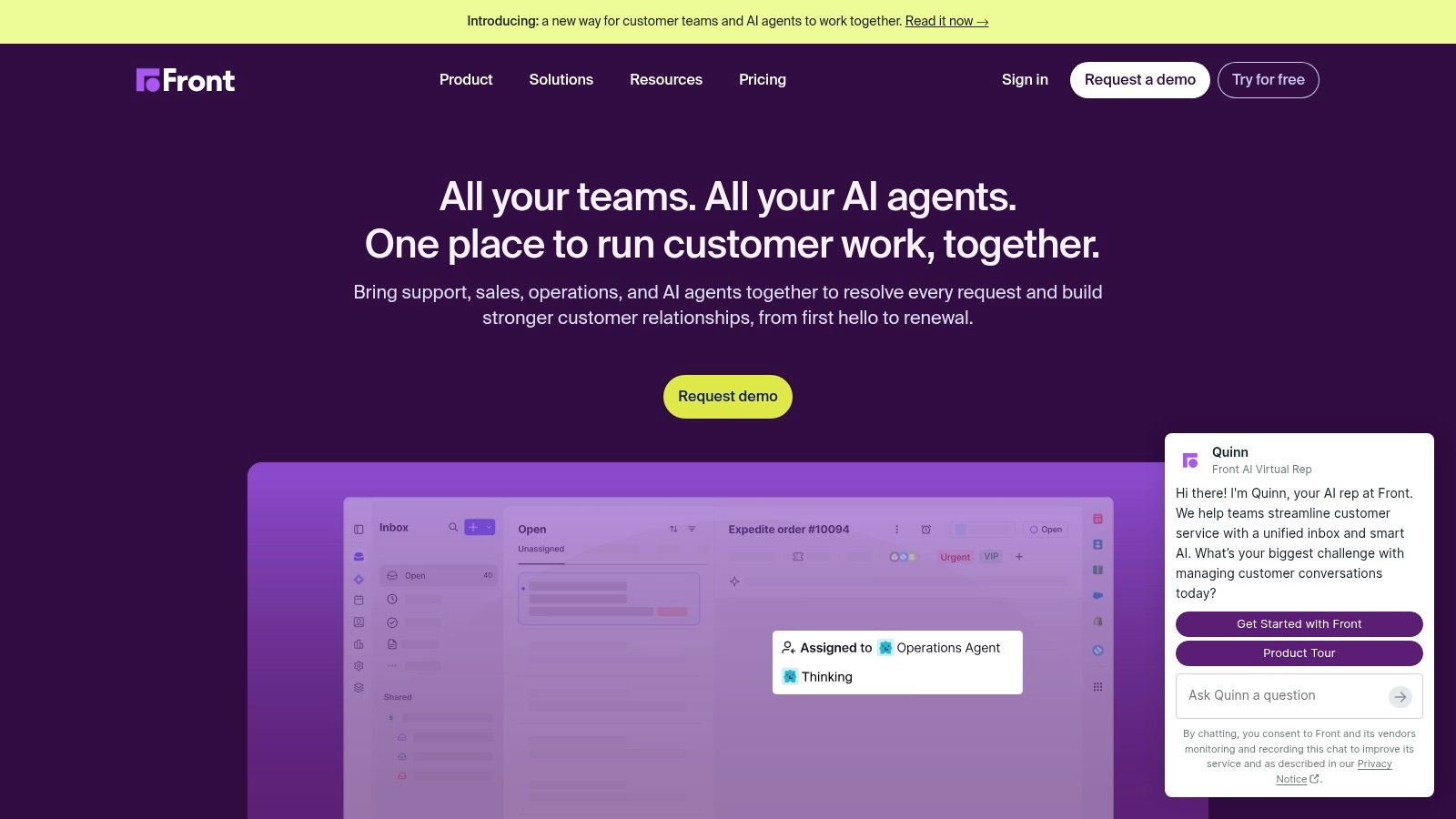
For November 5, 2026, Front lists Starter at $25 per seat/month billed annually, capped at 10 seats, while Professional has a 50-seat cap. Those ceilings matter when occasional contributors need access alongside full-time support agents.
Model collaboration before assigning seats
A delivery dispute, for example, may require operations to confirm shipment details and finance to approve a credit. During evaluation, the team should demonstrate that exchange without forwarding messages outside the customer record.
Front combines shared inboxes and ticketing with rules, macros and analytics. Broader omnichannel functionality sits on higher tiers, and optional AI tools support agent assistance and conversation automation.
- Setup work: Define inbox membership, internal commenting practices and who owns the customer reply.
- Main advantage: Cross-department collaboration stays close to the conversation.
- Bill-changing limit: Seat caps, additional channels and AI packaging can force a different plan.
Front deserves closer examination when coordination causes delays. An email queue with straightforward answers may not justify the same collaboration investment.
7. HubSpot Service Hub
HubSpot Service Hub makes the strongest case when sales and service already depend on HubSpot customer records. Agents can work with customer context alongside sales and marketing interactions instead of rebuilding that history in a disconnected ticketing system.
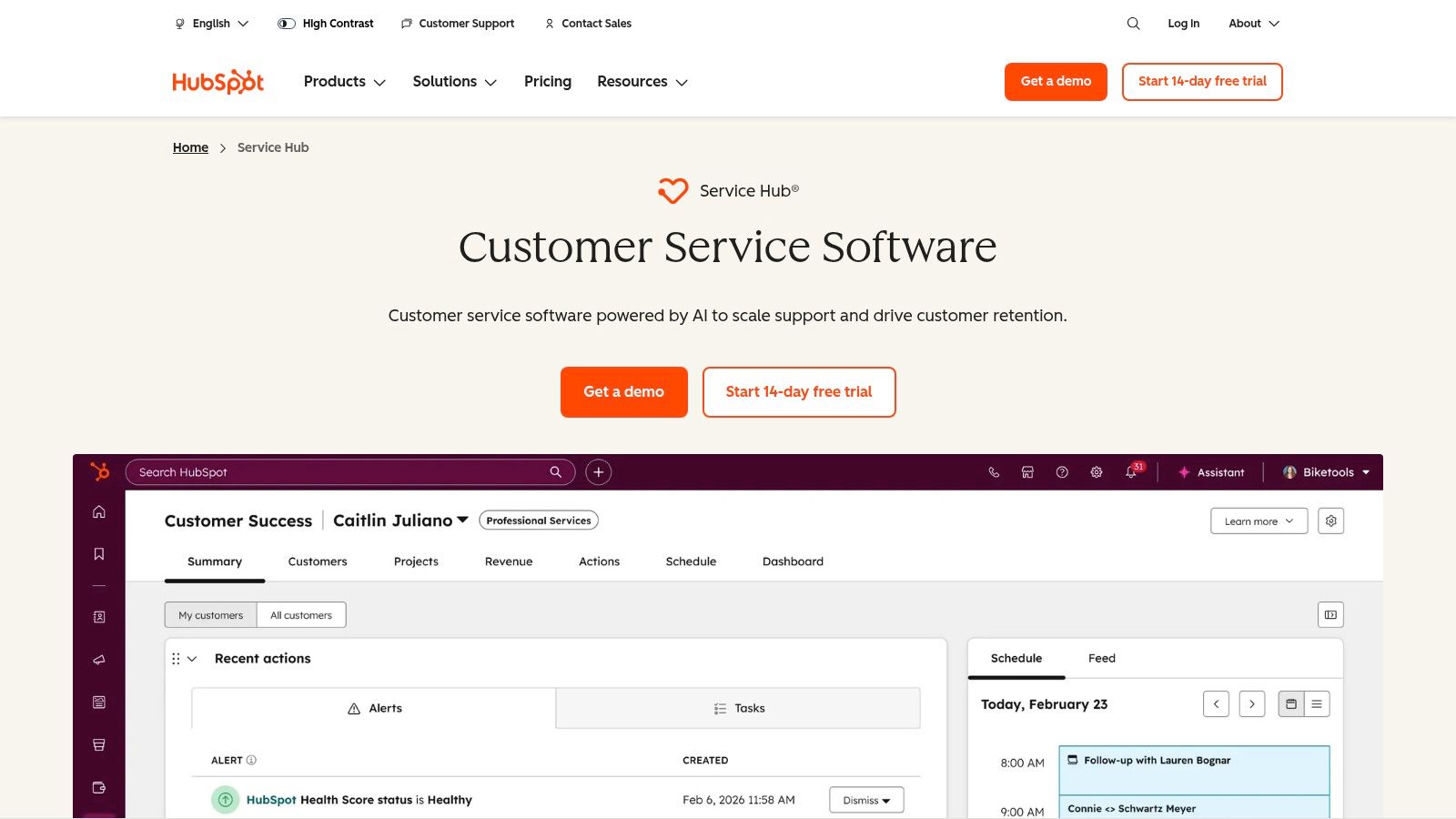
The November 5, 2026 reference for HubSpot Service Hub lists a free plan for up to two users and Starter from $7 per seat/month. Seat pricing, HubSpot Credits and plan requirements need separate lines in the budget.
Customer context needs clean records
Implementation should begin with contact ownership, duplicate records, permissions and ticket associations. Connecting support to a CRM isn't useful if agents can't identify the correct customer or see which information is current.
The main benefit is continuity across customer-facing departments. The trade-off is that a low starting seat price doesn't establish the cost of the required service workflow or usage-based features.
For reporting acceptance criteria, HubSpot's service-desk analytics guide, citing SQM Group's 2025 benchmarking, places good first-contact resolution at 70% to 79%, with 80% or higher described as world-class. Those are benchmark ranges, not promised HubSpot outcomes.
Require a demonstration of resolution reporting, reopened cases and channel filters. A CRM-connected dashboard should prove service quality, not just show that customer records and tickets share a platform.
8. HappyFox Help Desk
Large agent rosters should compare HappyFox's unlimited-agent model against conventional per-seat plans. It is particularly relevant when many colleagues need access but ticket volume remains predictable enough to budget against an allowance.
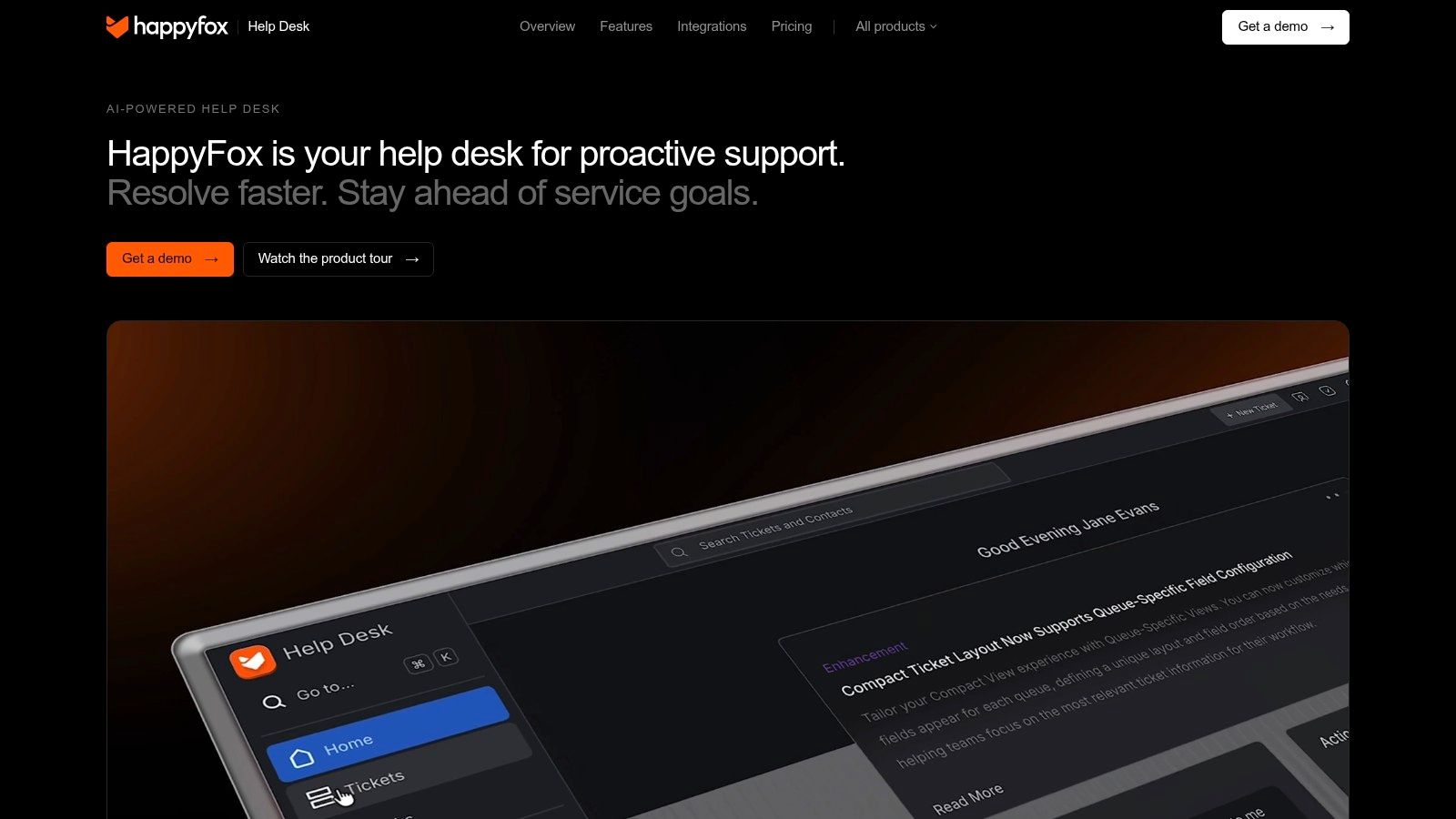
For November 5, 2026, HappyFox Help Desk lists unlimited-agent plans from $1,999/month billed annually, with 20,000 tickets per year. It also offers per-agent pricing, so unlimited access shouldn't automatically be assumed to offer better value.
Flat-rate access still has a volume limit
The purchasing team needs an annual ticket forecast, seasonal peaks and written overage terms. A fixed agent allowance removes one source of uncertainty, but ticket growth can still change the bill.
- Capabilities: Ticket management, automation, SLAs, reporting and customer satisfaction surveys.
- Organizational fit: Multi-brand support and knowledge-base options for more complex service operations.
- Setup requirement: Configure brands, categories, ownership and escalation policies before bringing every agent into the system.
Purchasing distinction: Unlimited agents means the roster isn't the billing constraint. It doesn't mean unlimited tickets or an unrestricted service contract.
HappyFox's substantial base commitment makes more sense when broad access solves a real staffing problem. Smaller teams should compare the per-agent alternative and account for any demo-led purchasing process before planning a rapid launch.
9. Gorgias
Gorgias is the specialist option for ecommerce teams that need store information alongside customer conversations. Its value depends on commerce workflows, not merely on providing another inbox for email and chat.
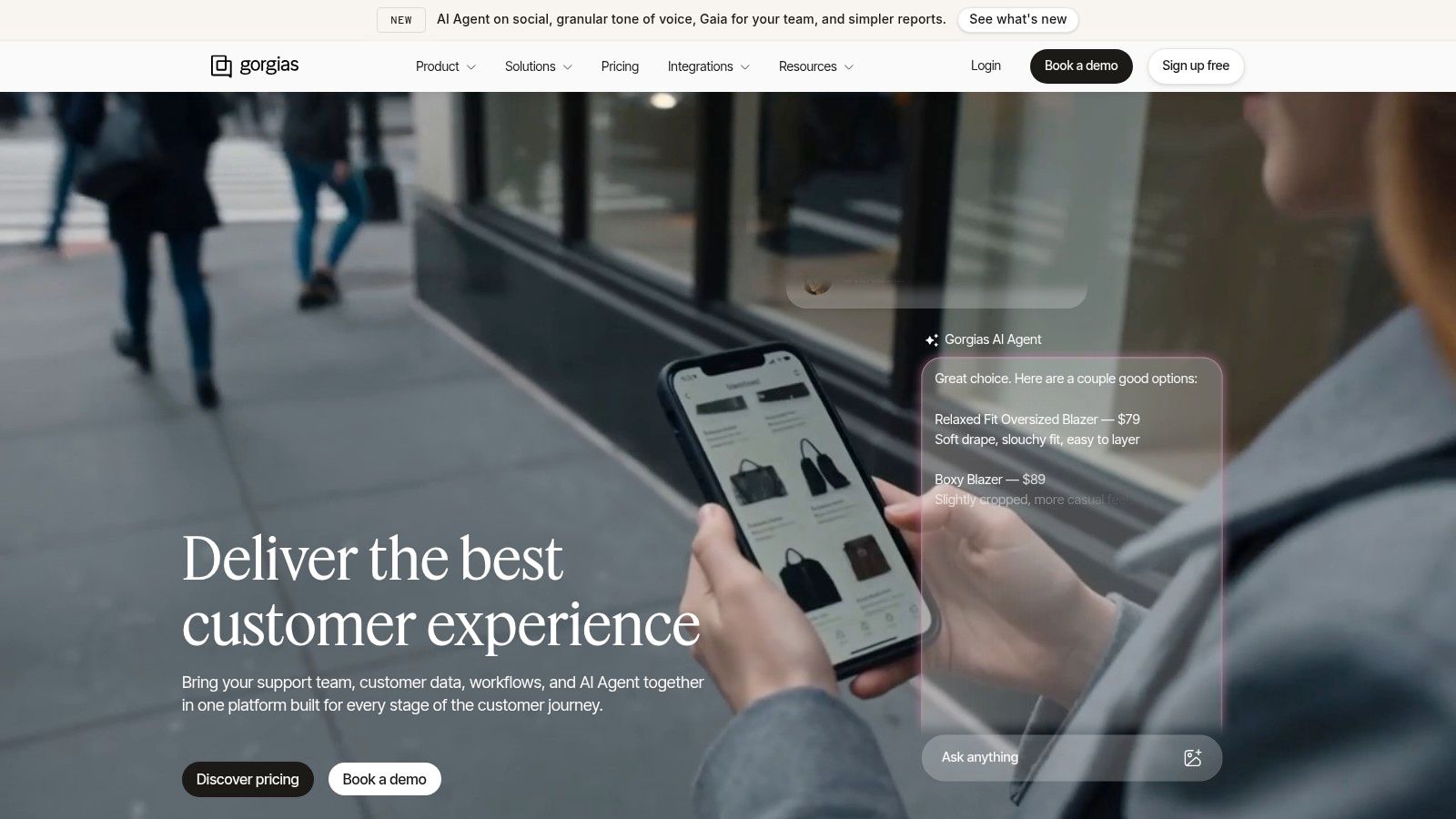
The November 5, 2026 reference for Gorgias describes ticket-volume-based plans and lists its AI Agent at $1 per automated interaction on monthly billing or $0.90 on annual billing. A base help-desk starting price isn't established here, so those AI rates shouldn't be mistaken for the subscription cost.
Forecast tickets rather than just headcount
Email, chat, social messaging and WhatsApp coverage should be assessed alongside ecommerce integrations and customer context. Implementation also requires careful permissions around store access and any customer-facing automation.
The pricing model can suit an operation where agent count doesn't closely reflect usage. However, high ticket volume increases exposure to volume charges, so a small roster alone doesn't make ticket-based billing economical.
- Budget inputs: Billable ticket definitions, included volume, overages and AI interactions.
- Operational test: Demonstrate a store-related request using the connected customer and order context.
- Main limitation: Businesses without ecommerce support needs may gain little from the specialization.
Seasonal merchants should compare quiet periods with peak demand before choosing a tier. The relevant question is whether the expected conversation volume fits the contract, not whether unlimited or inexpensive agent access sounds attractive.
10. LiveAgent
LiveAgent suits smaller teams that want ticketing and live chat with a path toward phone and social support. Its customer portal, knowledge base and contact forms also make it relevant when support leads want self-service and direct assistance in the same platform.
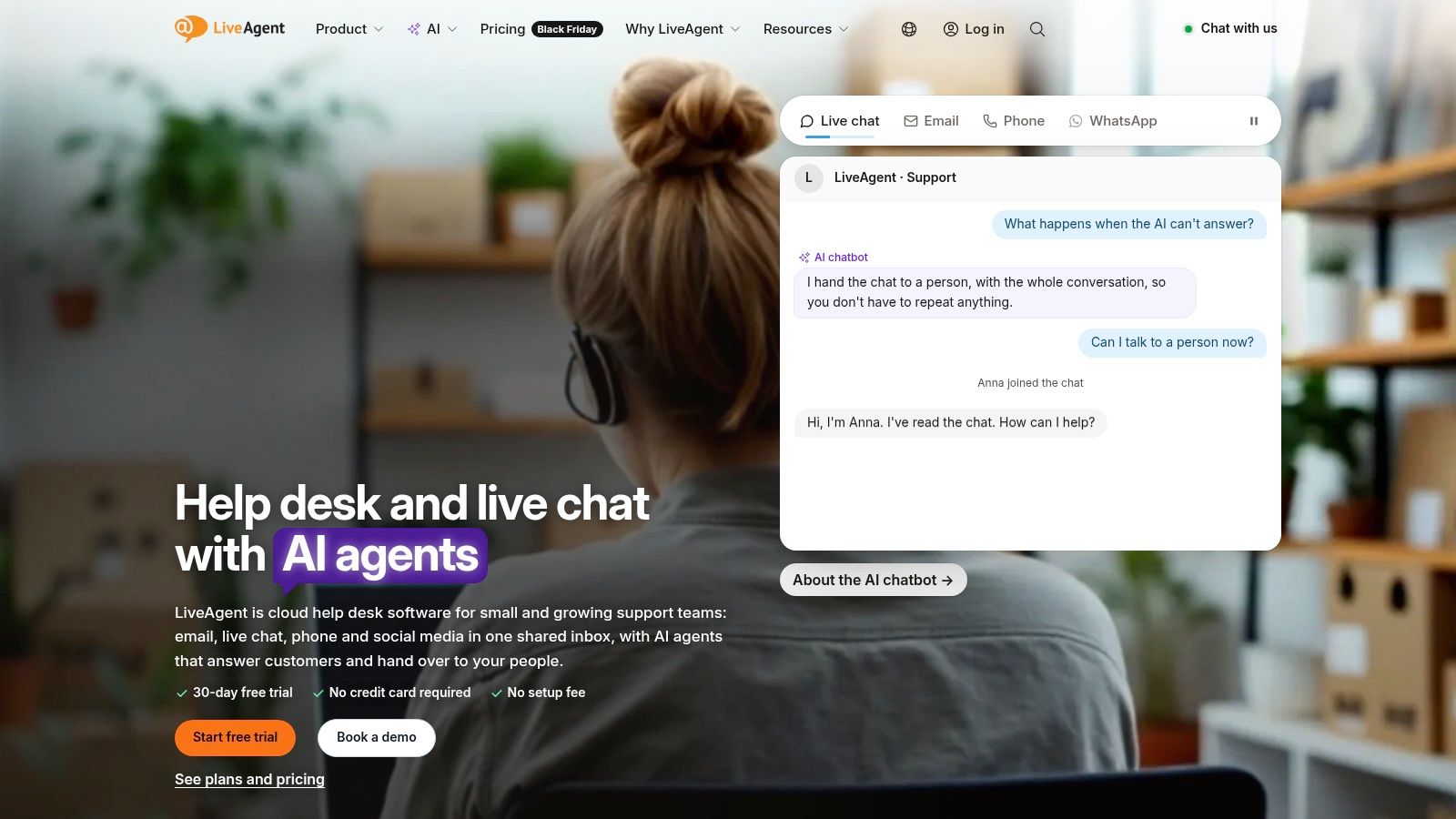
For November 5, 2026, LiveAgent lists Small Business at $15 per agent/month billed annually or $19 monthly, with a 30-day trial without a credit card. The annual and monthly rates provide a useful commitment comparison, but they don't establish the cost of every channel.
Test the phone requirement explicitly
Call-center functions and IVR belong on the plan-comparison sheet, not in an assumption that every subscription includes telephony. Social and messaging coverage also depends on the tier.
Setup should cover email delivery, chat availability, portal content and business hours. If calls are essential, administrators should also demonstrate call routing, missed-call handling and how agents find related customer tickets.
- Strength: A product range covering several support channels and self-service.
- Trade-off: The entry plan may not include the channel mix that prompted the purchase.
- Acceptance test: Trace an issue from initial contact through assignment, escalation and resolution.
LiveAgent merits consideration when a team wants broader communication options without immediately choosing a large service platform. The deciding comparison is the required tier's total cost, not the smallest advertised subscription.
Starting prices, free options and best-fit team for 10 customer help desk tools
Every starting price is the lowest paid plan in US dollars, taken from each vendor's pricing page on November 5, 2026. Read the "Best for" column first: match the tool to your team size and channel mix, then weigh what the entry plan costs.
| Item | Starting price | Free option | Best for |
|---|---|---|---|
| Zendesk | $19 per agent/month, billed annually | No free plan stated | Teams needing structured ticketing and scalable omnichannel support |
| Freshdesk | $19 per agent/month, billed annually | Available; limits not specified | Teams seeking ticketing with self-service features |
| Zoho Desk | Pending (vendor pricing page showed INR, not USD) | Yes, up to 3 users | Budget-conscious teams, especially Zoho users |
| Intercom | $19 per seat/month, billed annually | No free plan stated | Companies centered on in-app and website messaging |
| Help Scout | $25 per user/month | No free plan stated | Email-focused teams wanting a shared inbox and support tools |
| Front | $25 per seat/month, billed annually | No free plan stated | Teams collaborating across complex customer conversations |
| HubSpot Service Hub | $7 per seat/month | Yes, up to 2 users | Teams that want support connected to HubSpot CRM |
| HappyFox Help Desk | $1,999/month, billed annually | No free plan stated | Larger teams seeking unlimited-agent pricing |
| Gorgias | Priced by monthly ticket volume | No free plan stated | Ecommerce businesses managing customer support |
| LiveAgent | $15 per agent/month, billed annually | No free plan stated; 30-day trial | Teams needing multichannel support and live chat |
Two cells deserve a second look. Zoho Desk stays pending until its pricing page shows a USD figure, so treat it as a likely low-cost option rather than a confirmed one. Gorgias bills on ticket volume instead of seats, which means its monthly cost follows conversation count rather than headcount.
Choose the Pricing Model Before the Feature List
A three-agent team and a thirty-agent team can shortlist the same tool and end up with very different bills. Count agents, estimate monthly tickets and fix the channel mix across phone, email and chat before comparing a single feature. Zendesk suits structured multichannel growth, Zoho Desk fits lean budgets, and Help Scout serves email-led service. Intercom, Front and Gorgias become stronger candidates when messaging, collaboration or ecommerce defines the workload.
Per-agent plans suit stable headcount. Ticket-based plans suit predictable conversation volume. Flat-rate agent access suits larger rosters. High volume with few agents does not automatically favor ticket pricing; a per-agent subscription can cost less. HappyFox's flat monthly fee beats stacking per-agent seats once the roster grows, while Gorgias's ticket-volume billing only pays off when conversation counts stay inside the allowance.
Compare the complete operating cost
Separate recurring subscriptions from implementation and usage:
- Seats and access: full-time agents, supervisors and occasional collaborators.
- Usage charges: billable tickets, AI outcomes, sessions, credits and channel fees.
- Implementation: migration, data cleanup, integrations, training and internal administration.
- Contract exposure: annual commitments, plan ceilings, overages and upgrade requirements.
Give migration its own line in the budget. One switch described in Unthread's support-tool switching analysis involved roughly 370,000 tickets, took 10 days and cost approximately $10,000; treat that as an illustration of switching work, not a standard migration quote.
Decide whether every historical ticket needs importing. Open cases, customer profiles and maintained knowledge articles often provide enough continuity, with older conversations kept in a searchable archive.
Require safe resolution, not just automation
Run the same three scenarios in every demonstration: an incorrect knowledge article, an ambiguous customer request and a human escalation. Check source attribution, permissions, audit trails and whether customer context survives the handoff to a person.
Recheck every starting price on the vendor's pricing page on the day of purchase. Plan limits and AI charges can change the effective bill even when the headline subscription looks unchanged. This shortlist was last updated on November 5, 2026, and its next review is scheduled for December 20, 2026.
Choose the closest-fitting candidates, request written quotes against the same agent roster and ticket forecast, and put each finalist through the same test cases. Send price discrepancies or corrections to editorial@toptooladvisor.com so TopToolAdvisor can review the listing.
Questions or corrections: editorial@toptooladvisor.com