Guide · General
Voice Over Internet Protocol Software: 10 Picks for 2026
Compare 10 voice over internet protocol software options for 2026, with prices, features, setup effort and which system fits your business.
By the TopToolAdvisor research desk · Updated November 20, 2026 · 15 min read
An office manager is ready to retire the PBX closet, drop the landlines, and let employees answer business calls from whichever office they work in that day. The immediate problem is replacing the existing phone system without losing numbers, confusing callers, or signing an expensive plan that still needs paid add-ons.
RingCentral RingEX is TopToolAdvisor's top pick, scored 8.8 out of 10, for small and mid-sized businesses replacing an office phone system across one or more locations.
A solo consultant, a Google Workspace business, and a support team preparing for a contact center each need a different package. The selections below follow those buying situations rather than a feature-count ranking: the list opens with a comparison resource, then covers the individual services. Scores weight features at 35%, ease of use at 35%, and value at 30%, built on documented capabilities and published vendor prices.
Pricing policy: TopToolAdvisor records the cheapest paid plan in US dollars from the vendor's page, with the date checked. Zoom Phone and GoTo Connect stay marked as pending because US dollar prices didn't display from its location; the Zoom Phone review below carries a separate dated pricing reference. Confirm each vendor's figure on its pricing page before setting a budget.
For voice over internet protocol software, start the buying decision with calling workflows, deployment requirements, and the complete bill. The advertised entry price matters less than what the plan costs once the office runs on it.
Table of Contents
- 1. 9 Best VoIP Phone Services of 2026
- 2. RingCentral RingEX
- 3. Zoom Phone
- 4. Nextiva
- 5. 8x8 Work
- 6. Dialpad Connect
- 7. Quo (formerly OpenPhone)
- 8. Google Voice for Google Workspace
- 9. Grasshopper
- 10. Ooma Office
- 10 voice over internet protocol software options compared
- Choosing a VoIP System and Setting It Up
1. 9 Best VoIP Phone Services of 2026
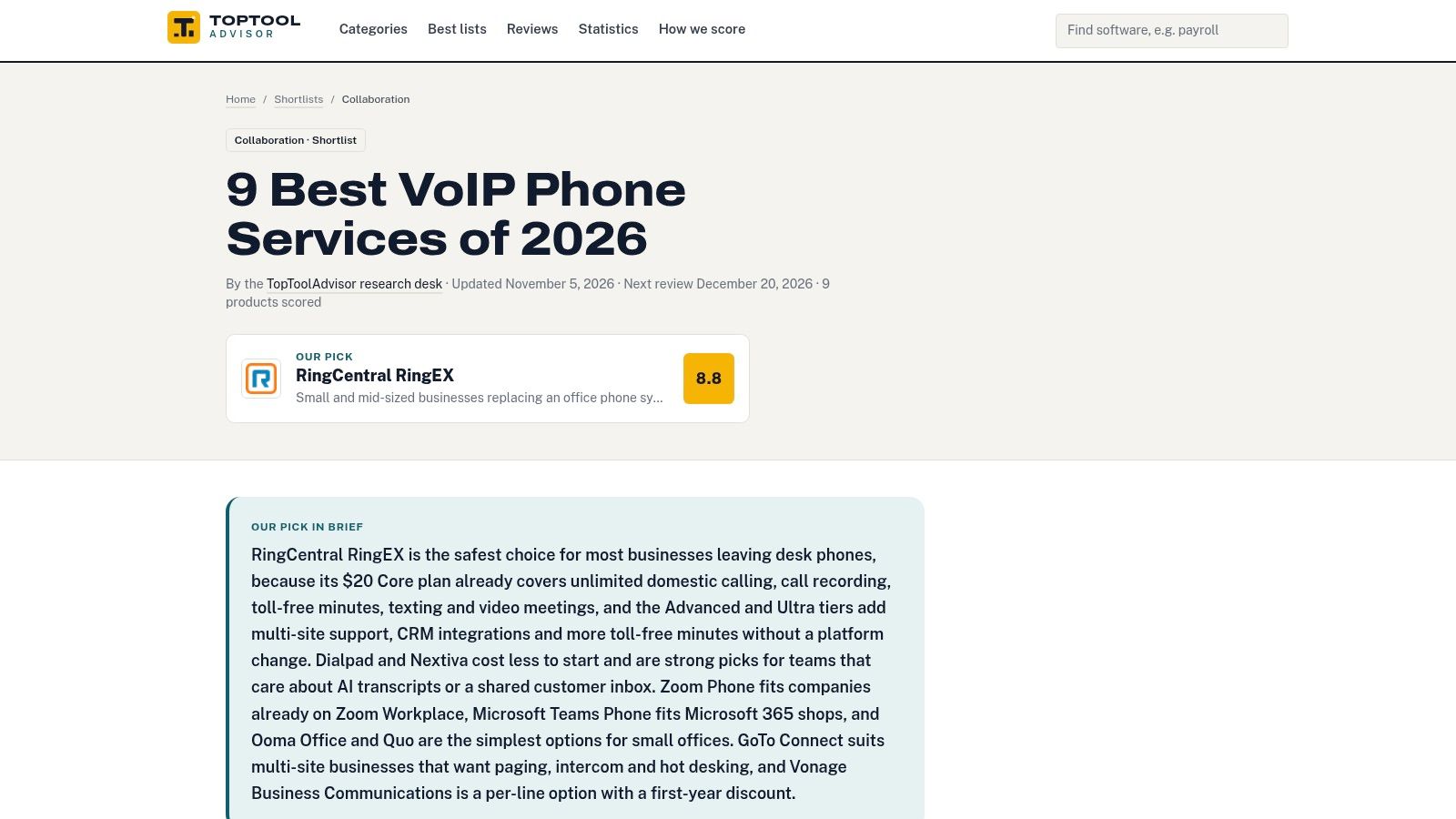
Start with this shortlist when the business hasn't settled on a phone-system category. An office replacing receptionist phones needs a different comparison from a startup sharing a customer number across mobile apps.
The VoIP phone services shortlist brings rankings, scores, pricing, strengths, and drawbacks into a focused comparison. TopToolAdvisor compares nine services using the same scoring method, spanning broad communications platforms and simpler options for small offices.
Best for building a buying shortlist
The guide's main value is reducing the initial research burden. An owner can distinguish an all-in-one communications platform from a business-line service before spending time on demonstrations and sales calls.
For a business moving away from on-site equipment, the related cloud-based PBX for small business guide helps frame the replacement decision. The key distinction is between carrying calls over the internet and managing the complete business workflow around those calls.
- Strength: Comparing capabilities, prices, and drawbacks together makes a low entry price less likely to dominate the decision.
- Limitation: An overall score can't determine whether a particular country, integration, or routing requirement is supported.
- Best next step: Reduce the field to services that support the actual calling pattern, then compare the applicable plan rather than the cheapest advertised tier.
The shortlist is a research starting point, not a substitute for a deployment plan. Before selecting a finalist, the business should document who answers the main number, what happens after hours, and which employees need individual numbers rather than extensions or shared access.
2. RingCentral RingEX
RingCentral RingEX is the shortlist's top pick, scoring 8.8 out of 10 for small and mid-sized businesses replacing an office phone system across one or more locations. It combines business calling with messaging, video meetings, and SMS, with more advanced call handling and analytics available through higher plans.
RingCentral fits businesses that need centralized administration and integrations rather than a separate phone app for every department. The trade-off is plan complexity: automatic recording, deeper analytics, and other advanced capabilities shouldn't be assumed to come with the entry package.
Buy the routing workflow, not the largest bundle
A practical evaluation starts with the receptionist and department queues. The business should demonstrate a main-number call reaching the correct office, transferring to a remote employee, and reaching the appropriate voicemail when that employee doesn't answer.
- Strong fit: Growing teams that want calling and internal communications under the same vendor.
- Cost exposure: Higher tiers, add-ons, and billing commitments can change the effective seat cost.
- Setup work: Administrators need to define locations, permissions, business hours, and overflow destinations.
A final price comparison should use the plan containing the required features and show annual and monthly commitments separately, since billing terms shift the per-seat figure.
Businesses considering automated front-desk handling should examine the RingCentral AI Receptionist review as a separate purchase decision. Receptionist automation answers and routes calls on its own logic, so it deserves its own evaluation rather than being treated as interchangeable with a conventional phone menu.
3. Zoom Phone
Zoom Phone is the direct choice for businesses already using Zoom that want calling in the same working environment. Employees can use Zoom applications and supported devices instead of adopting an unrelated phone interface.
The Zoom Phone product page describes the service's place within the Zoom ecosystem. The buying question is whether phone-only service or a broader Workplace package matches the business's existing subscriptions.
A separate reference from Zoom's pricing page, checked November 18, 2026, lists Pro Plus at $24.00 per user per month billed monthly or $20.50 billed annually. That is a named bundle price, not proof of the cheapest phone-only plan, and it doesn't replace the shortlist's pending regional price status.
A familiar meeting application can simplify adoption, but it doesn't eliminate phone-system configuration.
The rollout still requires business numbers, emergency locations, routing rules, endpoint decisions, and a clear number-porting schedule. Employees should practice transferring calls and choosing outbound caller ID, not merely making a successful test call.
The main trade-off is bundle economics. A company already paying for collaboration tools should compare the incremental cost of calling against the cost of replacing those subscriptions. International destinations and calling coverage also need to match the business's actual customer base.
Zoom Phone is less compelling when the organization doesn't use Zoom and wants only a simple shared business number. Familiarity is valuable only when employees already have that familiarity.
4. Nextiva
Choose Nextiva when a small business needs a VoIP phone system now and expects customer communications to become more structured. Its service goes beyond employee calling into collaboration and customer-interaction tools, with capabilities varying materially by plan.
A service company can begin with a main business number and team messaging. As inquiry volume grows, it may need shared inboxes, more structured routing, texting, video, or AI-assisted tools. Nextiva makes that expansion path part of the buying decision.
Separate present requirements from future options
The entry package should support today's call flow. A business does not need a broader customer-service product just because it may want one later; first confirm which current workflows require voice, texting, video, shared inboxes, or AI assistance.
- Useful now: Business calling and collaboration for a team that needs more than individual phone lines.
- Useful later: A broader customer-service product path, provided the future product and migration terms are clear.
- Main drawback: Feature differences between packages can make an attractive entry plan a poor comparison point.
Compare packages line by line. A lower entry price loses meaning if the plan lacks the shared inbox or AI-assisted workflow prompting the upgrade. Confirm current Nextiva pricing directly with the vendor before committing, since plan prices and promotions change, and keep contract length beside the recurring price.
Assign ownership before rollout. A shared inbox only improves response quality when a named person handles unanswered messages, reassignment, and follow-up. Nextiva suits an operations-led service team better than a solo operator separating personal and business calls.
5. 8x8 Work
Put 8x8 Work on the shortlist when international operations or a future contact center matter more than self-service purchasing. It provides business calling, meetings, and messaging within a wider portfolio that also includes contact-center products and communications APIs.
The 8x8 Work business phone page is the starting point for the employee communications product. Buyers should keep that scope explicit because a broader vendor portfolio doesn't mean every product is included in the same subscription.
Pricing is quote-based in the available reference. That makes 8x8 less convenient for an owner who wants to compare a public seat price and subscribe immediately.
Make the quote comparable
A useful proposal should distinguish employee calling from contact-center seats, implementation services, supported countries, and any additional products. Otherwise, competing proposals can look similar while covering different workloads.
- Portfolio advantage: The business can evaluate employee communications and customer-service tools with the same vendor.
- Procurement disadvantage: Without public list pricing, a meaningful comparison requires a defined scope.
- Deployment priority: Confirm location management, receptionist workflows, administration, and integrations for each office.
For a company expanding internationally, the practical exercise is to map where employees work and where customers receive calls. Number availability and calling arrangements should be documented by destination, rather than summarized as global coverage.
8x8 Work is a deliberate procurement choice, not the simplest starting point for a small domestic office. Its wider portfolio earns attention when the organization has a concrete reason to use it.
6. Dialpad Connect
Dialpad Connect suits teams that want transcription and call summaries within everyday calling. Its combination of calling, messaging, meetings, and AI-assisted notes is more relevant to a conversation-heavy team than to an office that mainly transfers calls.
Dialpad should be evaluated around what happens after the conversation. A summary has operational value when the employee can find it, correct it, and use it to complete follow-up work.
Evaluate the record of the call
A suitable pilot should include customer names, technical terminology, interruptions, and clear next steps. The evaluator should compare the generated summary with the conversation and check who can access the transcript.
Practical rule: AI-generated notes should support the employee's recordkeeping, not become an unchecked customer record.
The available Connect price and trial references lack a check date, so they aren't presented as current dated offers. Buyers should also distinguish Connect from Dialpad's separate sales and support products before comparing features or costs.
The trade-off is product and plan scope. Integrations, multi-office administration, and support arrangements can depend on the package, while advanced customer-facing use cases may require another product.
The Dialpad review provides a focused place to examine that fit. For deployment, the business should establish recording permissions, transcript access, retention settings, and a process for correcting summaries before making AI notes part of routine customer follow-up.
7. Quo (formerly OpenPhone)
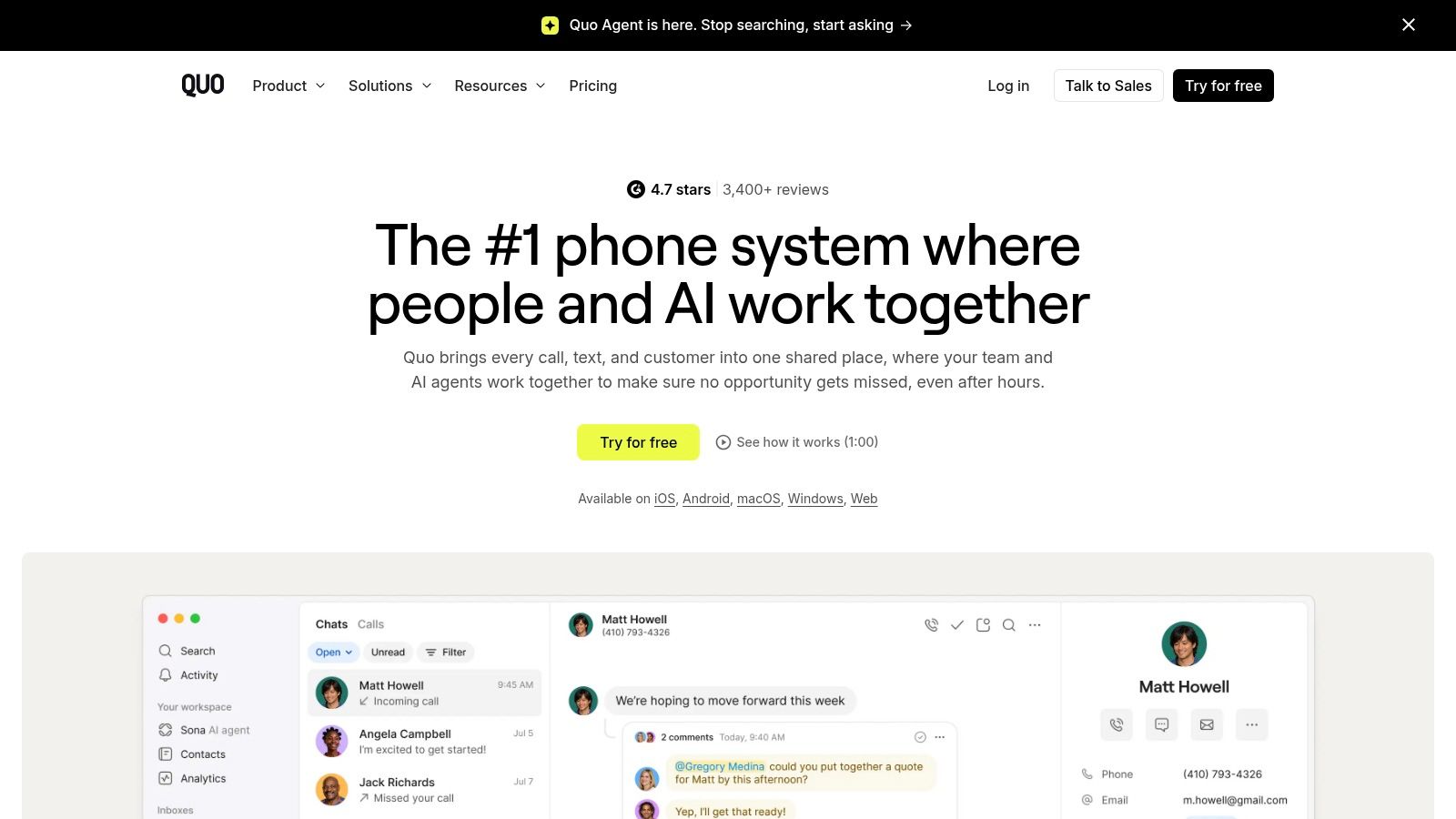
Quo is the stronger fit for a startup or service business sharing customer conversations across a small team. Its emphasis is business calling and messaging, shared numbers, and visibility into interactions rather than replacing a large office collaboration suite.
A property-service business, for example, may need an office coordinator and field manager to follow the same customer conversation. Quo is relevant when that shared history matters more than video meetings or elaborate internal communications.
Shared access needs clear ownership
Shared numbers prevent customer communication from living entirely on an employee's personal phone. They don't automatically determine who should reply or take responsibility for a missed call.
- Good fit: Small customer-facing teams that need common visibility into calls, messages, and voicemail.
- Upgrade trigger: Phone menus, analytics, transfers, summaries, or CRM connections that aren't included in the entry package.
- Cost concern: Messaging-related charges and destination policies need to be included alongside subscription fees.
The available Starter price reference doesn't include a check date. Annual and monthly terms should therefore be captured in a fresh dated comparison before a purchase decision.
Quo is less suitable when the business primarily needs conventional multi-office administration or a broad meeting platform. The deployment effort is better spent defining shared-number responsibilities, notification settings, and handoffs between team members.
For an early-stage company, that discipline matters more than buying advanced features before anyone has agreed who owns the customer relationship.
8. Google Voice for Google Workspace
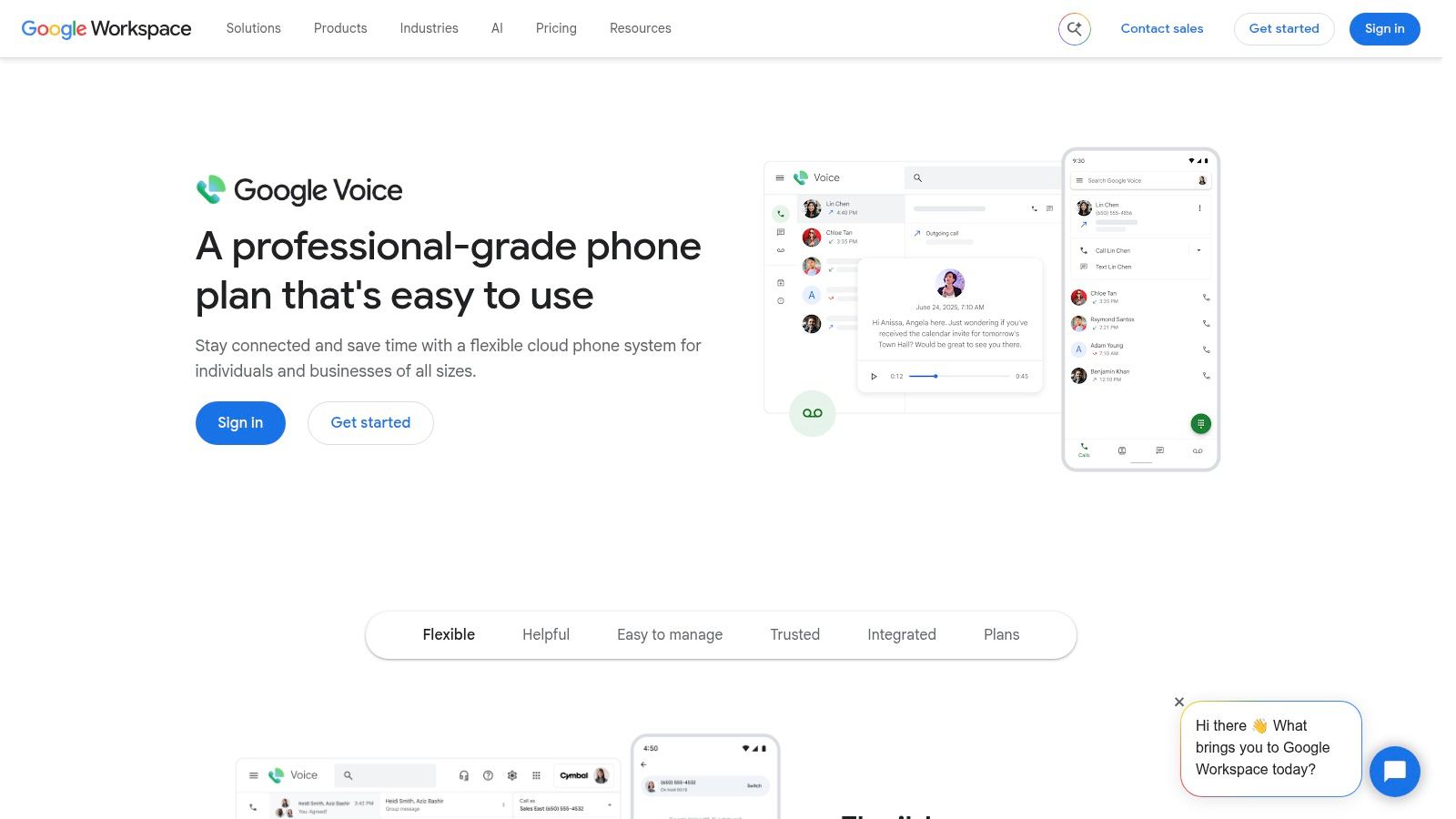
Google Voice is the straightforward shortlist candidate for an existing Google Workspace business with uncomplicated calling needs. It adds business phone service through web and mobile applications, with voicemail transcription and forwarding.
The Google Voice for Google Workspace page is the relevant business offering. Buyers should evaluate it as a Workspace add-on, not confuse it with a complete customer-service platform.
The main limitation is tier placement. Automated attendants, ring groups, and recording belong to higher plans in the available product description, so a receptionist-led office shouldn't evaluate the entry package alone.
Familiar administration, separate phone requirements
Workspace familiarity can reduce the organizational friction of introducing another vendor. The phone rollout still needs a routing design, assigned numbers, emergency-location records, and employee training.
- Choose it for: Basic business calling in an organization already administered through Workspace.
- Compare carefully: The applicable calling tier plus the organization's existing Workspace costs.
- Verify before expansion: Country availability, location support, and the features needed by customer-facing teams.
The supplied plan prices don't have a check date, so they aren't current dated quotes. A low-looking add-on price is only useful when the applicable plan supports the actual call flow.
Google Voice is a sensible choice for an office that needs accessible calling and voicemail without another broad collaboration suite. A business expecting advanced customer routing, detailed service reporting, or contact-center operations should evaluate those requirements separately rather than assume a future tier will cover them.
9. Grasshopper
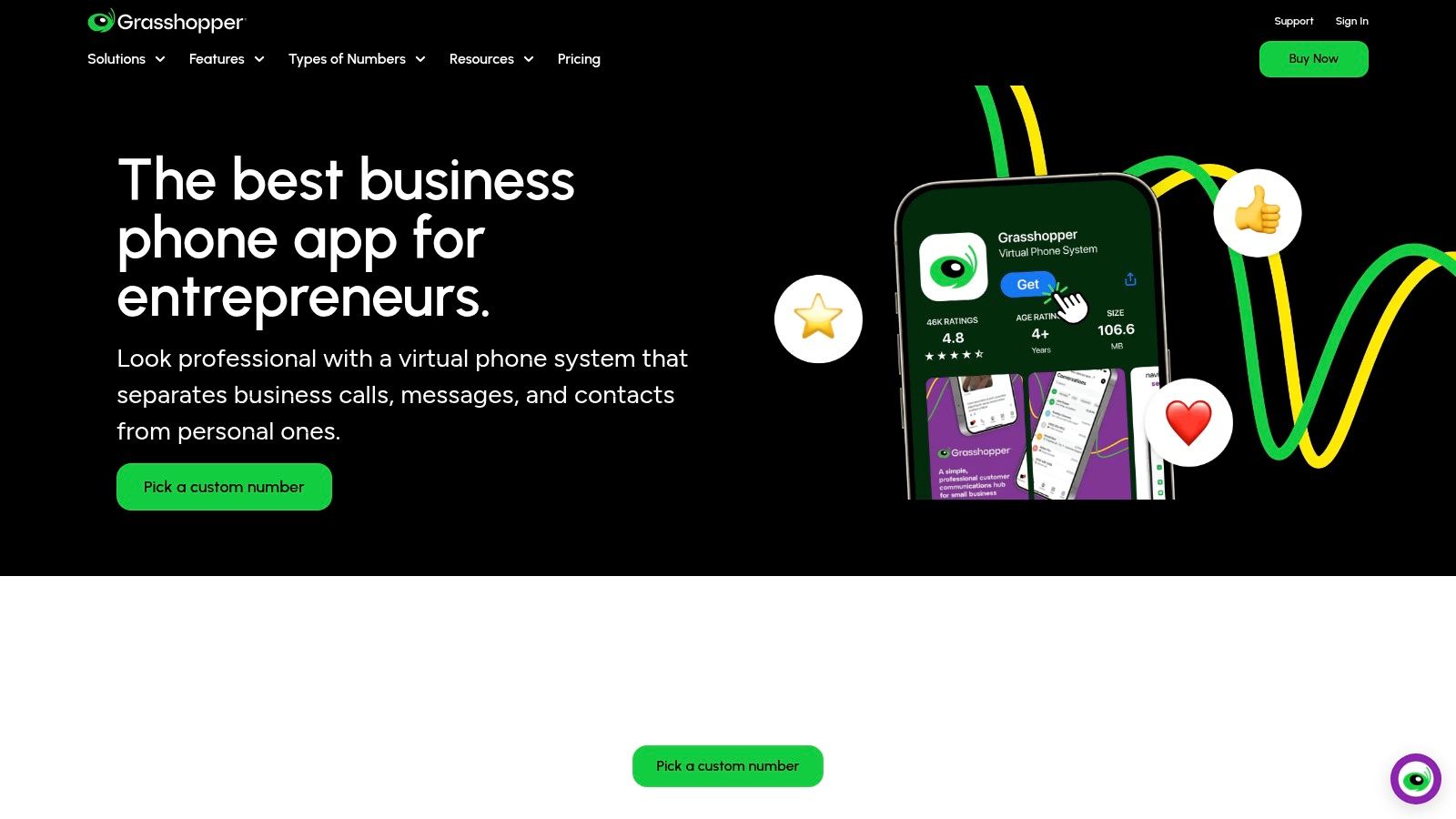
Grasshopper is the pick for a solo operator who needs a business identity on a phone they already carry. Its virtual phone model centers on business numbers, extensions, and apps rather than a full communications suite.
A consultant or owner-managed trade business may need professional call handling without giving every person a separate business handset. Grasshopper belongs in that comparison because its plan structure emphasizes users, numbers, and extensions.
A solo business should pay for a usable business line, not a collaboration platform that remains mostly unused.
That distinction also changes the cost comparison. Per-user software and a plan built around shared numbers aren't directly comparable until the business maps how many people, numbers, and extensions it needs.
Keep the scope narrow
Grasshopper's appeal is a focused virtual phone service. A team seeking integrated meetings, extensive analytics, or advanced customer-service operations should look at the broader platforms earlier in this list.
- Primary advantage: Separating business calls from personal calling without building a larger office phone environment.
- Potential extras: Additional numbers, extensions, and messaging-related requirements.
- Setup priority: Business hours, voicemail greetings, forwarding behavior, and the caller identity used for return calls.
Confirm Grasshopper's current monthly price and free-trial terms on its pricing page before adding them to the cost comparison, and keep texting registration and fees on their own line.
The decisive demonstration for a solo buyer is simple: an incoming business call, a missed call, a voicemail, and a return call should all behave professionally. If that loop works on the trial, Grasshopper covers the job.
10. Ooma Office
Choose Ooma Office for a small business that wants conventional phone-system functions and the option to retain physical desk phones. Its offering includes a virtual receptionist and ring groups, with more advanced capabilities available through higher plans.
Ooma Office is a useful candidate for a reception desk, workshop, or small office where employees still prefer dedicated handsets. Hardware is a separate purchasing decision, not something to assume is covered by a software subscription.
Plan the desk-phone and app mix
A front desk may need a handset while managers use mobile applications and office staff use computers. The applicable plan must support those endpoints and the required call-management features.
- Practical strength: Familiar business-phone functions without requiring a broad collaboration rollout.
- Tier trade-off: Desktop applications, texting, recording, queues, and CRM features need careful plan matching.
- Total-cost exposure: Hardware, additional numbers, add-ons, taxes, and fees can increase the bill.
The available Essentials, Pro, and Pro Plus price references don't include check dates. Published package differences are still useful for narrowing the field, but a purchasing comparison needs dated pricing for the selected configuration.
Ooma's deployment should begin with the receptionist workflow and physical network layout. Administrators should confirm where phones connect, what happens during an internet interruption, and how callers reach staff away from their desks.
For a business that values recognizable office-phone behavior over extensive collaboration features, Ooma Office deserves a place among the finalists.
10 voice over internet protocol software options compared
Sort this list by buyer situation: replacing desk phones across offices, adding calling to Zoom or Google Workspace, running a solo line, or keeping a contact-center upgrade open. The field runs from all-in-one platforms with video and messaging to simpler plans for small offices.
| Service | Best for | Pricing signal | Free plan or trial | Setup effort |
|---|---|---|---|---|
| RingCentral RingEX | Small and mid-sized businesses replacing an office phone system across one or more locations | Per-user tiers | No trial listed | Moderate; multiple plans and features |
| Zoom Phone | Teams already using Zoom | Pending; no US dollar prices shown from TopToolAdvisor's location | No trial listed | Low to moderate; familiar Zoom ecosystem |
| Nextiva | Small businesses seeking voice and collaboration tools | Per-user tiers | No trial listed | Moderate; features vary by plan |
| 8x8 Work | Organizations with international or broader communications needs | Quote required | No trial listed | Moderate to high; quote and product scope required |
| Dialpad Connect | Small teams wanting AI call notes and summaries | Per-user tiers | Trial listed | Low to moderate; plan features vary |
| Quo (formerly OpenPhone) | Small teams sharing business numbers | Per-user tiers | Trial listed | Low; shared-number workflows |
| Google Voice for Google Workspace | Google Workspace organizations needing basic business calling | Per-user Workspace pricing | No trial listed | Low; integrates with Workspace |
| Grasshopper | Solo operators and small businesses needing a virtual phone system | Flat monthly packages | Trial listed | Low; apps work with existing phones |
| Ooma Office | Small businesses wanting conventional phone features | Per-user tiers; hardware and add-ons optional | No trial listed | Low to moderate; hardware and add-ons are optional |
RingCentral RingEX is the top pick at 8.8 out of 10 for office phone-system replacement across one or more locations. Zoom Phone stays attractive for Zoom-first teams, but treat its cost as unresolved until a US dollar price is visible.
Choosing a VoIP System and Setting It Up
Count users, locations, shared numbers, and physical endpoints before comparing subscriptions. An employee who needs an individual number is a different cost unit from someone answering a shared line, and a reception handset creates different setup requirements from a mobile-only user.
Per-user plans fit teams needing individual identities and administration. Per-line or shared-number arrangements deserve attention for solo operators and small offices, but the comparison must include extensions, simultaneous calling needs, messaging, and any additional numbers.
Compare the complete commitment
The published plan structures reveal more than their entry prices. RingEX, Nextiva, Dialpad, Quo, Google Voice, and Ooma require careful tier matching; Grasshopper calls for a closer look at included users and numbers; 8x8 requires a scoped quote; Zoom requires separating phone-only service from bundles.
Annual billing should be compared with monthly billing only after the required package is identified. The cost worksheet should include eligible licenses, hardware, implementation, taxes, destination-specific calling, texting registration, messaging charges, and cancellation terms.
- Define coverage: Record employee countries and customer destinations, including international calling and texting needs.
- Assign administration: Name an owner for numbers, permissions, billing, emergency addresses, and staff departures.
- Stage migration: Pilot the chosen workflow before transferring the main business number.
Validate the network and emergency setup
The FCC's VoIP guidance explains that VoIP depends on active broadband and that interconnected services are subject to number-portability rules. Keep the existing service active until the migration is complete and incoming calls reach the correct destinations.
Bandwidth alone isn't a sufficient acceptance test. The technical study on VoIP speech quality evaluates quality alongside delay, packet loss, and codec behavior, supporting a pilot across actual office, remote-worker, Wi-Fi, and VPN connections.
Emergency calling needs explicit ownership. The FCC's VoIP and emergency-calling guidance requires registered physical-location information and a way to update it, so onboarding and relocation processes must maintain accurate addresses.
Outbound trust also deserves attention: the Federal Register's call-authentication order distinguishes number authentication from identifying the caller. Authentication shouldn't be mistaken for guaranteed answer rates or freedom from spam labels.
Start with TopToolAdvisor's VoIP shortlist, where all nine services are scored using one method, prices are quoted word for word from vendor pages, and each shortlist shows its last update and next review. Select finalists by business situation, build the complete cost comparison, and approve the migration only after calling, routing, number transfer, and emergency-location workflows are documented.
Questions or corrections: editorial@toptooladvisor.com