Guide · General
Best CRM Platforms for 2026: Which Tool Fits Your Team
Compare the best CRM platforms on features, ease of use and value. See vendor-checked starting prices and which plan fits your team size.
By the TopToolAdvisor research desk · Updated November 21, 2026 · 12 min read

Four sellers share a spreadsheet. One assumes a colleague has replied to a prospect, another forgets a follow-up, and the founder starts looking for a CRM before the next quarter. The immediate problem isn't a shortage of features. It's that nobody can reliably see who owns the next action.
The right CRM depends on team size, sales motion, and process complexity. A solo seller needs a manageable contact list and reminders. A team of two to ten needs clear ownership and shared pipelines. Phone-led outbound teams need calling and follow-up in one place, while process-heavy companies need permissions, automation, and someone responsible for administration.
TopToolAdvisor scores each product on features at 35%, ease of use at 35%, and value at 30%. Instead of one overall ranking, the recommendations below sort six CRM platforms by how a team sells. Each one names the team shape it fits, so a founder working alone and a manager running an outbound floor can both go straight to the picks that apply to them.
Table of Contents
- 1. Best - Best CRM Software
- 2. HubSpot Smart CRM
- 3. Zoho CRM
- 4. Pipedrive
- 5. Salesforce Sales Cloud
- 6. monday CRM
- 7. Close
- How the six CRM platforms compare on starting price and fit
- Shortlist Two Tools and Test Them Against Your Sales Motion
1. Best - Best CRM Software
Best for setting the scoring criteria before comparing products. The Best - Best CRM Software shortlist serves as the method reference for this list, the standard every entry below is measured against and applied the same way to each CRM.
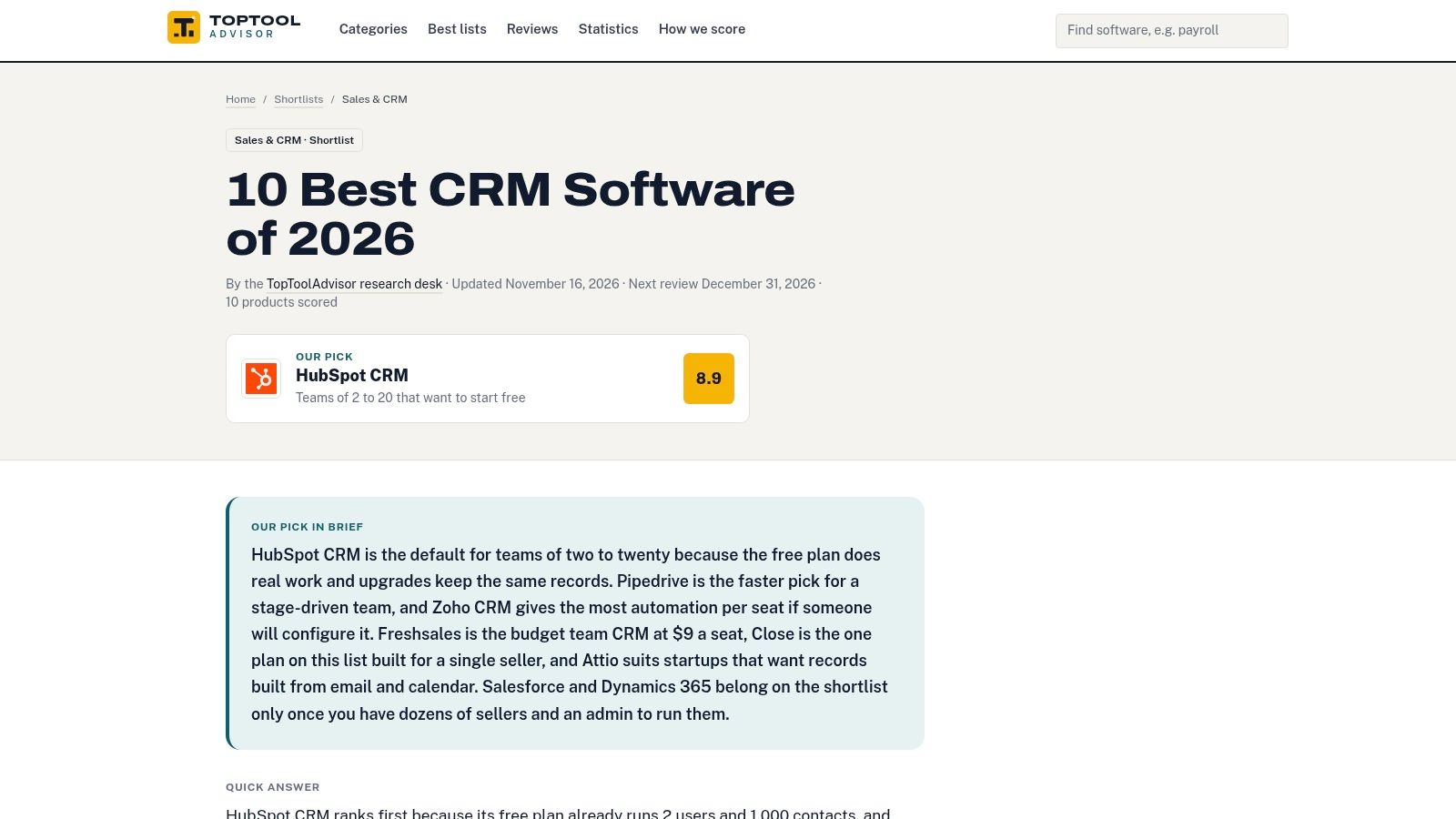
The useful part is the consistent scoring framework. Features measure whether a tool supports the required sales work. Ease of use considers the effort involved in doing that work, while value considers what the business gets for its spending. Each TopToolAdvisor shortlist compares 8 to 10 products, scores all of them the same way, and quotes each vendor's starting price exactly as the vendor publishes it, with the date checked.
That balance matters for a small company without a CRM administrator. A founder gains little from an elaborate forecasting system if sellers still struggle to record a conversation or schedule a follow-up. Equally, a straightforward interface falls short when managers need controlled handoffs or reliable reporting.
How the method supports a buying decision
A meaningful evaluation connects each scoring category to an actual job:
- Features: Can the CRM assign incoming leads, record communication, and track the next action?
- Ease of use: Can a seller update a deal and find its history without help from an administrator?
- Value: Does the required plan include the necessary capabilities, or will integrations and add-ons change the purchase?
Price checks follow the same discipline. Published starting prices keep the comparison honest, because a CRM that looks affordable at the entry tier can climb quickly once automation or extra seats enter the plan.
The related CRM statistics collection gives buyers context on adoption and spending. Use it to build the business case for a purchase, then judge the tools themselves against the workflow criteria above.
Practical rule: A published method makes comparisons more consistent. It establishes product fit only after the business maps its own sales work against the criteria.
Strength: A scoring framework that gives usability and value real weight alongside features. Limitation: It supplies the yardstick, while the product entries below supply the verdicts.
2. HubSpot Smart CRM
Choose HubSpot Smart CRM for a solo seller or small inbound team that expects sales, marketing, and service to share customer records. Its appeal is the path from basic contact management into a broader customer platform, rather than pipeline management alone.
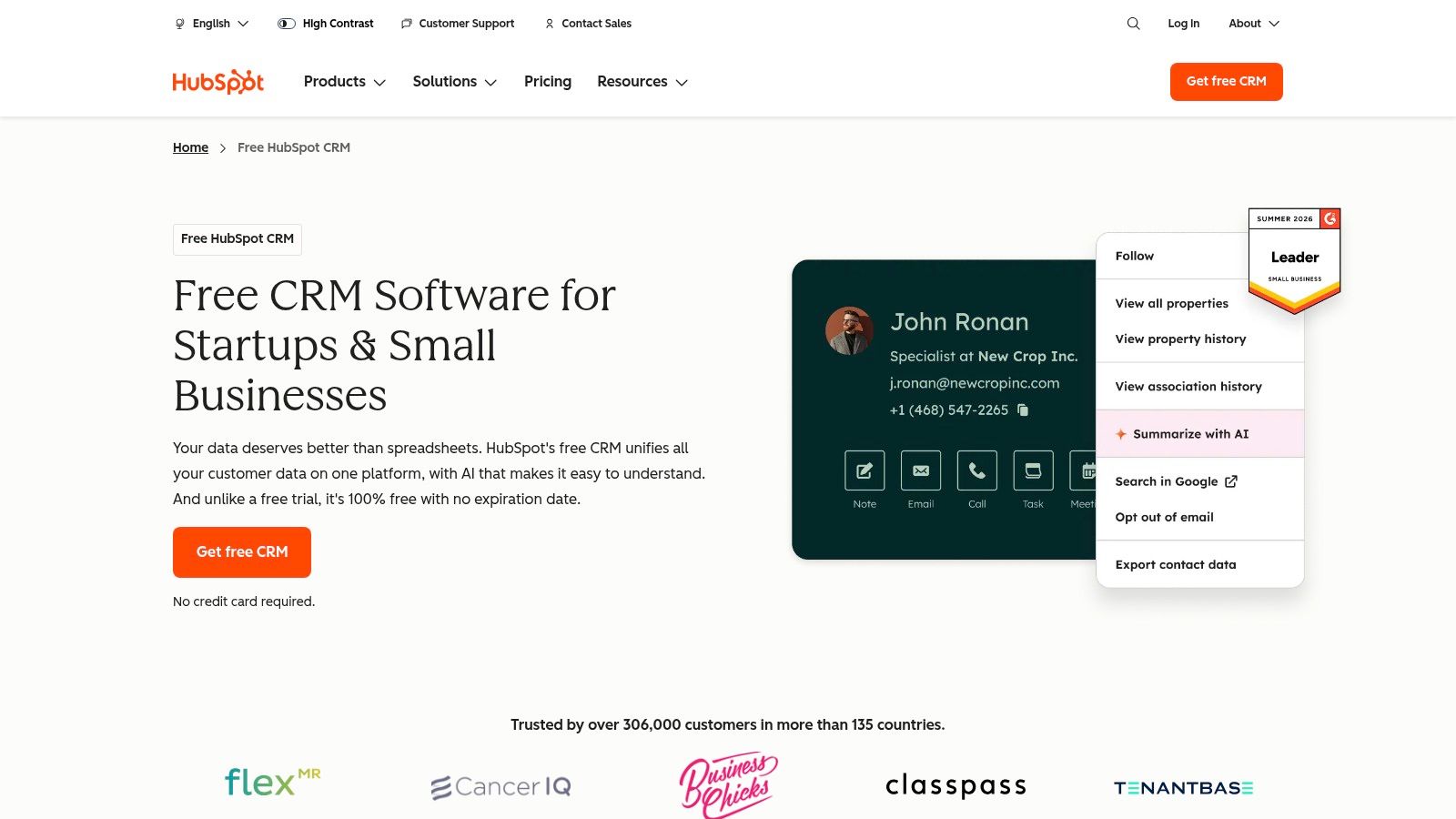
HubSpot Smart CRM connects contact and deal records with HubSpot's other products. Free CRM tools offer an entry point, while paid editions add capabilities such as automation, custom reporting, and custom objects.
For a founder handling website inquiries and email conversations, the initial setup should stay narrow. Import clean contacts, define deal stages, connect the relevant inbox, and establish a next-action rule before adding cross-functional workflows.
Keep the initial configuration small
The main buying risk is expanding the configuration before the team has settled its sales process. Sales automation, marketing activity, reporting requirements, and AI-credit usage can affect which products and editions the company needs.
- Strong fit: A startup that wants shared customer context across sales and marketing.
- Setup priority: Agree on contact ownership, lifecycle definitions, and what qualifies as an active deal.
- Cost check: Separate essential sales capabilities from products that another department might need later.
A solo operator should compare the available free tools against the alternatives in the best free CRM software shortlist. The deciding question is whether the free configuration supports the actual workflow, not whether it avoids an initial subscription.
Recommendation: Favor HubSpot when shared customer information matters from the start. Favor a narrower sales CRM when the team only needs to manage opportunities and follow-ups.
3. Zoho CRM
Choose Zoho CRM for a team of two to ten that needs room to add sales-process controls without starting with an enterprise implementation. It deserves a place beside simpler pipeline tools when reporting, automation, and customization are already on the buying list.
Zoho CRM provides leads, contacts, tasks, meetings, calls, reminders, and reporting. Its edition range adds capabilities such as multiple pipelines, forecasting, enrichment, and process management, with integrations into the wider Zoho product family.
A small agency illustrates the fit. Sellers can track new-business opportunities while a manager defines required information before a proposal moves forward. The team should configure those requirements deliberately rather than activate every available module.
- Advantages: A free entry option, a broad sales feature set, and editions that let the business add capabilities.
- Trade-offs: Comparing editions takes care, and advanced features or support options may require a different plan or add-on.
- Setup effort: Field design, import mapping, pipeline definitions, and permissions need a named owner.
Evaluate the required edition, not the entry edition
Zoho's breadth makes a requirements list especially important. The buyer should map each essential workflow to an edition before judging value: assignment rules, forecasting, process controls, and reporting shouldn't be assumed to come together.
The practical test is whether the company can operate the chosen configuration without constant assistance. A manager should attempt to change a field, adjust a report, and troubleshoot an import during the evaluation.
Recommendation: Shortlist Zoho when a small team needs more structure than basic deal tracking. Keep the configuration restrained until sellers consistently maintain accurate records.
4. Pipedrive
Choose Pipedrive for a small, deal-led sales team whose main problem is missed follow-up. It's the direct alternative to a spreadsheet when sellers need visible opportunity stages, clear next steps, and a shared view of progress.
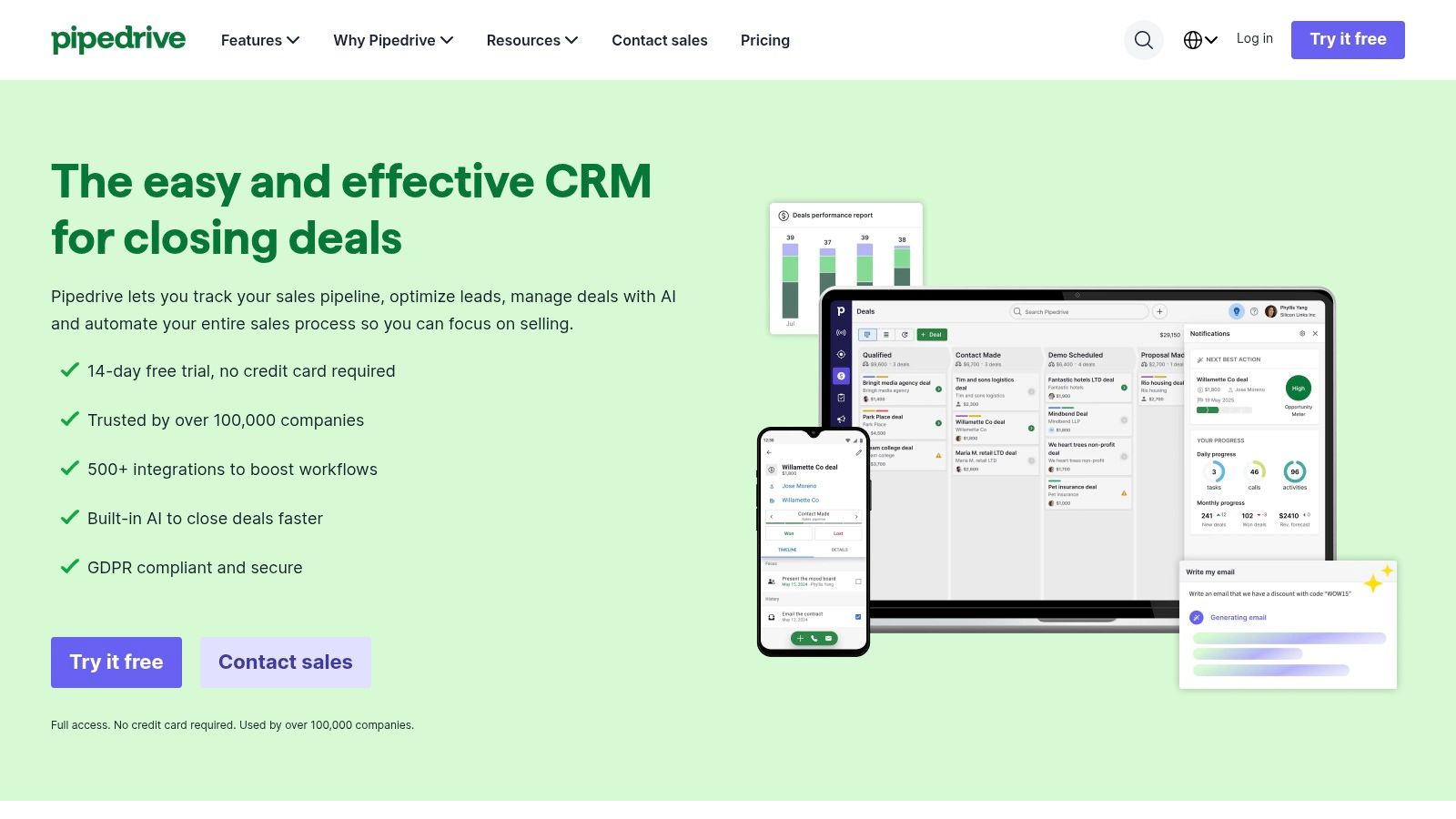
Pipedrive centers its CRM on visual sales pipelines, with lead, calendar, and opportunity management. Higher plans add capabilities such as email synchronization, tracking, and automated follow-up sequences; reporting and forecasting support management oversight.
For an email-led consultancy, the initial configuration should reflect observable buyer progress. Discovery completed, proposal sent, and decision pending are clearer stages than labels based on a seller's optimism. Every active deal should also have an owner and a scheduled activity.
A pipeline view is useful only when sellers can tell what must happen next. Moving a card isn't a substitute for recording the next action.
Buy the follow-up workflow
The evaluation should follow a real conversation from inbox to opportunity to reminder. Sellers should check whether the required email functions sit in the intended plan and whether follow-up automation behaves correctly when a prospect replies.
The main advantage is focus. Pipedrive suits teams that want to organize sales activity without adopting a broad marketing and service platform.
The trade-off is scope. Lead-generation tools and other add-ons can change the total cost, and businesses needing extensive service or marketing workflows should compare the broader platforms before committing. Its integrations matter only when the specific applications the team uses exchange the required information correctly.
Recommendation: Put Pipedrive on the shortlist when pipeline discipline matters more than extensive customization.
5. Salesforce Sales Cloud
Choose Salesforce Sales Cloud for process-heavy growth, not because the company expects to hire more sellers. The stronger reason is a need for configurable sales processes, integrations, permissions, and administration that a simpler CRM can't support.
Salesforce Sales Cloud combines pipeline and opportunity management with editions offering increasing automation, customization, analytics, security, and AI capabilities. The buyer's task is to distinguish essential process requirements from capabilities that would merely be available.
For a business with separate sales roles and approval steps, setup starts with process design. Someone must define ownership, access, required fields, exceptions, integrations, and how changes will be maintained.
Budget for administration and evaluate AI separately
- Strong fit: A growing organization with complex handoffs and a named system owner.
- Implementation concern: Configuration and maintenance may require specialist help.
- Cost concern: Editions, extra products, integrations, and ongoing administration all belong in the budget.
AI shouldn't determine the purchase by itself. In IBM's State of Salesforce 2025 report, only 33% of surveyed Salesforce customers said their AI initiatives were meeting ROI targets.
That finding supports a practical evaluation: check whether summaries and recommendations remain useful when customer records are incomplete. Human review, auditability, interoperability, and incremental cost matter more than a long feature list.
The best AI CRM software shortlist can help frame that comparison. Recommendation: Select Salesforce when documented process requirements justify the implementation effort and the business can sustain ownership after launch.
6. monday CRM
Choose monday CRM when sales work needs to connect closely with delivery, onboarding, or other board-based operations. Its fit is strongest when the business wants configurable workflows and has someone responsible for keeping them consistent.
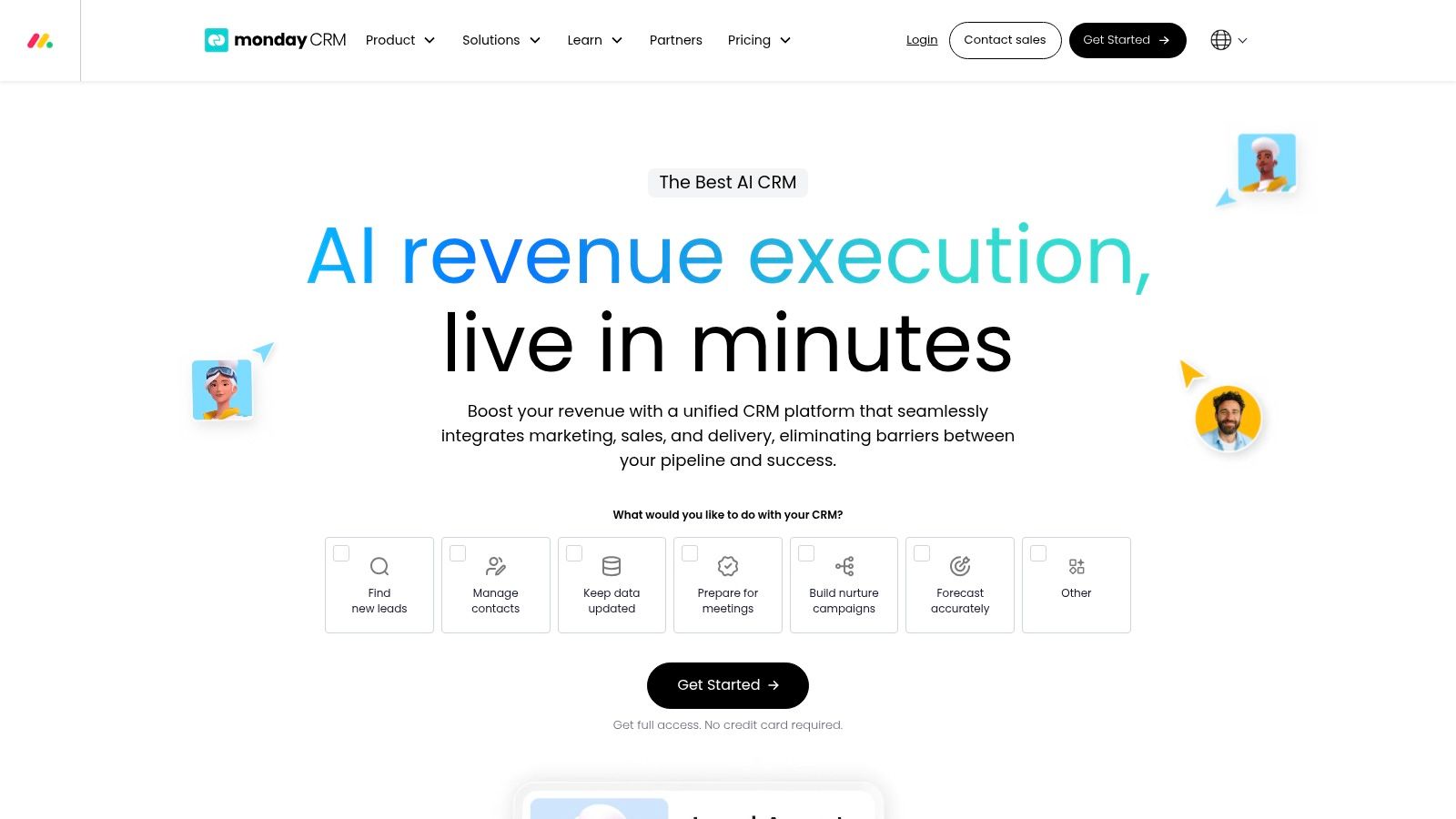
monday CRM uses configurable boards to organize leads, contacts, deals, and sales activities. Automations, dashboards, communication tracking, mobile access, and integrations support the workflow, with capabilities and capacity varying by plan.
An agency that sells projects and then assigns delivery work has a clear evaluation scenario. The sales owner should close an opportunity, hand over the customer requirements, and confirm that the delivery team receives the right information without rebuilding the record.
Flexibility needs an owner
The main setup work is deciding what each board represents. Contact records, companies, opportunities, and delivery tasks need clear relationships, or staff can end up maintaining competing versions of the same customer information.
- Advantage: Configurable boards can reflect the company's workflow.
- Limitation: Flexibility creates ongoing decisions about fields, ownership, and automation.
- Buying check: Confirm seat minimums, automation allowances, dashboard limits, and integration requirements before selecting a plan.
A solo seller should examine the seating rules before treating monday CRM as a straightforward personal CRM. A team already using monday products should still evaluate the sales workflow rather than assume existing familiarity proves fit.
Recommendation: Shortlist monday CRM for shared sales-to-operations workflows. Choose a more prescriptive sales tool when the team needs ready-made pipeline discipline rather than another configurable workspace.
7. Close
Choose Close for phone-led outbound teams that spend the day contacting leads and managing follow-up. Its distinguishing feature is the combination of customer records with calling, email, and SMS in a sales-focused workspace.
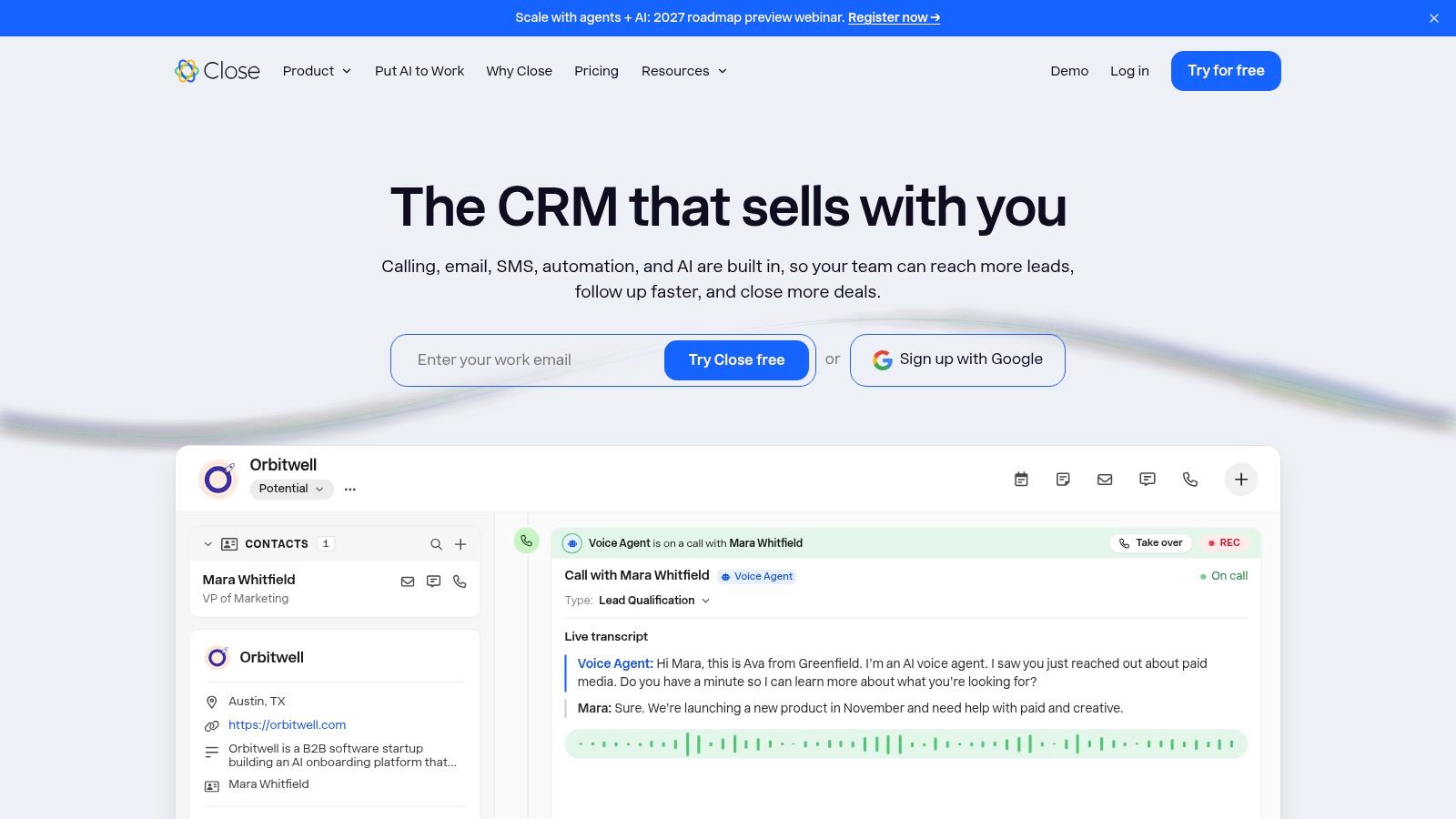
Close includes leads, contacts, opportunities, and tasks alongside communication tools. Higher plans add workflow automation and dialing capabilities, while migration assistance is available for standard moves from certain other CRMs.
For an outbound team, the evaluation should start with the contact queue rather than the dashboard. A seller should be able to find the next lead, contact that person, record the outcome, and schedule the next step without losing context.
Budget warning: Close charges calling and SMS separately based on usage. Seat pricing alone won't represent the operating cost of a communication-heavy team.
Test a complete outreach cycle
The setup plan should cover lead statuses, assignment, phone numbers, email connections, communication preferences, and follow-up rules. Teams should confirm which workflow and dialing capabilities require higher plans before importing their full database.
The advantage is concentrated sales activity. Close fits a team that wants communication history and opportunity management together, rather than a broad platform spanning marketing and customer service.
The limitations are commercial and operational. There's no ongoing free plan after the trial, usage charges need monitoring, and advanced calling or team-management capabilities depend on the selected tier.
Recommendation: Put Close ahead of broader platforms for active outbound prospecting. Compare it with Pipedrive when the choice is between a communication-centered workspace and a more general deal-management workflow.
How the six CRM platforms compare on starting price and fit
Start with sales motion, then use free access to prove the workflow before checking the current vendor price on the date you plan to buy. TopToolAdvisor's CRM shortlist is the method reference: features carry 35% of the score, ease of use 35%, and value 30%, so a low seat price cannot rescue a weak pipeline workflow.
| CRM | Free option or trial | Best fit |
|---|---|---|
| HubSpot Smart CRM | Free CRM tools | Teams starting with CRM and expanding into a broader customer platform |
| Zoho CRM | Free edition for up to 3 users | Small businesses seeking an affordable CRM they can scale |
| Pipedrive | 14-day trial; no credit card required | Sales teams focused on visual pipelines and deal follow-up |
| Salesforce Sales Cloud | 30-day trial | Organizations with complex sales processes and customization needs |
| monday CRM | 14-day trial | Teams wanting configurable CRM workflows, especially monday users |
| Close | 14-day trial; no credit card required | Sales teams handling frequent calls, emails, and lead follow-up |
For a solo seller or first rollout, HubSpot and Zoho are the lower-friction starts. A deal-led team of two to ten should test Pipedrive against Zoho, phone-led outbound should trial Close, and process-heavy growth belongs in Salesforce. Pick monday CRM when sales work must stay close to delivery.
Shortlist Two Tools and Test Them Against Your Sales Motion
The best CRM platforms aren't interchangeable, even when their feature lists overlap. A solo seller should start with a manageable configuration in HubSpot or Zoho. A small deal-led team should compare Pipedrive with Zoho, while phone-led outbound teams should put Close on the shortlist.
Process-heavy companies should evaluate Salesforce against their actual governance and integration requirements. Teams connecting sales to operational delivery should include monday CRM. The decision should follow the work, not the vendor's market visibility.
A CRM that needs less configuration can be better value than a cheaper subscription that requires constant administration.
Use a real pipeline before signing
- Pick the pair: Select two tools that match the team's sales motion and staffing.
- Confirm current pricing: Record the vendor, plan, billing basis, seat requirements, and date checked on each vendor's pricing page.
- Start the evaluation: Use a free tier or available trial, then load a real pipeline of at least twenty deals.
- Repeat the same work: Assign leads, log communication, schedule follow-ups, move opportunities, and produce the manager's pipeline report.
- Check the exit: Export sample records and confirm that important fields, relationships, and activity history remain usable.
- Calculate operating cost: Include migration, training, integrations, administration, communication usage, and required add-ons.
The pipeline size is an evaluation target, not a performance benchmark. It should include stalled opportunities, incomplete records, and deals with several contacts so the team encounters ordinary working conditions rather than a tidy demonstration.
The weighted framework shows fit across documented features, ease of use, and value. It doesn't replace observation of how sellers and managers work in practice. A final decision should rest on whether staff can maintain accurate records, identify the next action, and trust the reporting without parallel spreadsheets.
Use TopToolAdvisor's CRM shortlist to select the evaluation pair, then assign a seller and a manager to run the same live-pipeline tasks in both tools. Record the dated vendor quote and implementation requirements before approving the purchase.
Questions or corrections: editorial@toptooladvisor.com